
nexya custom fields
Fields of your own, kept in their own tables — and read in a single query per page.
- Your fields, not a plugin’s A group is made here, placed on a post, a term, an account or an options page, and read in the theme with nexya_get_field().
- Read in one query Values live in their own tables rather than in postmeta: a whole page, repeaters included, costs a single query.
- Come from ACF, leave when you like The groups and values of an ACF site import, clones included. A group goes back to ACF whenever you decide.
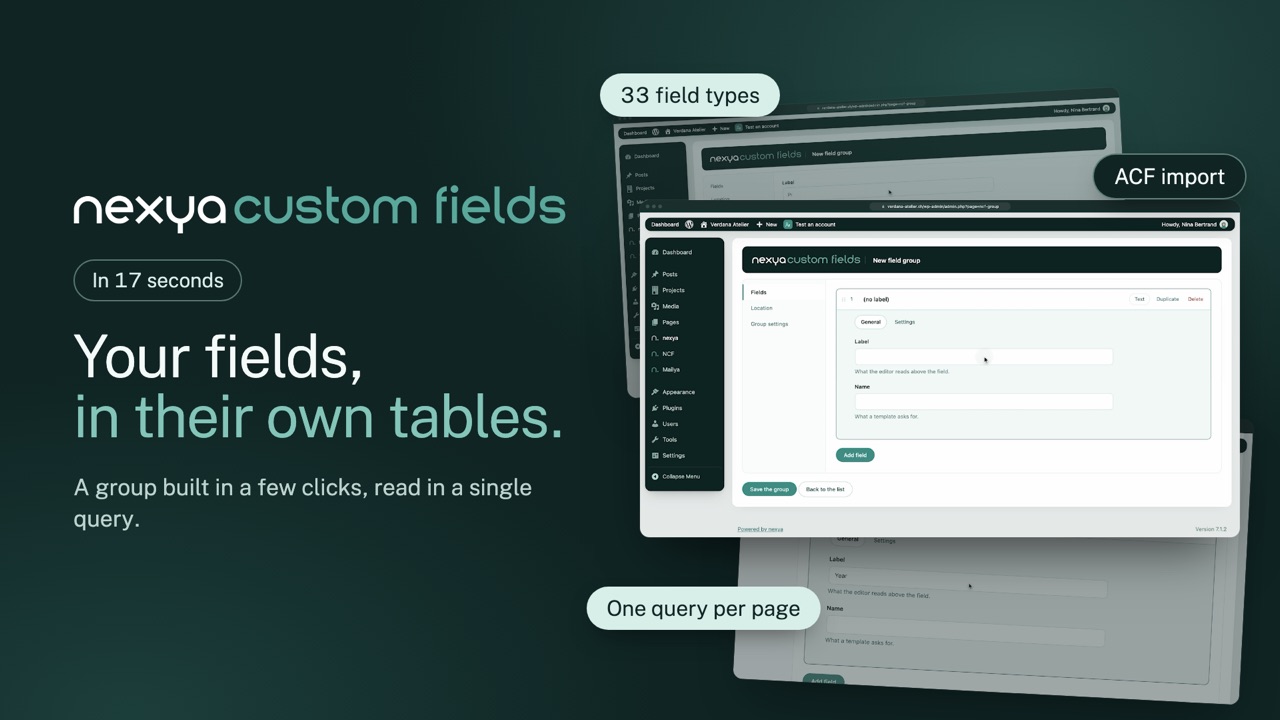 0:17
0:17
Free
Every field type — repeaters, flexible content, group, clone, accordion, relationships, icon —, conditional logic, options pages, ACF import and export, and fields in the block editor, Elementor and Bricks.
Pro
ACF’s function names — get_field(), have_rows()… — so that a theme written for ACF runs unchanged.
Get started
nexya custom fields in three steps
- Switch on nexya custom fields In the nexya hub. If ACF is installed, the import takes its groups over in one click.
- Create a field group In the NCF menu: the fields, then where they show — a content type, a page template, an options page.
- Read them in the theme With nexya_get_field('field_name'). With Pro and without ACF, get_field() and ACF’s other functions answer too.
nexya custom fields is in the free extension, on as many sites as you want.
FAQ
Everything about nexya custom fields
In the NCF menu, create a group, add your fields (text, image, repeater, relationship…) and choose where it shows. The field appears in the editor of the matching content.
With nexya_get_field('field_name'), and nexya_have_rows() and nexya_get_sub_field() for repeaters. With Pro, when ACF is not installed, ACF’s names — get_field(), have_rows()… — answer too: a theme written for ACF runs unchanged.
On a PHP theme that reads its fields with get_field() and have_rows(), yes: repeaters, flexible content, gallery, group, clone, accordion, relationships and options pages are free, ACF’s groups and values import, and Pro adds ACF’s functions. ACF’s conditional logic is carried over. Elementor or Bricks settings wired to ACF are redone with the nexya widgets and tags; ACF blocks, WPGraphQL for ACF and ACF Extended are not supported.
Values live in their own tables instead of piling up in postmeta: a whole page, repeaters included, is read in a single query. And a group can go back to ACF whenever you decide.
The values stay in their tables, nothing is erased. And since a group exports in ACF’s format, you are never locked in.
Yes: a field’s Display tab sets when it shows — when another field of the same list equals a value, differs from it, contains it, is filled in or is empty. Rules combine, and the conditional logic of an imported ACF group is carried over.
In Elementor, the “nexya” category offers three widgets — a field, a repeater’s rows, a field’s terms — and, with Elementor Pro, dynamic tags. In the block editor, a paragraph, heading, button or image binds to a field. In Bricks, {nexya:…} dynamic data goes anywhere.