nexya roles
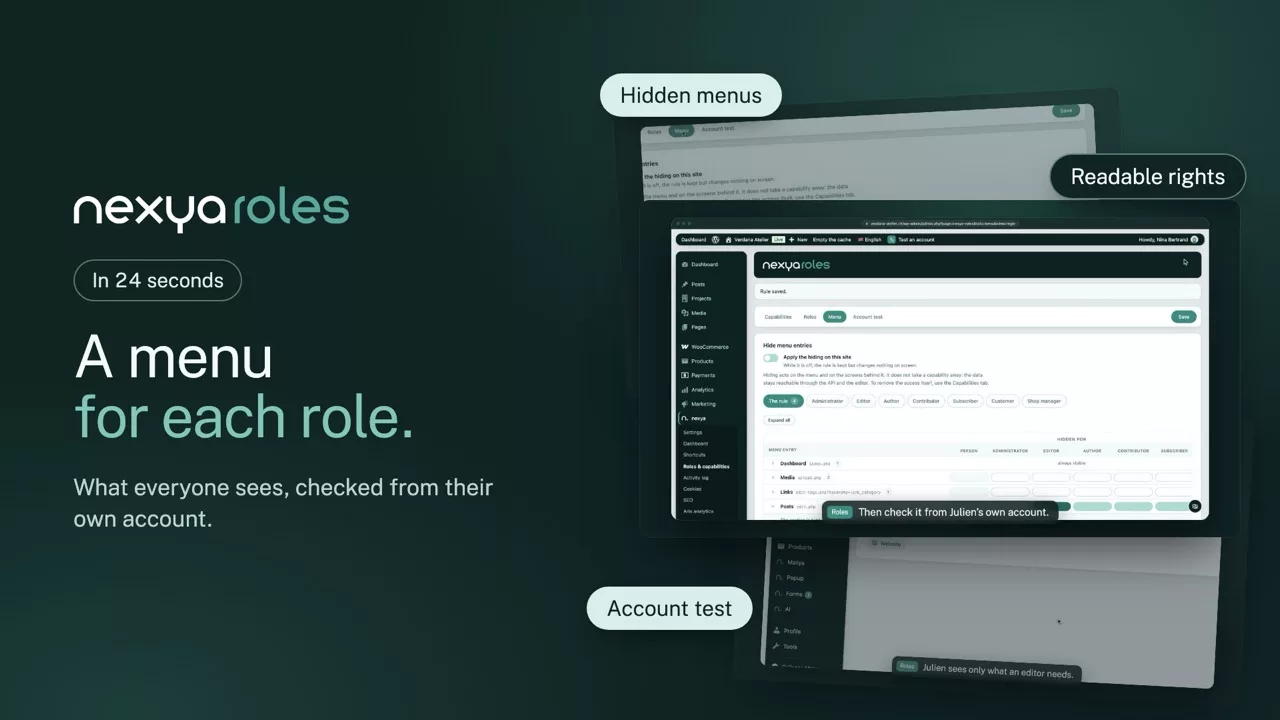
Permissions filed under the plugin that created them, readable at last. And the menu cut down to what the person in front of it actually has to do there
- Permissions you can actually read WordPress piles capabilities into one flat list, where your theme’s sit next to those of six plugins. Here they are grouped under what created them, with their real labels
- The menu shows only what is useful Any entry can be removed for a given role — including those of plugins that never provided a permission of their own. And a hidden page refuses its direct address too, not just its link
- Check before you hand over Take your client’s account for a moment, see their dashboard as they will see it, and come back. No password, no second browser, no guessing
- Roles that look like the job A “news editor” or “shop manager” role is built from an existing role, then stripped of what does not concern it
The section is hidden: everything it holds goes with it, from the same level on.
The solid green notch is the level chosen; the pale green notches to its right are hidden along with it — hiding from the editor hides from the subscriber too. The rule by level is free; departing from it role by role takes a licence.
Pages
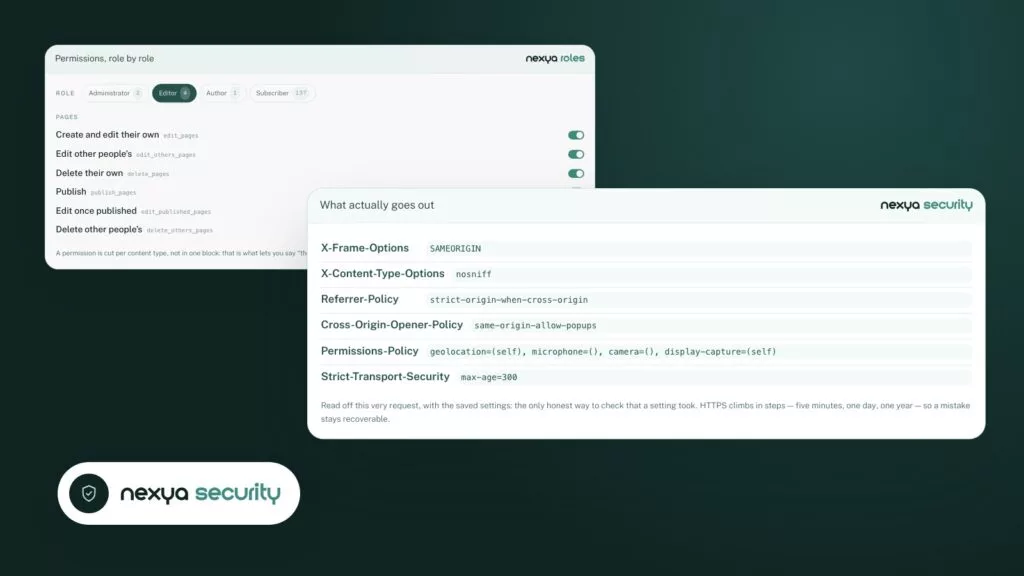
A permission is cut per content type, not in one block: that is what lets you say “they publish the news, they do not touch the pages”.
The problem this solves
On a site with ten plugins, a role easily carries two hundred permissions, written in English, with no indication of who created them or what they open. Editing them means ticking boxes blind. The module groups them by the plugin they came from and names them plainly, which turns an unreadable list into a series of understandable decisions.
The menu and the direct address
Removing a menu entry is not enough: the page address stays typeable, and most solutions stop there. Here, a page removed for a role refuses the request as well. What someone cannot see, they cannot reach by knowing the URL either.
How account testing works
The way back rests on a token signed with the site’s own keys, checked against a live session. It cannot be forged, it does not survive your logout, and if your account loses its rights during the test, the door closes. You can use it on a production site without thinking twice.
Free
Permissions per content type and per role, account testing
Pro
Menu hiding, custom roles, one setting applied to every site
The suite