← Back to modules

nexya forms Pro Conditional WordPress forms

Forms built field by field, with conditions and in multiple steps — paid online if needed, and every response saved on the site.

  • Built field by field Text, email, phone with country flag, multiple-choice lists, dates, files, consent: each field is configured next to the preview, and can appear based on previous answers.
  • Participants on the fly A nested field adds as many participants, children, or vehicles as needed: each one is filled out in a window, can be edited, and remains attached to the response.
  • Responses right on your site Every response stays on the site, files are secure; as many emails as wanted are sent to the team and the visitor, depending on the answers, and everything exports to CSV or a branded PDF.
  • Paid in the form Stripe or PayPal, a fixed amount, a price per choice and quantity, or WooCommerce products: the total is calculated live, the order is created, and the response PDF acts as an invoice.
  • Live calculations A Calculation field combines answers — a price times a quantity, an area, a score — and displays the result as it's being filled out. It is recalculated upon submission and can become the amount to pay.
  • A button with your icon An icon before or after the send button text — sixteen to choose from or an image from the media library —, always centered on the text, and in the correct order for right-to-left written languages.
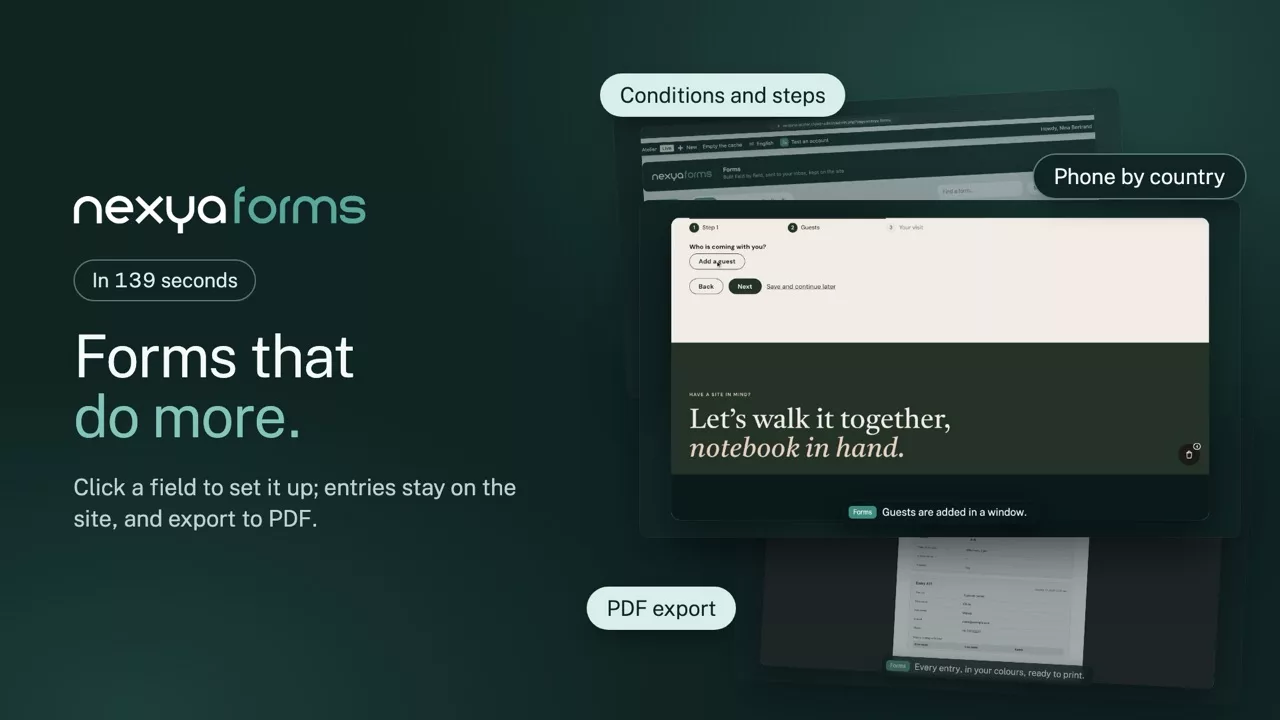
nexya forms on video: Conditional WordPress forms 2:19

What it can do

Everything a good form should do, with no extra plugin

What elsewhere takes a plugin and three paid add-ons fits here in one menu: you build, you publish, the entries arrive neatly filed.

Click to build

Building a form means clicking on it

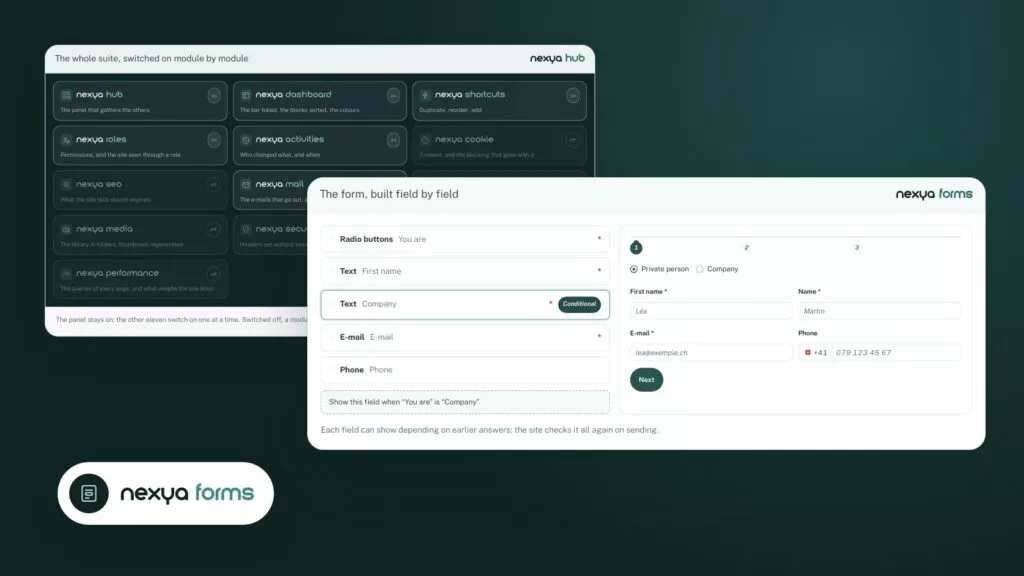
The form appears just as your visitors will see it. Click a field to highlight it and open its settings right beside it: label, width, required, conditions. No list to dig through, no code to write.

  • Live preview, on desktop and on mobile
  • Drag and drop to reorder, one click to duplicate
  • Fields at full, half or third width, side by side
Click the field, its settings open nexya forms

Click a field in the preview: it is highlighted and its settings open alongside. No list to dig through.
Phone by country

Numbers that arrive clean

The phone field shows the flag and the dialling code, offers your countries first and splits the number the way it is written locally. With or without the 0, 079 123 45 67 becomes +41 79 123 45 67; an incomplete number is flagged before sending.

  • Over 200 countries, yours at the top of the list
  • Saved in international format, ready to call
  • Checked in the browser, then on the server
The phone, formatted for each country nexya forms

The flag, the dialling code and the right grouping for each country, with or without the 0: the number arrives clean, in international format.

Nested forms

Register a whole family, not just one person

A nested field adds as many participants, children or vehicles as needed. Each one is filled in a window with its own form, can be edited before sending, and stays attached to the entry.

  • A small form per row, with its own required fields
  • Listed in the email, in the entry and in the export
  • A maximum number of rows if you wish
A form inside the form nexya forms
First nameNameMeal LéaMartinVegetarianEdit TomReyStandardEdit Add a participant

Participants, children, vehicles: each line is a small form, kept with the entry and listed in the e-mail.

Conditional emails

The right message to the right person

A form sends as many emails as needed: one for the team, another for accounts, a confirmation for the visitor. Each can go out only depending on the answers — a business enquiry goes to sales, a private one to reception.

  • Recipients, CC and BCC for each message
  • Reply to the visitor in one click, from your inbox
  • In your email colours, with your letterhead
An email for each person, depending on the answers nexya forms
Administrator New registrationTo: atelier@example.ch · CC: compta@example.ch Business quoteTo: ventes@example.chIf “You are” is “Business”
Visitor Thanks, see you Saturday!To: the address entered in the form

As many messages as needed, to the team and to the visitor, each with its own recipients, copies, fields — and conditions.

PDF export

Entries ready to print and share

All entries of a form, or just one, go out as a PDF in your colours: logo, header, typeface, boxes, footer and page numbers are set once, beside a live preview. For spreadsheets, the CSV export carries everything.

  • A list of registrations for the front desk, in one click
  • A single entry to attach to a file
  • The same style for every form
Entries, exported to PDF in your colours nexya forms

All entries of a form, or just one, as a PDF: logo, colours, typeface and footer set once, with the live preview.

And everything else, already included

  • Conditional logic A field appears depending on earlier answers; the server checks everything on submission.
  • Multiple steps A long form splits into pages, with a progress bar.
  • Finish later The visitor saves and gets a link to pick up where they left off.
  • A polished calendar Pick a date and time with your finger, designed for mobile.
  • Drag-and-drop files Stored out of reach of the web, downloadable only from the admin.
  • Multiple-choice lists Styled dropdowns, with search and multiple choices.
  • Limited places and dates A full workshop closes on its own; the form opens and closes at the set time.
  • Reference number Each entry gets a number such as INS-2026-0042.
  • Link with Mailya Visitors who tick the consent box join your newsletter list.
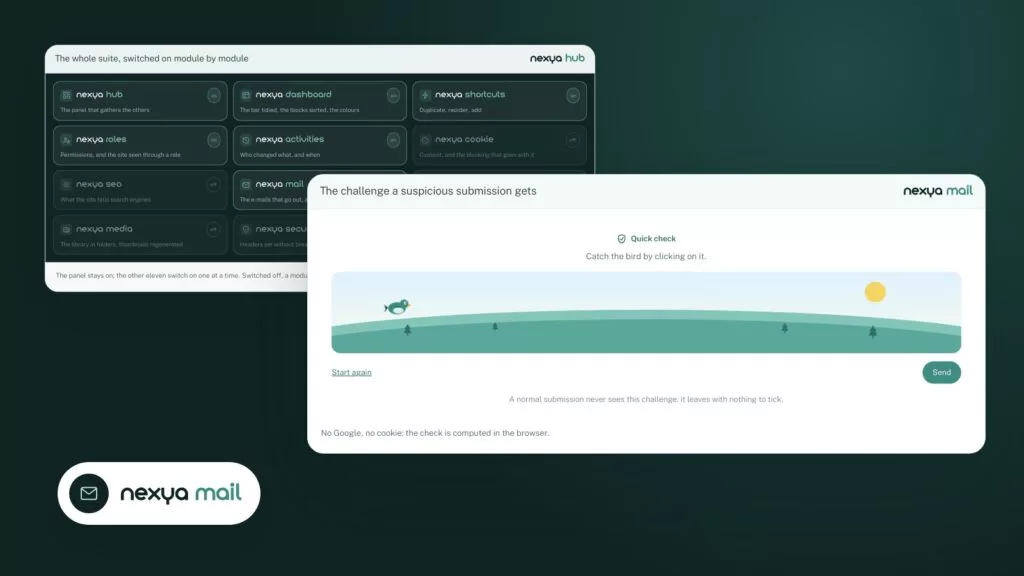
  • Invisible captcha Bots are kept out without making anyone click on traffic lights.
  • One look for all Colours, borders, buttons and spacing set once, mobile included.
  • Everywhere on the site A block, an Elementor widget or a shortcode, in the page’s language.

Pro

Fields of all types with conditional logic, steps, nested forms, country phone, protected files, conditional emails to the team and visitor, responses with CSV and PDF export in your colors, save for later, limits, Mailya, block, Elementor widget and shortcode, Stripe and PayPal payment, WooCommerce products, anti-spam and webhook, Calculation field with amount to pay, icon before or after the send button text.

On the blog

Our guides: WordPress form builder

Guides · 4 min read

Changing the style of a WordPress form: checkbox, width, button and RTL

A WordPress form's style almost always breaks for the same reason: the theme and the form are competing for the same elements. This article shows how to find the offending rule and fix it (checkboxes, width, submit button, right-to-left languages), and what nexya forms already fixes for you.

  • A form inherits the theme's CSS: the browser inspector shows which rule wins and where it comes from.
  • A consent checkbox that is too wide can be fixed with width: auto, scoped to the form container.
  • An ineffective button CSS is either less specific than another rule, not loaded, or hidden by a cache.

Read the post

Guides · 4 min read

WordPress Invisible Captcha: when Turnstile or reCAPTCHA blocks your forms

An invisible WordPress captcha protects your forms without keys to create at Google or Cloudflare and without external scripts that can break sending. This article explains why Turnstile and reCAPTCHA block forms so often, and then how to replace them with the free captcha from nexya's Mail module.

  • Turnstile and reCAPTCHA most often fail because of keys linked to the wrong domain, a blocked script (cookie banner, CSP, optimization) or two captchas on the same page.
  • nexya's Mail module includes a clean invisible captcha, without Google or Cloudflare: no keys to create, no third-party scripts.
  • It protects comments, logins, and site forms, including Elementor forms.

Read the post

Guides · 5 min read

Are your WordPress emails not sending? Find the cause and fix the delivery

When WordPress emails don't send, you first need to know why, and then route them through a path that mail servers accept. This guide shows how to hook up an SMTP or API send, send a test email, and read the reason given by the server for each failed message.

  • By default, WordPress leaves its emails to the web host, which limits them or sends them without authentication.
  • The Mail module, free of charge, sends via SMTP or an API like Brevo, Mailgun, SendGrid, or Postmark.
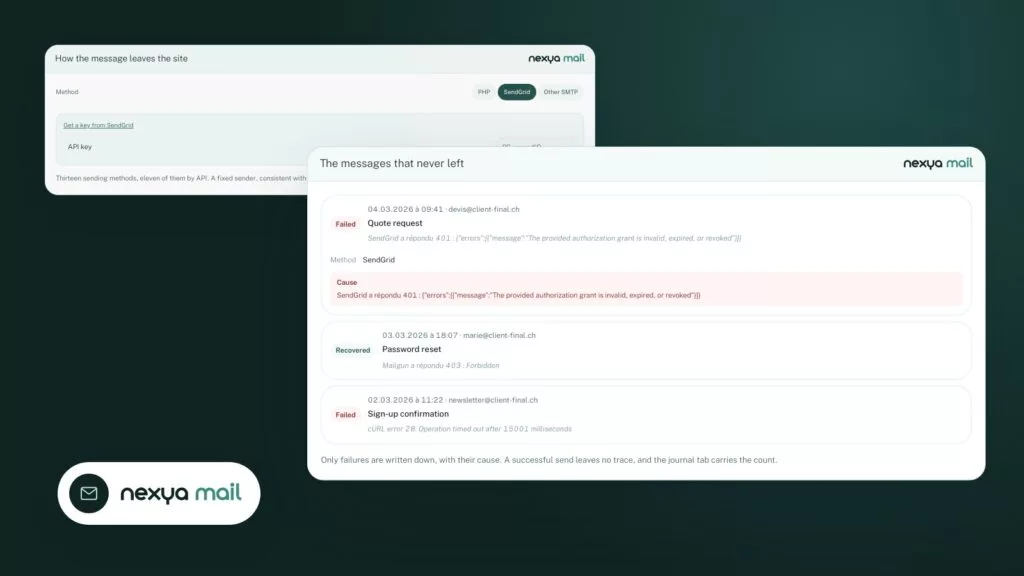
  • Each failed send is recorded with the cause given by the server, and a test email verifies the route.

Read the post

Get started

nexya forms in three steps

  1. Switch on nexya forms In the nexya hub, with the Pro license (seven-day free trial): the Forms menu appears, along with its responses and appearance.
  2. Build the form Field by field, with conditions, steps and the preview beside it.
  3. Place it on a page With the block, the Elementor widget or the shortcode: entries arrive in the admin and by e-mail.

nexya forms is in the Pro version, with a seven-day free trial.

FAQ

Everything about nexya forms

In the Forms menu, create a form, add the fields one by one and set them beside the preview. Then place it with the block, the Elementor widget or its shortcode.

Switch on the field’s conditional logic and choose the rule: for instance, show “Company” when “You are” is “Company”. Several rules can be combined.

A field that adds rows filled with another form: participants to a registration, for example. Each row is added in a window, and all are kept with the entry.

No extra plugin to pay for: conditions, steps, nested forms, phone by country and save for later are in nexya Pro, with the invisible captcha and your e-mails in the site’s colours.

Every field is cleaned and checked on the server, files are stored out of the web’s reach and can only be downloaded from the admin, and the invisible captcha keeps robots out.

Yes: every entry of a form, or a single one from its page. The logo, heading, typeface, colours and footer are set once, with a live preview, and apply to every form. The CSV export is still there for spreadsheets.

It shows the flag and the dialling code, lists the countries you choose first and groups the digits the way each country writes them. With or without the leading 0, the number is checked and then saved in international format.

Yes, with an invisible captcha: robots are kept out without making visitors click on traffic lights or crossings.

Yes: one for the team, one for accounting, a confirmation for the visitor, each able to go out only depending on the answers.

Yes. A full workshop closes on its own, and the form can open and close at chosen dates and times.

The suite

Other modules