
← Back to modules

nexya Invoice Pro

WooCommerce PDF invoices in your colours, attached to the e-mails, with the Swiss QR-bill at the bottom of the page.

  • Five documents, one setting Invoice, receipt, delivery note, packing slip and credit note, built section by section with a preview of the real PDF beside them.
  • The Swiss QR-bill With a QR-IBAN or an IBAN, the payment part is added at the bottom of the invoice: the customer scans, everything is filled in, the reference comes back with the payment.
  • Sent at the right moment Attached to the WooCommerce e-mails you choose, downloadable in My account and printed in bulk from the orders list.
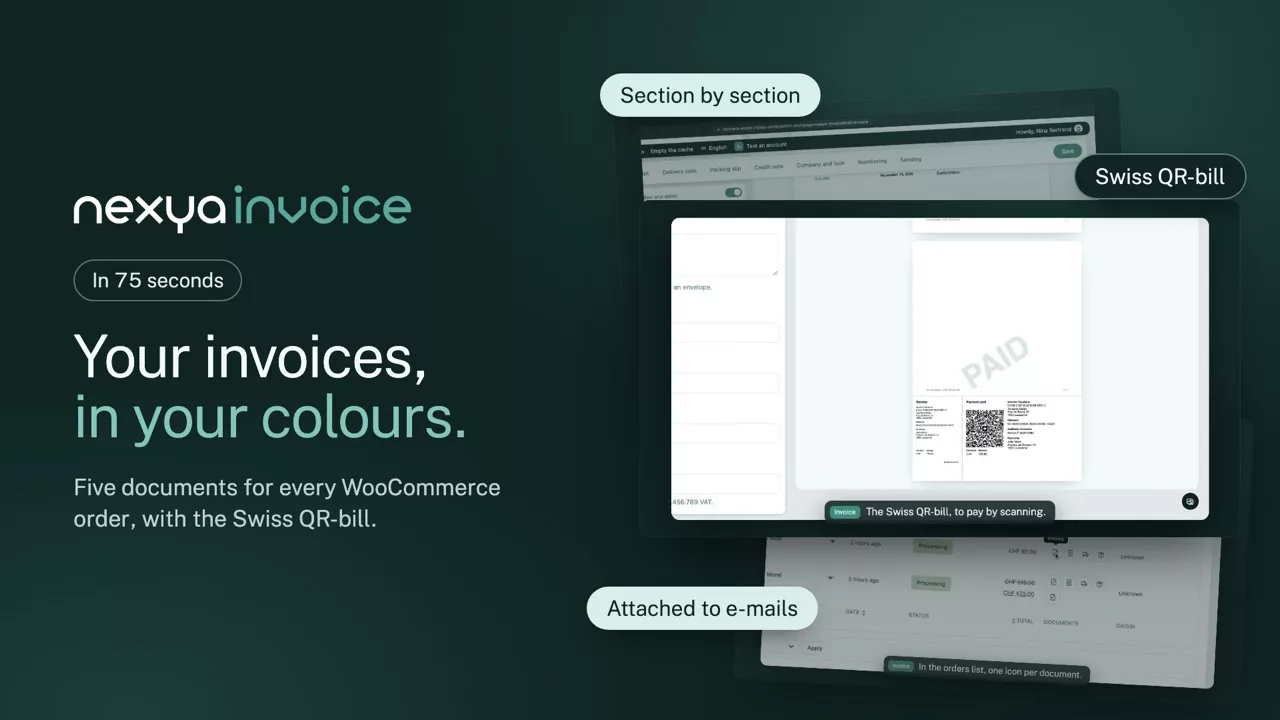
nexya Invoice on video: WooCommerce PDF invoices in your colours, attached to the e-mails, with the Swiss QR-bill at the bottom of the page. 1:15

What it can do

Your orders’ documents, in PDF and in your colours

Invoice, receipt, delivery note, packing slip and credit note: each WooCommerce order gets its documents, numbered, attached to the right e-mails, with the Swiss QR-bill to get paid in one scan.

The editor

Each document, section by section

Header, title, addresses, items, totals, customer note, free text and footer: drag the sections into the order you want and switch off the ones you don’t need. The preview beside them is the real PDF, with your logo, colours and font.

  • Columns of your choice: image, SKU, quantity, price, VAT
  • VAT broken down by rate, prices incl. or excl. tax
  • Paid watermark, with its opacity
  • Zoomable preview, whole page or detail
The document, section by section nexya Invoice

Drag the sections to change their order, switch off the ones you don’t need: the preview is the real PDF.

The Swiss QR-bill

Paid in one scan, with the right reference

The receipt and payment part print at the bottom of the invoice, to SIX standards. With a QR-IBAN, the QR reference is worked out for each order; with an IBAN, it’s the creditor reference. The customer scans with their banking app, and everything is already filled in.

  • QR-IBAN or IBAN, checked as you type
  • QR reference or RF creditor reference
  • Official labels in four languages
The Swiss QR-bill, at the bottom of the page nexya Invoice

With a QR-IBAN or an IBAN: the customer scans with their banking app, everything is filled in, and the payment comes back with their invoice’s reference.

Sending

Attached to the right e-mail, filed with the order

Choose which documents go with each WooCommerce e-mail: the invoice with the completed order, the delivery note with shipping, the credit note with the refund. In the orders list, one icon per document, and bulk printing.

  • Download in My account
  • Link on the thank-you page
  • Bulk printing from the orders list
Attached to the e-mail, filed with the order nexya Invoice

Attached to the WooCommerce e-mails you choose, downloadable in My account, and printed in bulk from the orders list.

And everything else, already included

  • C5 window envelope The address in the window, on the left or the right
  • Yearly numbering F-2026-0042, back to zero every January
  • Credit notes Made with each refund, with their own number
  • Archived invoices An issued invoice no longer changes
  • Order language The document speaks the customer’s language
  • Colours and font Accent, text, lines, totals and watermark
  • Due date Payable within 30 days, or whatever you choose
  • Replaces PDF Invoices & Packing Slips No extra plugin to pay every year

Pro

Invoice, receipt, delivery note, packing slip and credit note in PDF, section editor with preview, logo, colours and fonts, watermark, yearly numbering, Swiss QR-bill with QR-IBAN or IBAN, C5 window envelope format, documents chosen for each WooCommerce e-mail, download in My account, bulk printing, archive of issued invoices and documents in the order’s language

Get started

nexya Invoice in three steps

  1. Switch on Invoice In the nexya hub, with WooCommerce active: orders get their documents.
  2. Set up your documents Company, logo, colours and sections, with the PDF preview beside them.
  3. Choose the sending The documents attached to each WooCommerce e-mail, and the QR-bill if you use it.

nexya Invoice is in the Pro version, with a seven-day free trial.

FAQ

Everything about nexya Invoice

Switch on the Invoice module in the nexya hub: each order gets its invoice, numbered and dated, attached to the WooCommerce e-mail. Logo, colours and sections are set in an editor with a preview of the PDF.

Enter the account’s QR-IBAN or IBAN and the holder’s address, then switch on the QR-bill section: the payment part and receipt print at the bottom of the invoice, with the QR reference or creditor reference worked out for each order.

The invoice, the receipt, the delivery note, the packing slip and the credit note for a refund. Each has its own sections, columns and watermark.

Yes: the C5 envelope format puts the customer’s address in the window, on the left or the right to match your envelope.

No: an issued invoice is kept as it is, in a private folder. You can make it again with the current settings from the order if you want to.

No extra plugin to pay for every year: the five documents, the section editor, the Swiss QR-bill and bulk printing are in nexya Pro, with documents in the order’s language.

The suite

Other modules