← Back to the modules

nexya maintenance

The operations you carry out on the site rather than in it: closing it for an intervention, slimming it down, taking a copy

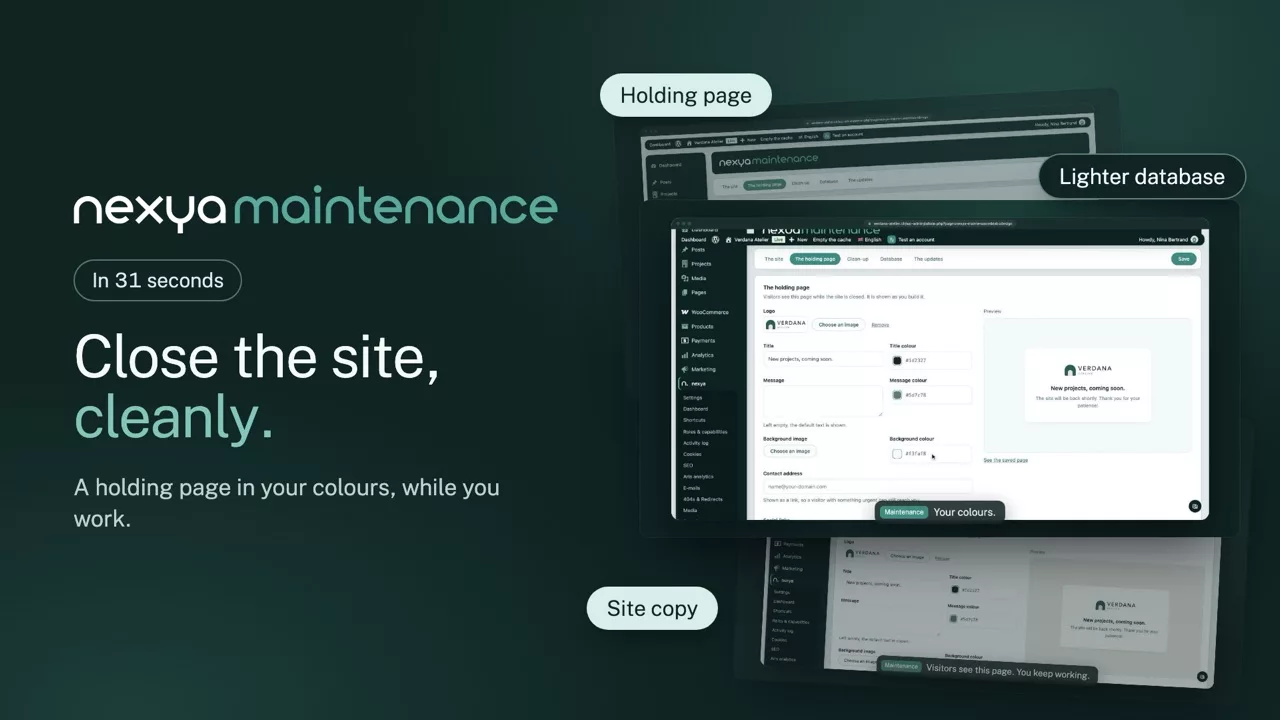
  • Close without breaking The site answers a holding page to everyone, except logged-in administrators who carry on working normally
  • Slim down what piles up Revisions, auto-drafts, trash, expired transients, orphaned metadata. With a count of what will go, before you start
  • Take a copy A full SQL export, with address replacement along the way — enough to put the site back up elsewhere without rewriting anything by hand
  • Administrators only An export is the whole database: e-mail addresses, password hashes, everything. These three actions never open to an editor
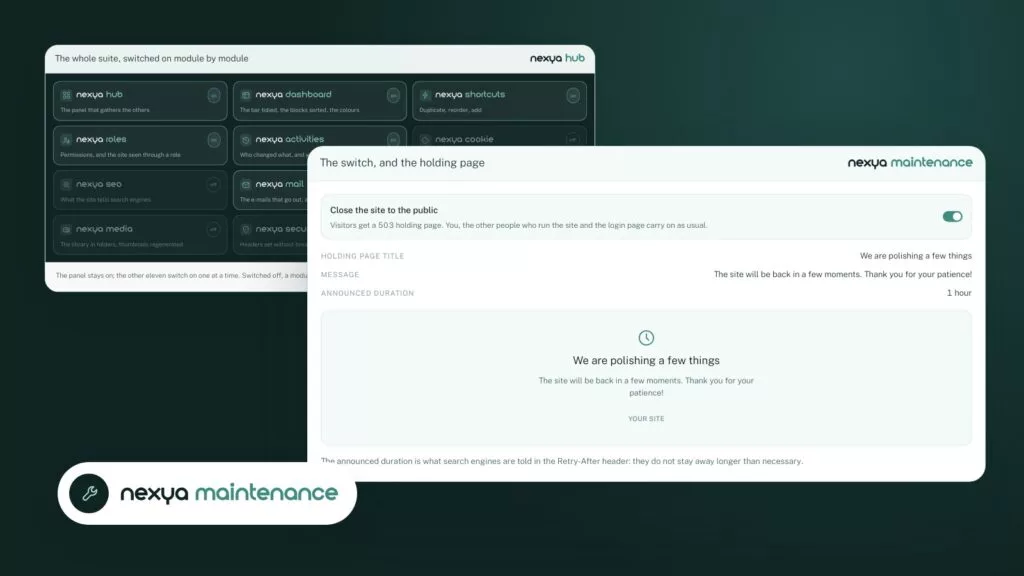
The switch, and the holding page nexya maintenance
  • Holding page title We are polishing a few things
  • Message The site will be back in a few moments. Thank you for your patience!
  • Announced duration 1 hour
We are polishing a few things The site will be back in a few moments. Thank you for your patience! Your site

The announced duration is what search engines are told in the Retry-After header: they do not stay away longer than necessary.

The cleanup, before running it nexya maintenance

The database weighs 412,80 MB.

Each row announces what it takes away before being switched on. Nothing is on by default, and nothing goes without the confirmation at the bottom.

On the site, not in it

The other modules change what the site does. This one changes what you do to the site: you close it, you clean it, you take it with you. It is the only module the client will never open, and its name tells them exactly why.

What the cleanup removes

Revisions beyond the chosen limit, auto-drafts, trash past a delay, transients whose date has passed, metadata whose content no longer exists, and orphaned taxonomy relations. Every category is counted first, and nothing goes without being seen.

Why the export handles the URL

A WordPress site writes its address everywhere: in the options, in the content, in serialised fields. A plain find-and-replace breaks serialised data, whose length is written next to the text. The export replaces the address while respecting that length, which lets you put the site back up on another domain without cleaning up afterwards.

Free

Maintenance mode, database cleanup, SQL export

Pro

Scheduled cleanup, export with URL replacement, report of the space recovered

The suite

The other modules