Key points
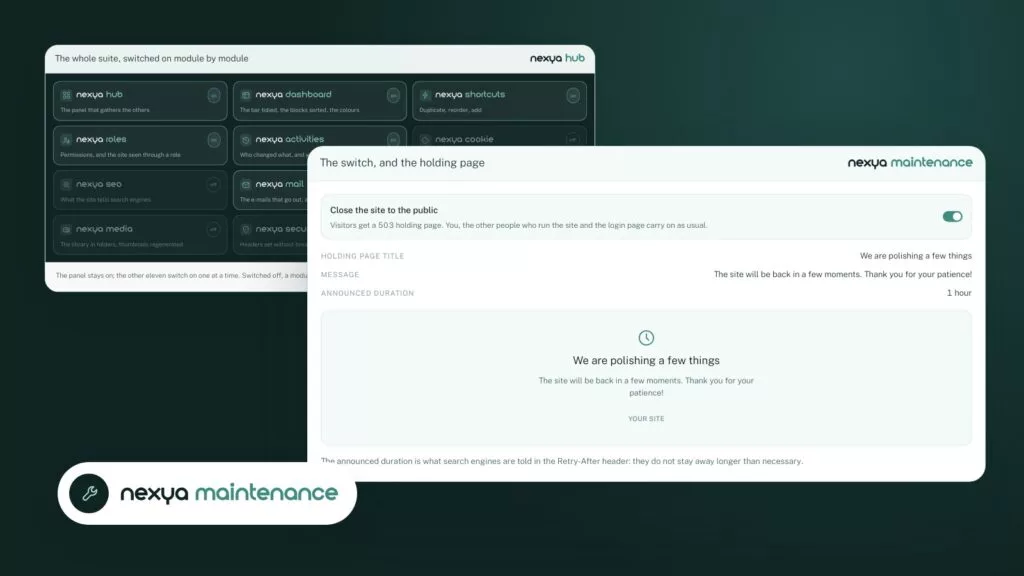
- The nexya maintenance mode displays a waiting page to visitors during an intervention.
- The same module exports the database and cleans it up, all for free.
- Always export before cleaning, and store the copy off the server.
- A turned-off module in the hub runs nothing: only turn on Maintenance when you need it.
- Scheduled database cleanup is part of nexya Pro.
What WordPress maintenance mode is for
WordPress maintenance mode is used to close the site to the public during an intervention. The visitor sees a clean waiting page. They won’t stumble upon a half-updated theme, an unresponsive form, or a broken layout.
There are plenty of occasions for this: changing a theme, redesigning the homepage, performing a major plugin update, or migrating content. In all these cases, a few minutes or hours pass during which the site is not in a presentable state.
Without a waiting page, two things happen. The visitor leaves with a bad impression. And if someone fills out a form or places an order during this time, you don’t always know what remains of it.
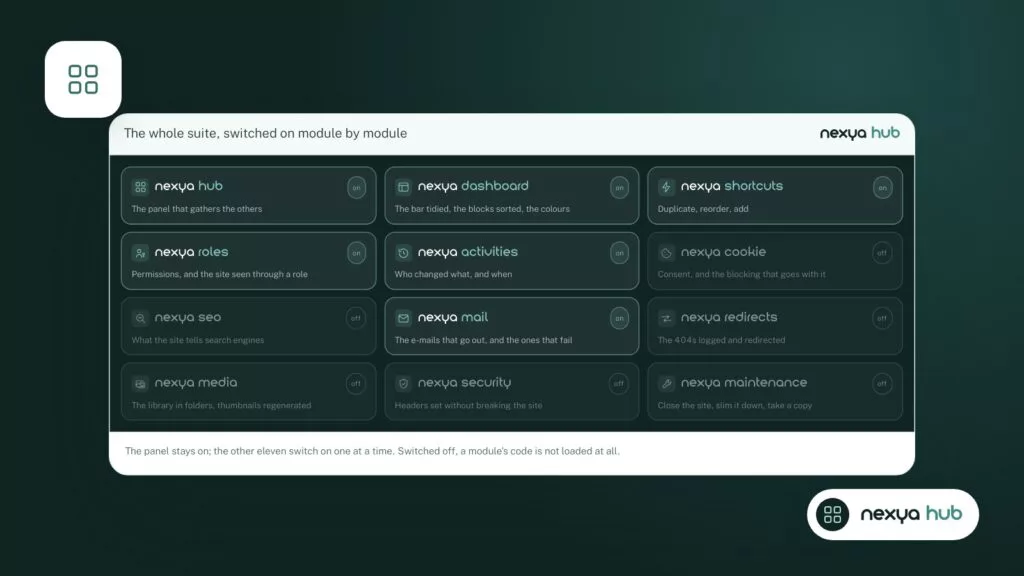
Most sites handle this with a dedicated extension, installed for a single function and then forgotten. nexya takes a different approach: the waiting page is one of the three operations in the Maintenance module, alongside database cleanup and export.
What the nexya Maintenance module does
The Maintenance module gathers operations performed on the site, not inside the site. There are three of them.
All three are free, on as many sites as you want. Like every nexya module, Maintenance is turned on or off from the hub. A disabled module records nothing: none of its hooks run on the site. You can therefore leave it off all year and only turn it on the day of an intervention.
- A waiting page, which closes the site to visitors during an intervention.
- A database cleanup, to lighten it.
- A database export, to keep a copy of it.
Closing the site, lightening its database, taking a copy: three actions that are rarely done, but must be kept close at hand for the day you need them.
Before closing: take a copy of the database
Before any intervention, the most useful habit is to take a copy of the database. This is what contains your pages, posts, settings, and users. If an update or cleanup goes wrong, this is what you will need to restore.
The Maintenance module offers a database export. Do this before touching anything, then store the file outside the server, on your computer or in a separate storage space. A copy that stays on the server it is supposed to protect is not very useful the day that server has issues.
The database export does not replace a full backup. The site’s files, starting with the media library, theme, and plugins, are not in the database. If your host offers full backups, the export remains a practical complement: fast, taken at the exact moment you need it.
During closure: lighten the database
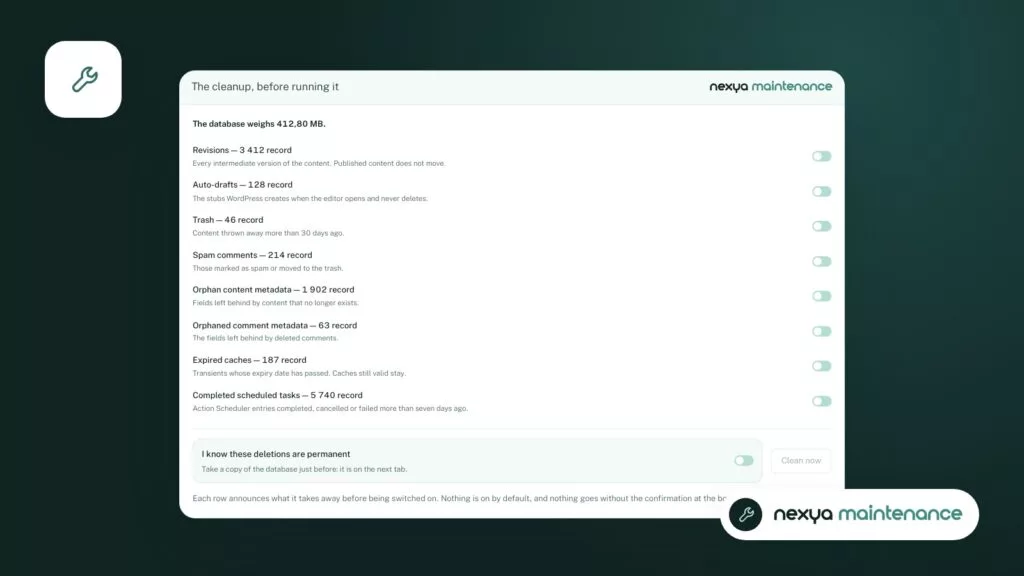
A WordPress database grows over time. Post revisions, auto-drafts, and temporary data left by plugins accumulate, often without anyone looking at them.
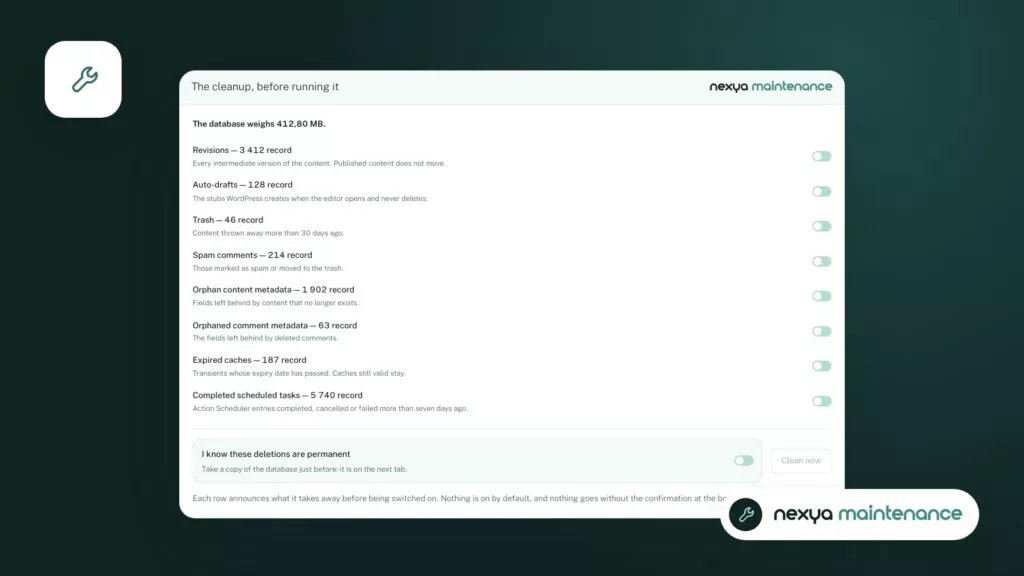
The time when the site is closed is a good time to clean up. The Maintenance module offers a database cleanup from the same screen as the waiting page. You don’t need to open phpMyAdmin or write queries.
Run the cleanup after the export, never before. If you later discover that you are missing data, the copy taken right before allows you to retrieve it.
In the free version, the cleanup is launched manually, whenever you decide. Scheduled cleanup, which runs automatically at regular intervals, is part of nexya Pro.
Putting a WordPress site into maintenance, step by step
-
1
Turn on the Maintenance module
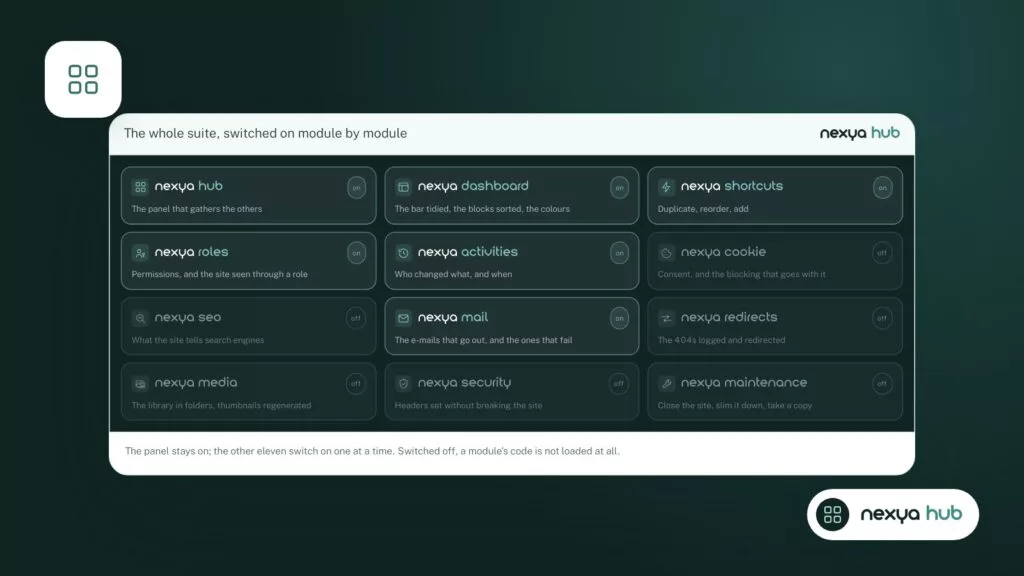
In the nexya hub, activate the Maintenance module. The change is saved immediately. As long as the module was turned off, nothing from it ran on the site.
-
2
Export the database and close the site
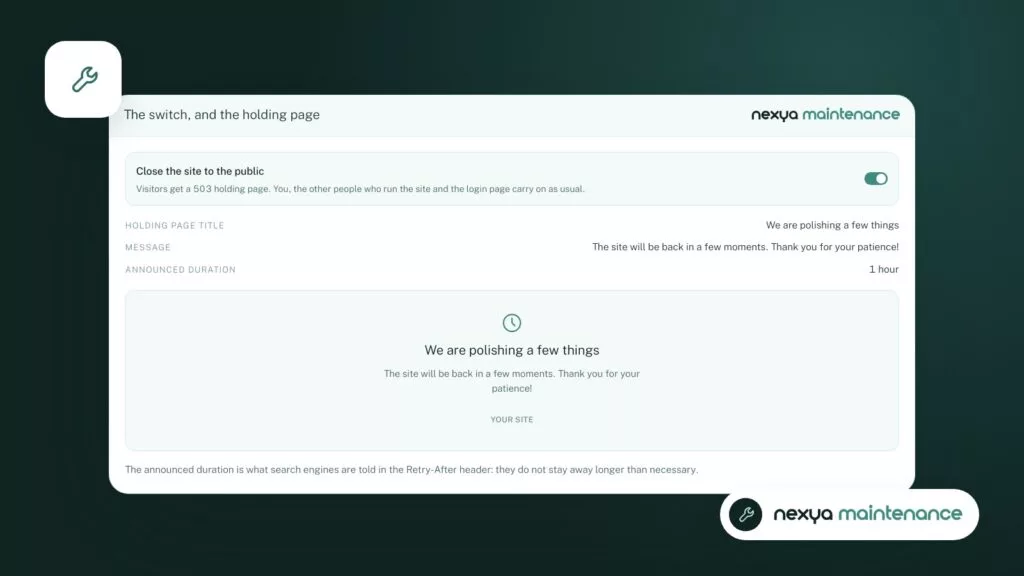
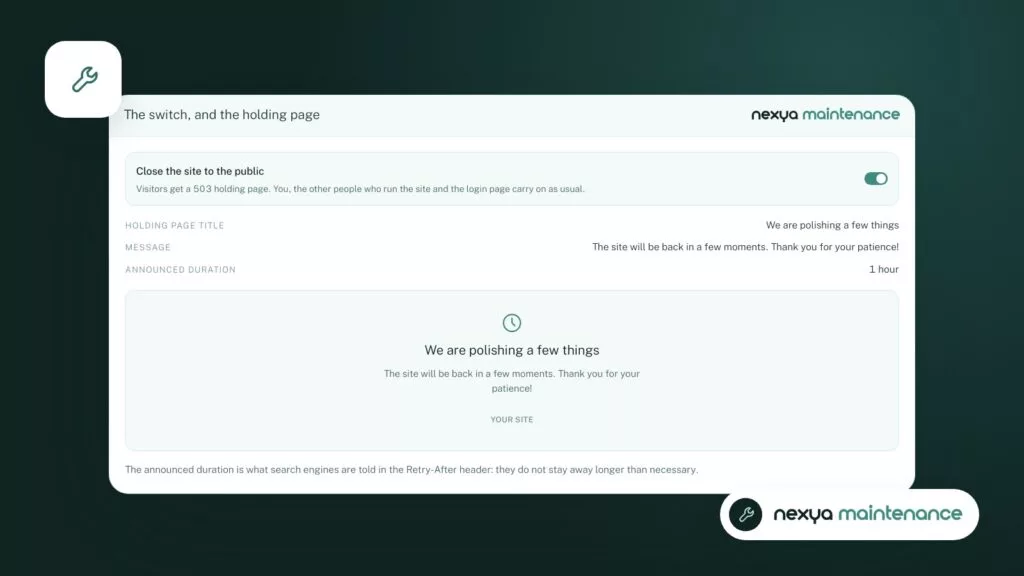
First, take a database export and store the file off the server. Then activate the waiting page: visitors see it instead of the site during your intervention.
-
3
Intervene, then slim down the database
Perform your updates or modifications. Then launch the database cleanup from the module, now that you have a copy in a safe place.
-
4
Check and reopen
Check the main pages and forms, then disable the waiting page. If you no longer need the module, turn it off in the hub.
A waiting page that reassures instead of worries
A successful waiting page is short. It says the site is under maintenance, will be back soon, and, if useful, how to contact you in the meantime. A visitor who knows what is happening comes back. Someone who stumbles upon a broken page, much less so.
Also keep the closure as brief as possible. Search engines tolerate a short interruption, but a site that remains closed for days ends up suffering. Prepare your intervention in advance, on a copy of the site if you have one, and only close the site for the part that cannot be done otherwise.
Finally, remember to reopen. It sounds obvious, but a waiting page forgotten on a Friday night costs a weekend’s worth of visits. Once the intervention is complete, check the main pages, then disable the waiting page.
- A clear message: the site is coming back, and roughly when.
- A contact method for what cannot wait.
- A closure as short as possible.
- A check of the main pages before reopening.
What is free and what is in nexya Pro
The waiting page, database cleanup, and database export are free. They work on as many sites as you want, with no time limit.
nexya Pro, sold on nexya.dev, adds scheduled database cleanup. Other Pro additions affect other modules. The free version contains no Pro code. Pro is delivered by Freemius after purchase and takes over from the free extension with the same settings: you don’t have to redo anything.
A note for WordPress networks: multisite is not supported. On a network, the extension remains disabled and indicates so.
As for privacy, the extension sends nothing to third parties by default. Closing the site, cleaning the database, or exporting it happens entirely on your server.
FAQ
Do you need a separate plugin to put WordPress in maintenance mode?
No, if you use nexya. The waiting page is part of the Maintenance module, which is turned on from the hub. It is free.
Is maintenance mode free in nexya?
Yes. The waiting page, database cleanup, and database export are free on as many sites as you want. Only scheduled cleanup is reserved for nexya Pro.
Does the database export replace a backup?
No. The export contains the database, not site files like the media library, theme, or plugins. It is a useful complement to a full backup, taken at the exact moment you intervene.
Does the Maintenance module slow down the site when it is not in use?
No, if you turn it off. In nexya, a turned-off module saves nothing and none of its hooks run on the site.
Does the module work on a multisite network?
No. Multisite is not supported. On a network, the extension remains turned off and indicates this.
The modules in this post
Try nexya Pro free for 7 days
Every module, forms, newsletters and the page cache, on your site. No commitment.