← Back to modules

nexya cookie GDPR cookie banner for WordPress

Cookie consent, and the blocking that goes with it. Nothing runs before the visitor agrees — no scripts, no embedded videos, no remote fonts

  • The blocking is real, not cosmetic Trackers are held back server-side, before the page is served. Many banners merely hide them and let the script run anyway: this one does not let it through
  • It works behind a page cache Consent is read in the browser, not within a cached page. WP Rocket or W3 Total Cache can serve the same page to everyone without ever serving the wrong consent
  • The policy page writes itself The scan detects what the site actually loads, and the policy is drafted from this list — not from a generic template where you have to guess what applies
  • A single link is enough to reopen the panel Any link with the correct class reopens the choices, from the footer or a policy page. No shortcodes to place, no blocks to insert
  • Google's consent mode Google tags receive "denied" before running, followed by the visitor's choice. In advanced mode, Google models conversions for those who refuse, and all other services remain blocked.
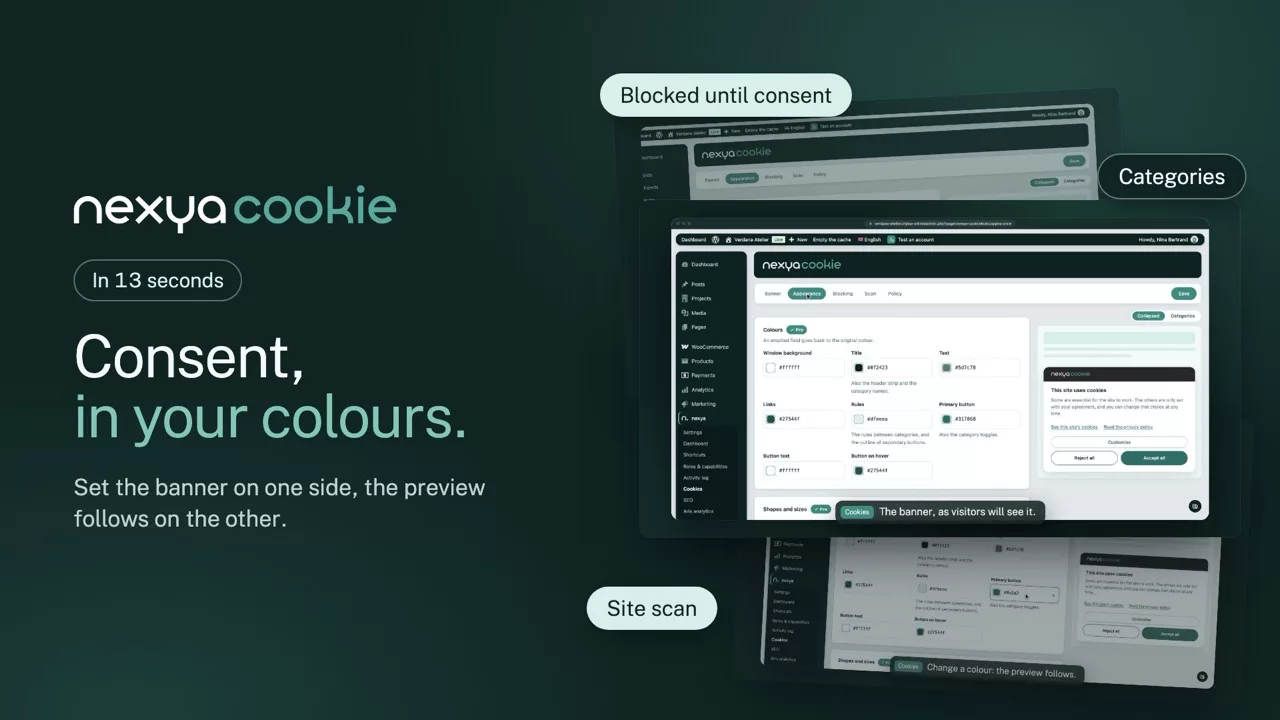
nexya cookie on video: GDPR cookie banner for WordPress 0:13

What it can do

A GDPR cookie banner that really blocks, not one that just shows up

Many plugins ask for consent with one line of code. Few actually block anything: here, nothing reaches a third-party service until the visitor has chosen.

The banner

Three buttons of equal weight, and the choice is kept

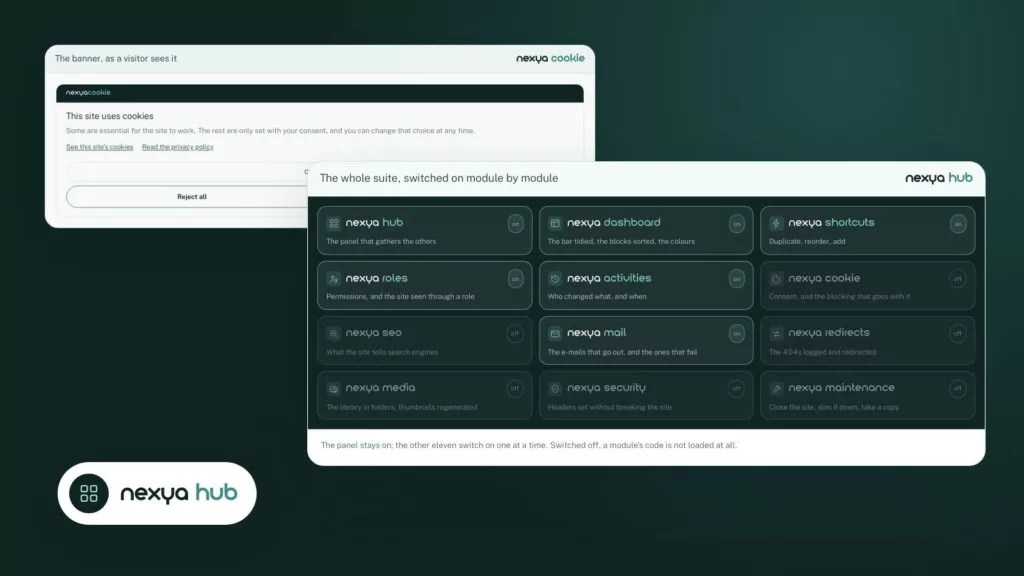
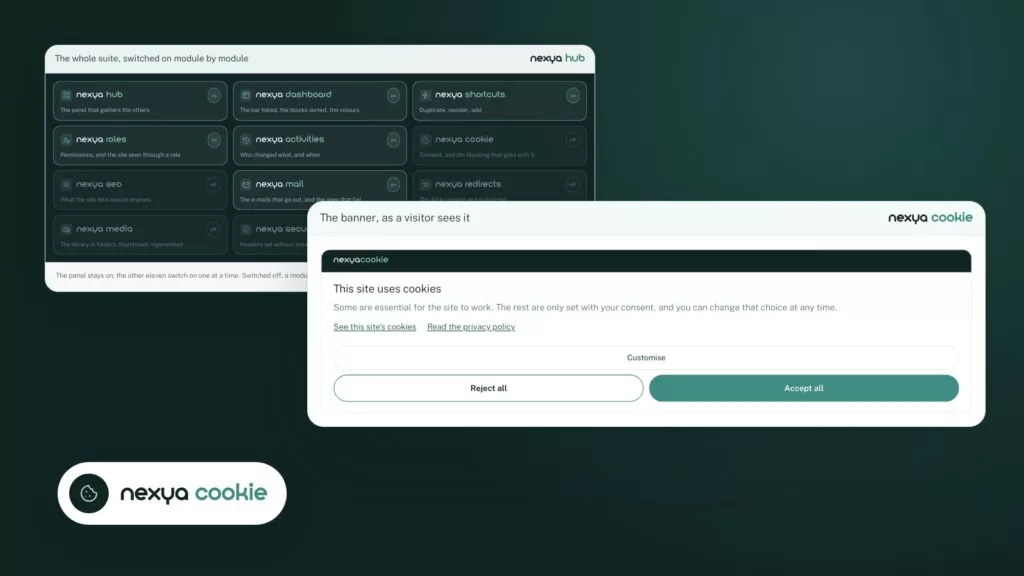
Accept all, reject all or customise: data protection authorities ask that rejecting be as easy as accepting, and the banner does just that. The choice is kept for six months, then asked again; a footer link reopens the panel at any time.

  • Necessary, statistics, marketing and preference categories
  • Texts translated into the visitor’s language
  • In the site’s colours, set once in the hub
The banner, as a visitor sees it nexya cookie
nexya cookie

This site uses cookies

Some are essential for the site to work. The rest are only set with your consent, and you can change that choice at any time.

The blocking

YouTube, Google Maps and trackers wait for consent

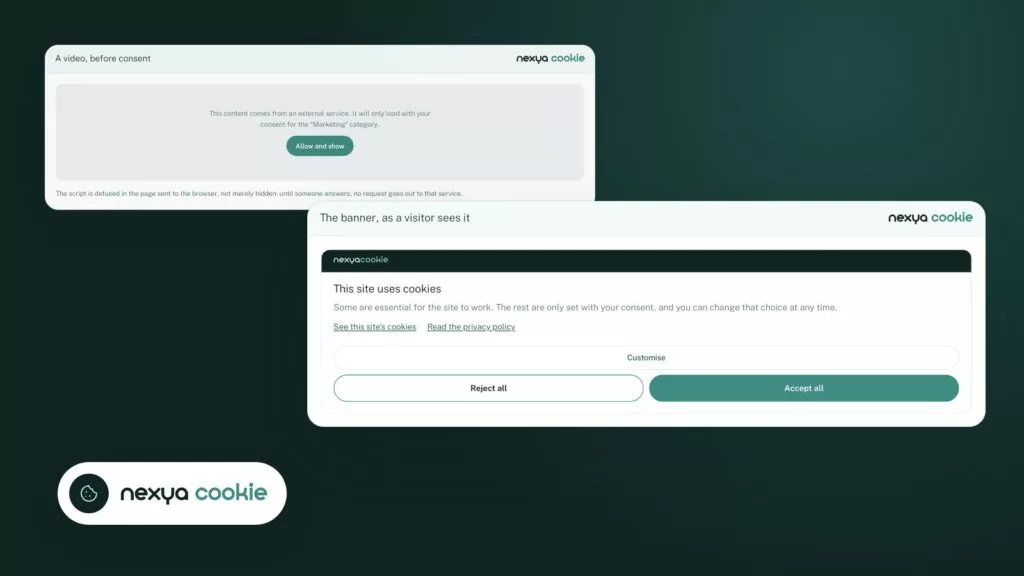
Analytics and advertising scripts are disarmed in the page sent to the browser, not just hidden. An embedded video or map shows a placeholder instead, with a button to allow it; remote fonts wait too.

  • Google Analytics, Meta, LinkedIn, TikTok, Clarity and many more recognised
  • Works with the WP Rocket and W3 Total Cache page cache
  • Google Consent Mode, basic or advanced
A video, before consent nexya cookie

This content comes from an external service. It will only load with your consent for the “Marketing” category.

The script is defused in the page sent to the browser, not merely hidden: until someone answers, no request goes out to that service.

The scan

A cookie policy written from what the site actually loads

The scan crawls the site’s pages and lists every service that loads, with its cookies, filed in its category. The policy page is drafted from this real list, not from a generic template where you would have to guess what applies.

  • Each service in its category
  • Policy generated and kept up to date
  • Services no longer seen are flagged
What the scan found nexya cookie
Service Category
Google Analytics _ga, _ga_* Statistics
YouTube youtube.com Marketing
Meta Pixel connect.facebook.net Marketing
nexya cookie nexya_consent Necessary

The scan crawls the pages and files each service; the cookie policy is written from this list.

And everything else, already included

  • Site scan Pages are crawled and every loaded service is listed, with its cookies.
  • Generated policy The cookie page is written from what the scan found.
  • Nothing loaded by the plugin The module adds no tracker of its own: a single cookie keeps the choice.
  • Reopen with a link A link with the right class, or the [nexya_cookies] shortcode, reopens the choice.
  • Service by service With Pro, the visitor can accept YouTube and refuse the rest.
  • Swiss FADP and GDPR Built for Swiss sites as well as European ones.

Why server-side blocking changes everything

A banner that sets a cookie and hides elements arrives too late: the script has already been downloaded, it has already called its server, the visitor’s IP address has already been sent. Here, the relevant tags are defused before the page is sent: the script becomes inert text, the video loses its address. Nothing executes or downloads until consent is given, regardless of the browser.

What it recognizes without explanation

YouTube and Vimeo videos, Google maps, remote fonts, measurement pixels and most analytics scripts. Each is sorted into a category, and each category can be refused separately. A visitor who accepts audience measurement but refuses advertising gets precisely that.

What it does not do

It does not replace legal advice and does not claim to make a site compliant on its own. It provides the mechanism — the choice, the blocking, the choice remembered in the visitor’s browser and the page explaining it. What you do with it, and what the law requires in your country, remains your decision.

Free

Banner, real blocking, site scan and generated policy, Google consent mode

Pro

Full banner appearance, service-by-service consent

On the blog

Our guides: WordPress cookie banner

Guides · 4 min read

Cookie banner not showing on WordPress: causes and checks to perform

If your cookie banner is not displaying, the cause is almost always among four suspects, and they can be checked in about fifteen minutes. This article reviews them in order, then shows you how to verify that scripts are indeed waiting for the visitor's agreement.

  • Always test in an incognito window, logged out: you may have already responded to the banner.
  • A banner missing for all visitors is almost always caused by a cache: plugin, host, Cloudflare.
  • Options that delay or combine JavaScript often break consent banners.

Read the post

Guides · 2 min read

Cookie banner and nFADP: setting up a WordPress site step by step

A WordPress cookie banner compliant with the FADP and GDPR is not enough just to be displayed: it must actually withhold third-party scripts until consent.

  • Start with a scan: find out which third-party services the site loads.
  • Withhold analytics, videos, maps, and external fonts until a click occurs.
  • Complete with security headers to block what the inventory missed.

Read the post

Guides · 2 min read

How many plugins on a WordPress site? How to remove half of them

Too many WordPress plugins mean more updates, more potential vulnerabilities, and a slower site. Here is how to group your daily administration tasks and remove half of them.

  • Each extension adds its own update schedule and a potential entry point.
  • Cookies, SEO, redirections, SMTP, security, and maintenance can all live in the same place.
  • A disabled nexya module loads nothing: you only activate what is actually used.

Read the post

Get started

nexya cookie in three steps

  1. Switch on nexya cookie In the nexya hub: visitors see the banner.
  2. Run the scan The module finds what the site really loads: scripts, embedded videos, remote fonts.
  3. Publish the policy The cookie policy page is written from what the scan found.

nexya cookie is in the free extension, on as many sites as you want.

FAQ

Everything about nexya cookie

Switch on nexya cookie: the banner shows, and nothing loads before the visitor agrees — not the analytics scripts, not the embedded videos, not the remote fonts.

Yes. Trackers are held back on the server, before the page leaves. Many banners only hide and let the script run anyway: this one does not let it out.

No account to create, no external service, no subscription by number of pages: the scan and the policy are done by the site itself. The banner is part of the same plugin as the rest of the suite.

Yes. Consent is read in the browser, not in the cached page: the same page can be served to everyone without ever serving the wrong choice.

Give any link the class provided: it reopens the panel. No shortcode to place, no block to insert.

Yes, with nexya translate: the texts left as shipped follow each language on their own, those you rewrote are translated in the Texts tab, by hand or by the AI, and the links lead to the cookies page and privacy policy in the right language.

It puts in place what the FADP and GDPR expect: a clear choice, rejecting as easy as accepting, blocking before consent and an up-to-date policy. The site’s compliance remains your call.

Six months. The banner then comes back, and the visitor can change their mind at any time through the footer link.

Yes, in basic or advanced mode. Google tags receive “denied” before running, then the visitor’s choice.

The suite

Other modules