Key points
- Each extension adds its own update schedule and a potential entry point.
- Cookies, SEO, redirections, SMTP, security, and maintenance can all live in the same place.
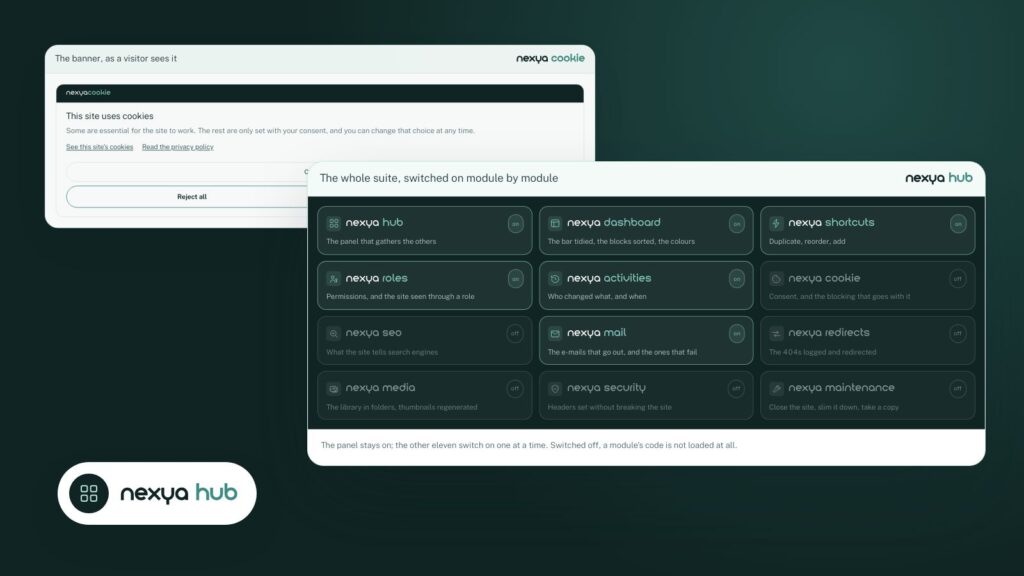
- A disabled nexya module loads nothing: you only activate what is actually used.
Open the plugins screen of an SMB WordPress site: you often find between twenty and forty of them. None is too much taken one by one. It is their addition that weighs: twenty editors, twenty update rhythms, twenty settings screens that look nothing alike, and just as many potential entry points.
What one more plugin really costs
The price of a license is the visible part. The rest is paid in time and risk:
- Updates. Every plugin has its own schedule. An update that breaks a page always happens on the day nobody is looking.
- Security. An abandoned or poorly written plugin is the primary cause of WordPress vulnerabilities. The more there are, the larger the surface area to monitor.
- Performance. Many plugins load their scripts and queries on all pages, even where they are of no use.
- Handover. The day a colleague or a client takes over the site, they have to figure out twenty different interfaces.
Tasks that can be grouped together
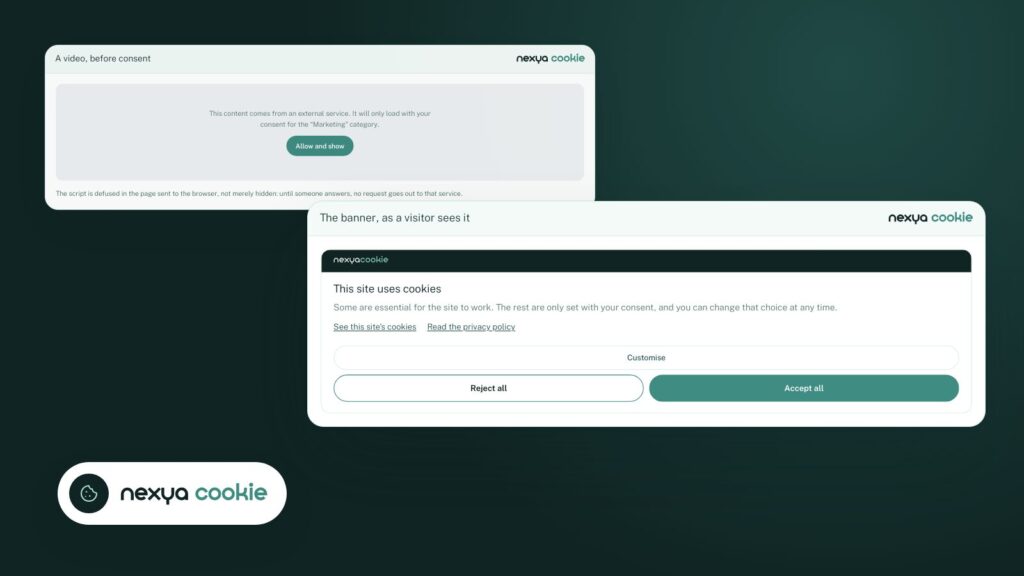
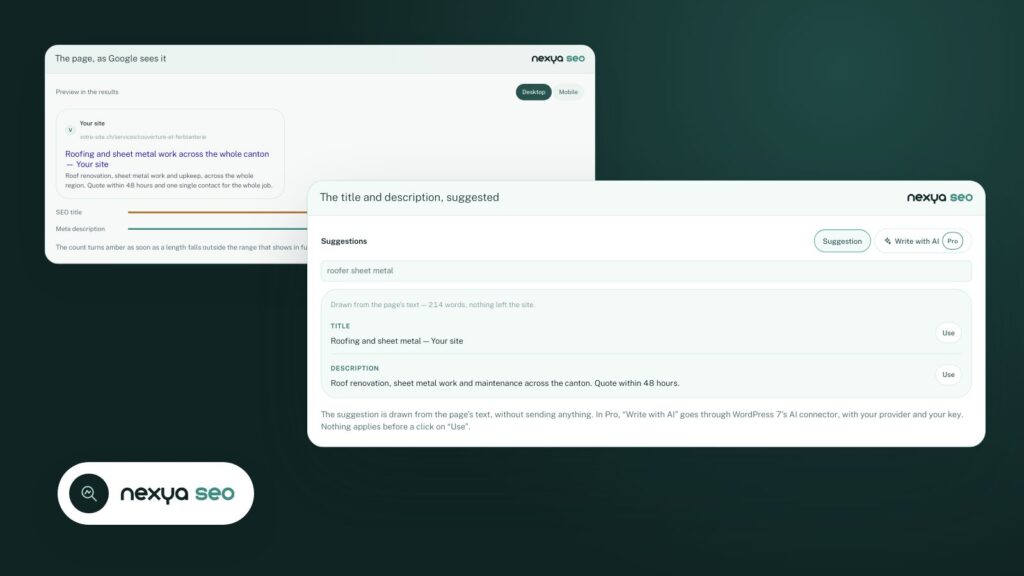
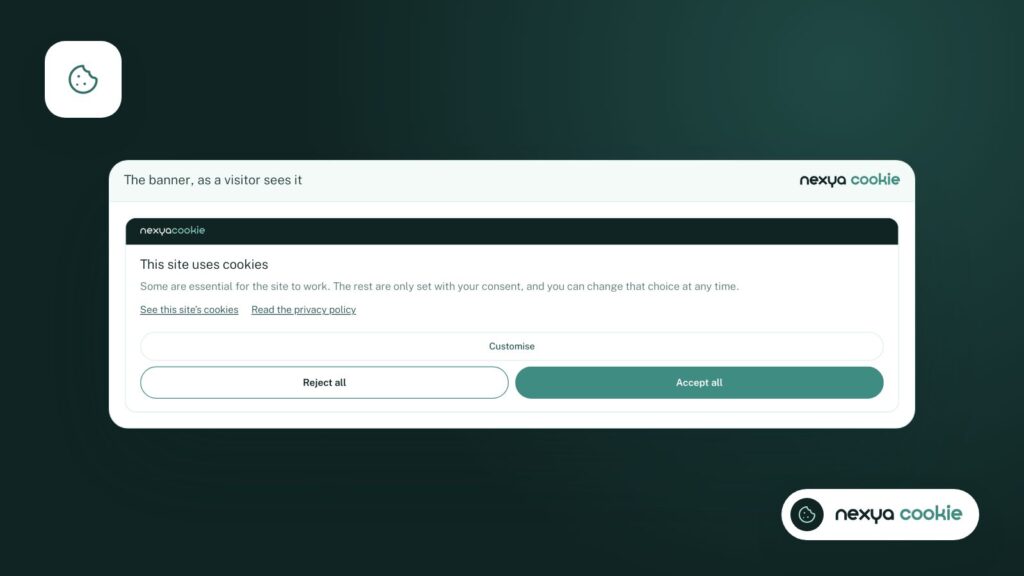
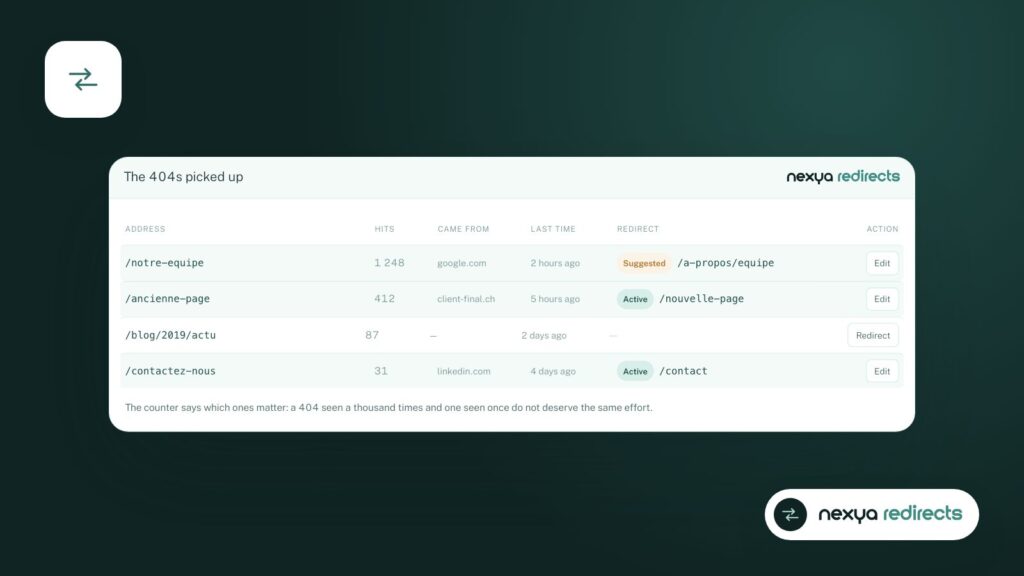
On most sites, a good portion of the plugins perform very similar administrative tasks: informing the visitor about cookies, optimizing titles for Google, redirecting old addresses, sending emails via a real server, setting security headers, putting the site in maintenance mode, regenerating thumbnails.
These tasks do not need to be each in its own plugin. They need to be done well, in the same place, with the same logic.
How nexya does it
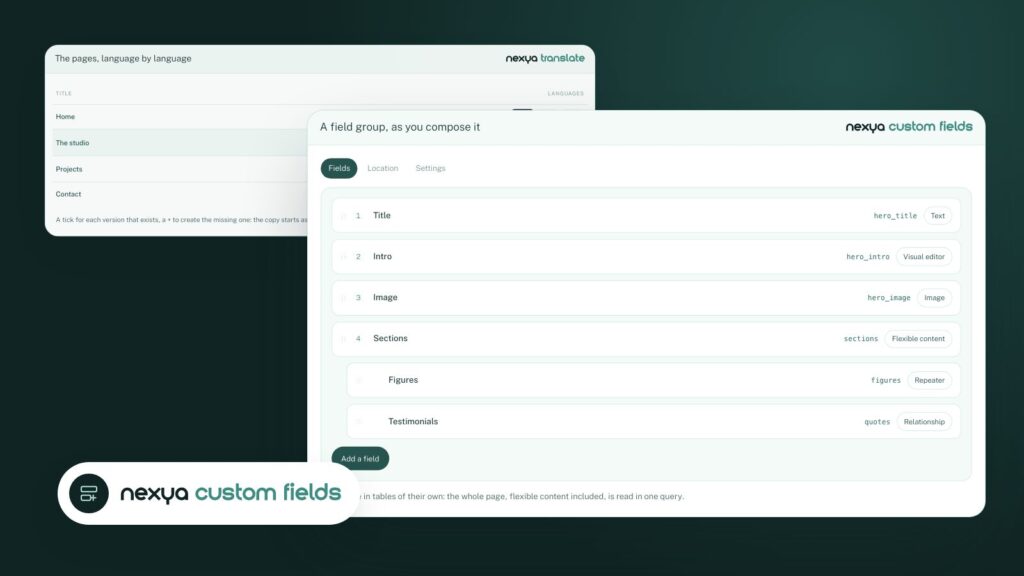
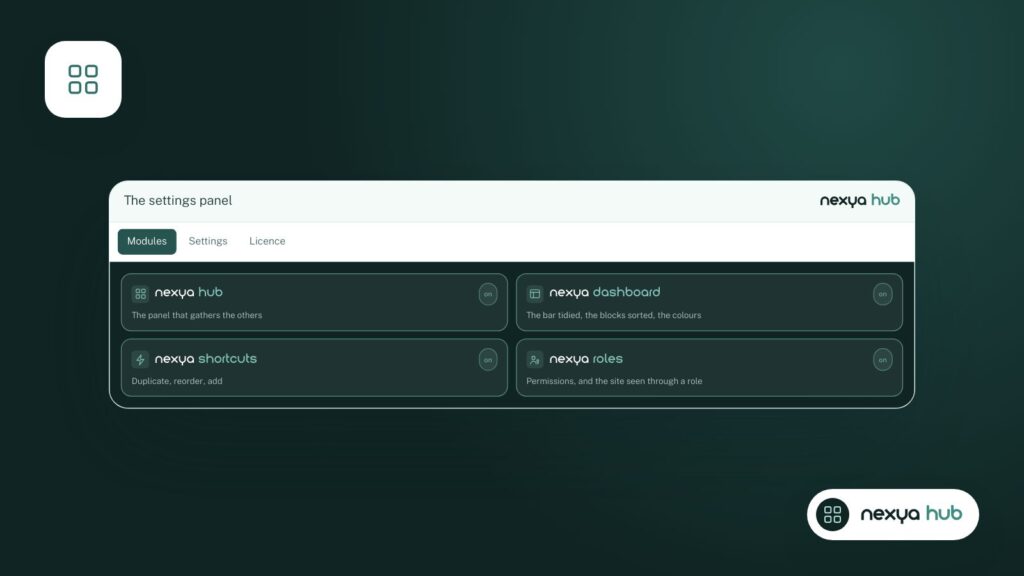
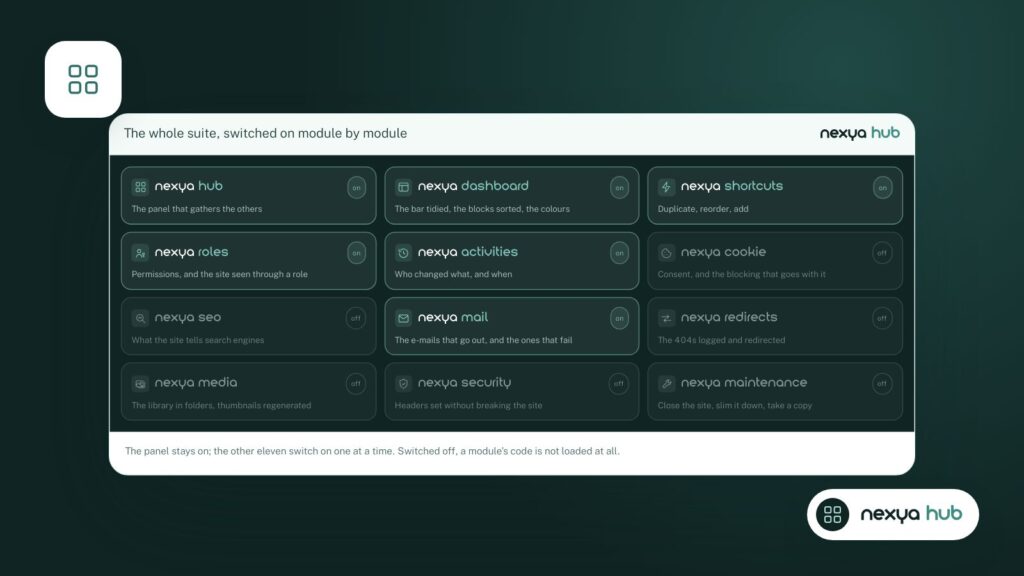
nexya brings these tasks together under a single panel, in the form of modules: Cookies, SEO, Redirections, Emails, Security, Maintenance, Media, Custom Fields, Translation, Activity Log, and others. Each module can be turned on or off from the hub.
A turned-off module does not record anything: none of its hooks run on the site, none of its files are loaded.
You therefore only activate what the site needs, and the rest costs nothing. The entire list above is free, on as many sites as you want. nexya Pro then adds newsletters, page caching, and features that do the repetitive work for you.
In practice, five to ten plugins often disappear all at once, with fewer updates to monitor and only one place to look for a setting.
Where to begin, in four steps
-
1
List your extensions
Note the task each one performs in a single line. The ones you no longer know the purpose of are the first candidates for removal.
-
2
Identify routine administration
Cookies, SEO, redirections, email sending, security, maintenance: these are the tasks that nexya brings together.
-
3
Enable the corresponding module
On a copy of the site, install nexya and enable the module that replaces the extension. Compare the results page by page.
-
4
Remove the old extension
Only disable it once the module is doing the same job, and keep it around for a few days before deleting it.
FAQ
How many WordPress plugins are too many?
There is no magic number. What matters is that each extension has a purpose, is actively maintained, and does not load its files everywhere. Consolidating administration tasks often reduces the list by five to ten extensions.
Does a deactivated plugin slow down the site?
A deactivated extension does not run, but its files remain on the server. In nexya, a disabled module registers no hooks and loads no files.
The modules in this post
Try nexya Pro free for 7 days
Every module, newsletters and the page cache, on your site. No commitment.