Key points
- Start with a scan: find out which third-party services the site loads.
- Withhold analytics, videos, maps, and external fonts until a click occurs.
- Complete with security headers to block what the inventory missed.
The new Swiss Federal Act on Data Protection (nFADP) has been in force since September 2023. For European visitors, the GDPR also applies. Many sites have reacted by adding a cookie banner. The problem is that on a good number of them, Google Analytics, YouTube videos, or Google Fonts load even before the visitor has clicked.
This article describes a workflow. It does not replace legal advice for your specific situation.
1. Knowing what the site actually loads
You cannot hold back what you do not know. Third-party scripts come through the theme, plugins, a video block added one day on a page, or an embedded map. The first step is therefore an inventory.
The nexya Cookies module performs this inventory for you: a scan crawls the pages of your site from your own server and lists the third-party scripts and frames it finds there.
Setting up the banner, step by step
-
1
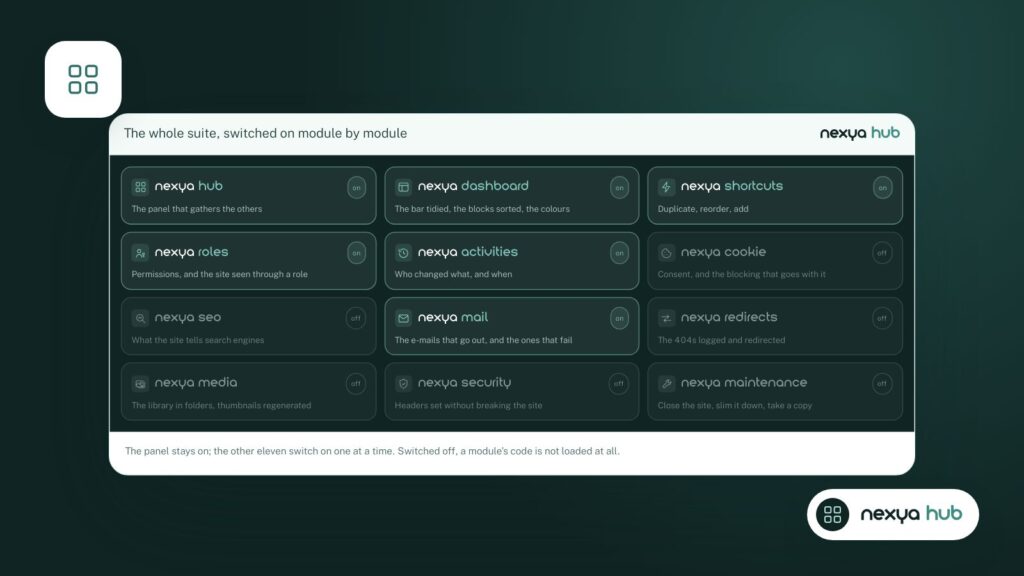
Enable the Cookies module
From the nexya hub, enable the Cookies module, then open its settings.
-
2
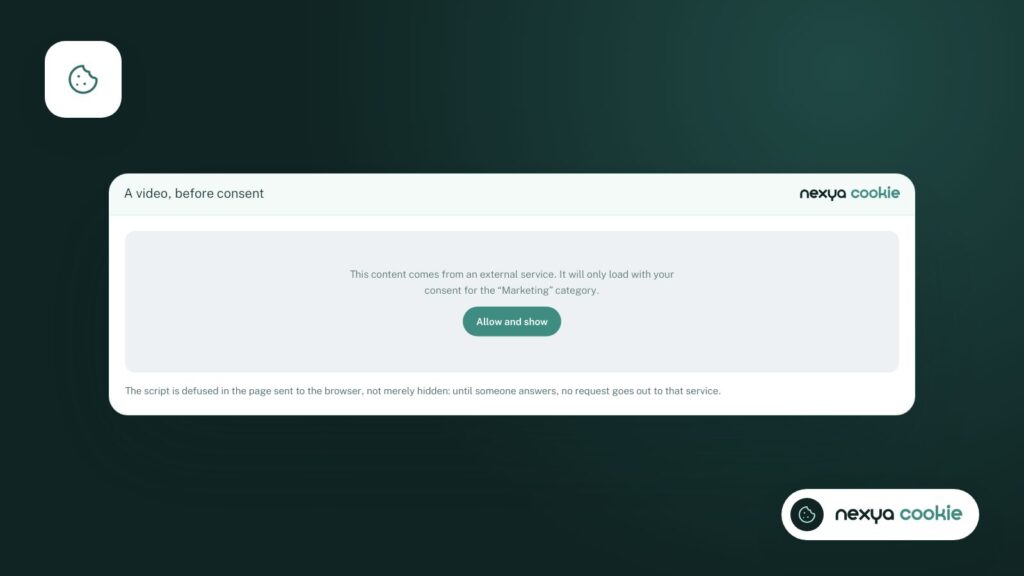
Check what is being held back
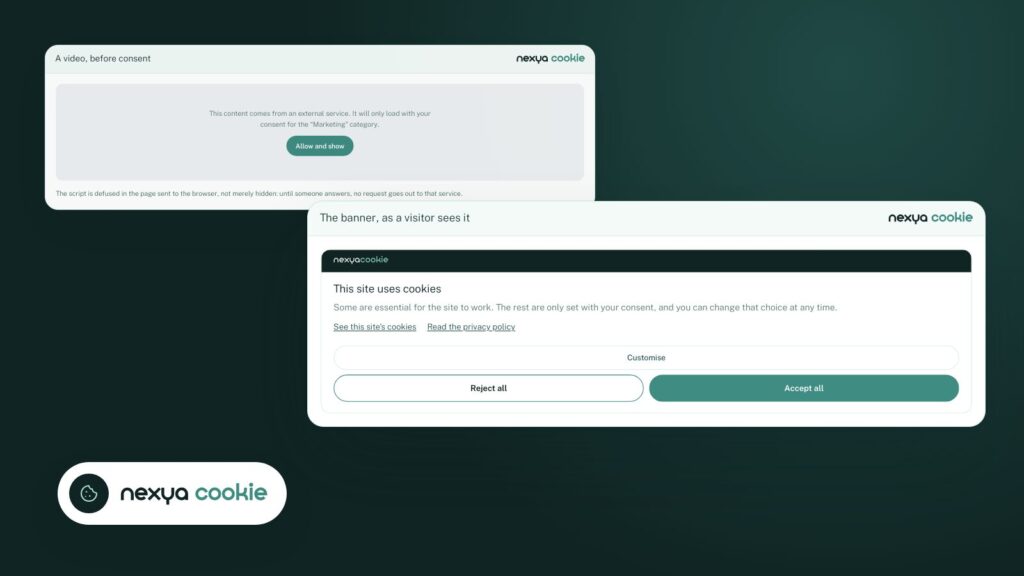
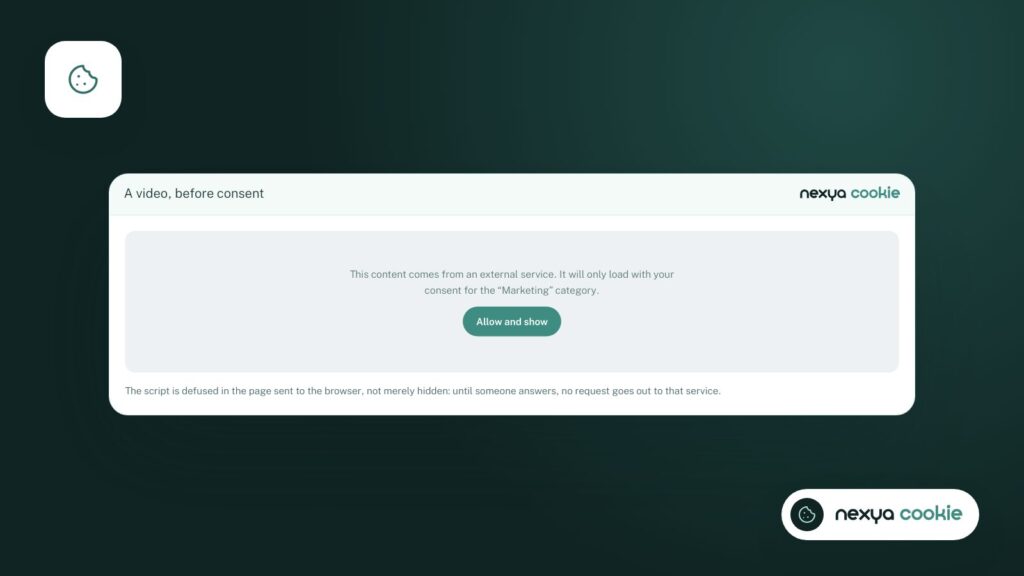
Open a page with a video or a map: it remains hidden behind a message until the visitor consents.
-
3
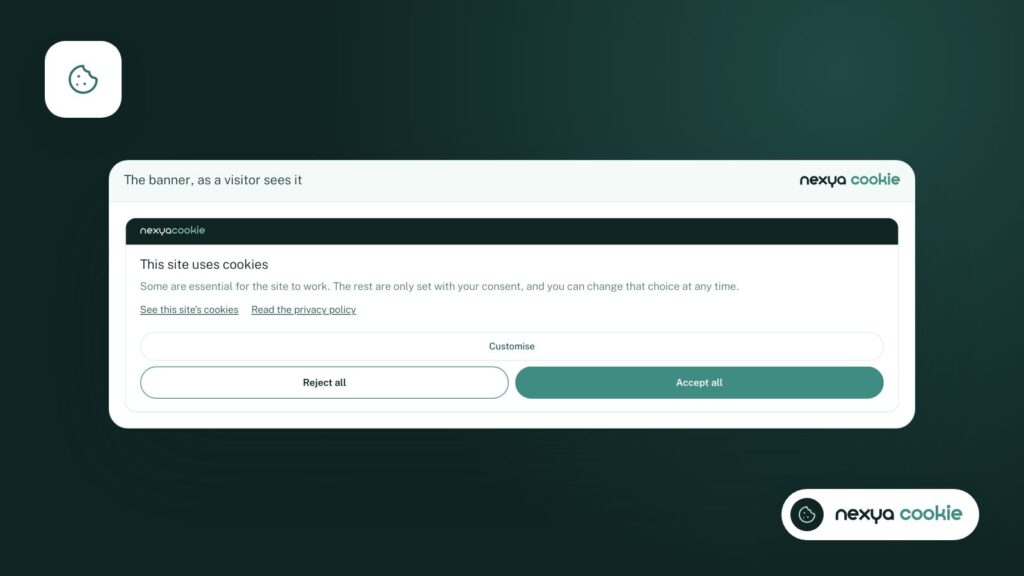
Review the banner
Adapt the text, keep two buttons of equal weight and a link to your cookie policy.
-
4
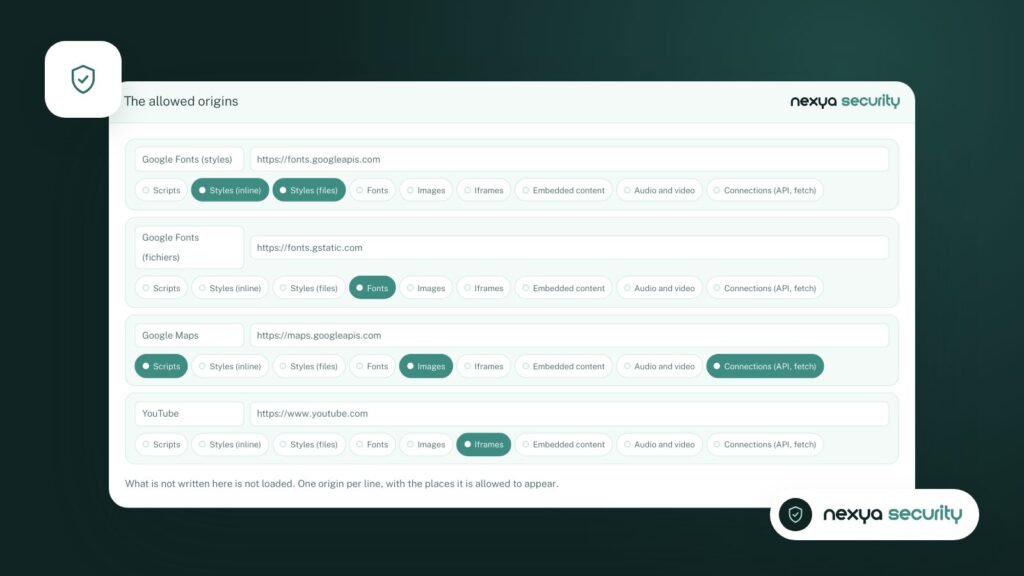
Set up security headers
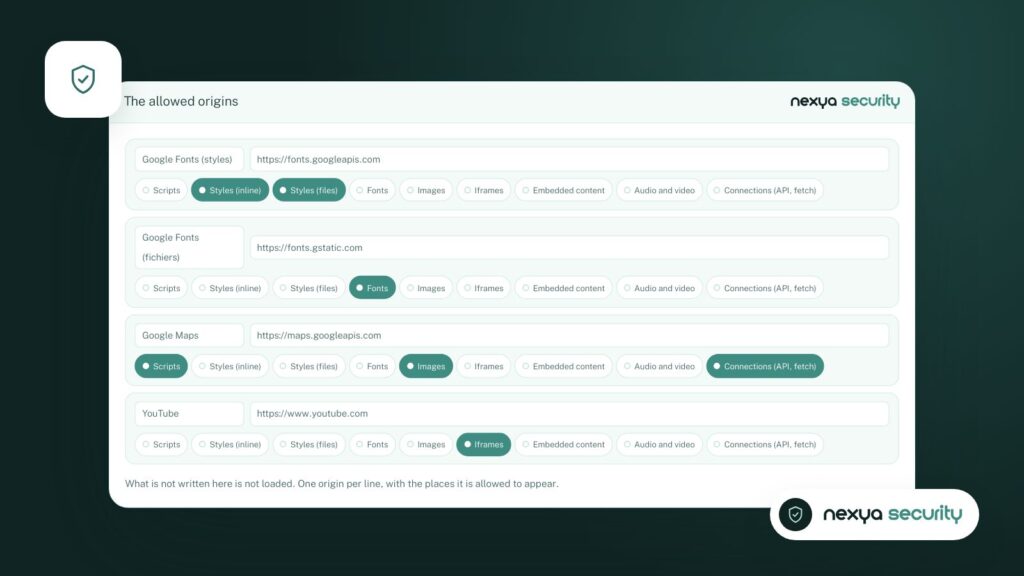
In the Security module, only allow the origins that the site needs.
2. Holding back scripts until consent
A banner only makes sense if it actually prevents loading. nexya holds back scripts and frames whose addresses correspond to a known service (Google Fonts, Font Awesome, public CDNs, YouTube, Google Maps, etc.) as long as the visitor has not consented. Nothing is loaded before the click.
- Analytics (Google Analytics, Tag Manager) wait for consent.
- YouTube videos and Google Maps display a placeholder until agreement is given.
- Fonts and libraries loaded from a CDN are held back in the same way.
3. A clear banner in the visitor’s language
The visitor must understand what they are consenting to and be able to refuse as easily as they accept. Keep the text short, use two buttons of equal weight, and include a link to the cookie policy. On a multilingual site, the banner follows the language of the page thanks to the translation module.
With nexya Pro, you can also adjust the appearance of the banner and manage consent service by service, so that a visitor can accept videos without accepting analytics.
4. Completing with security headers
The Security module adds headers that tell the browser which origins your pages are allowed to load. This is a useful safety net: a third-party script forgotten in the inventory will not pass through without your authorization.
The checklist
- Scan the site and list third-party services.
- Verify that none of them load before consent (browser Network tab, in private browsing mode).
- Draft a cookie policy that names these services.
- Rescan after each new plugin or new type of embedded content.
FAQ
Does the FADP require a cookie banner?
The FADP requires visitors to be informed in a transparent manner. For visitors from the European Union, the GDPR additionally requires prior consent for non-essential cookies. Have your specific case validated by a legal professional.
How to verify that scripts are properly blocked?
Open the site in incognito mode, open the Network tab in your browser's developer tools, and verify that no third-party service loads before you click "Accept".
Is the Cookies module free?
Yes. The banner, blocking, and scan are free. nexya Pro adds banner styling and service-by-service consent.
The modules in this post
Try nexya Pro free for 7 days
Every module, newsletters and the page cache, on your site. No commitment.