Key points
- An entire page or a single line translated by AI, right from the translation editor.
- The memory remembers every segment: the same text is never paid for twice.
- Your manual corrections are reused as is the next time.
Translating a WordPress site manually takes time. Entrusting it to raw machine translation is scary, and for good reason: a bad term on a sales page, and trust is lost. nexya Translate takes a middle path: AI does the first draft, you keep the final say.
An entire page, or just a single line
The translation editor shows the original and its translation line by line: the title, each block, Elementor widgets, ACF and NCF fields, and SEO texts. With nexya Pro, one button translates the entire page using AI, and another translates a single line.
Texts that do not live on a page follow the same path: the site title, menus, categories, forms, and theme texts are translated from the Texts tab.
Translate a page using AI, in four steps
-
1
Connect an AI provider
In Settings › WordPress Connectors, add your provider with your own key.
-
2
Create the version
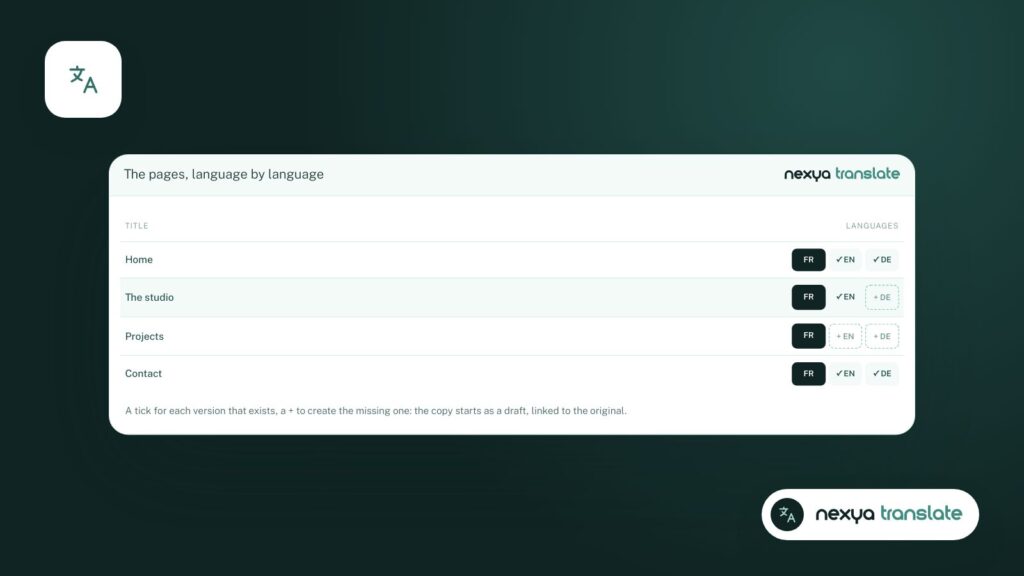
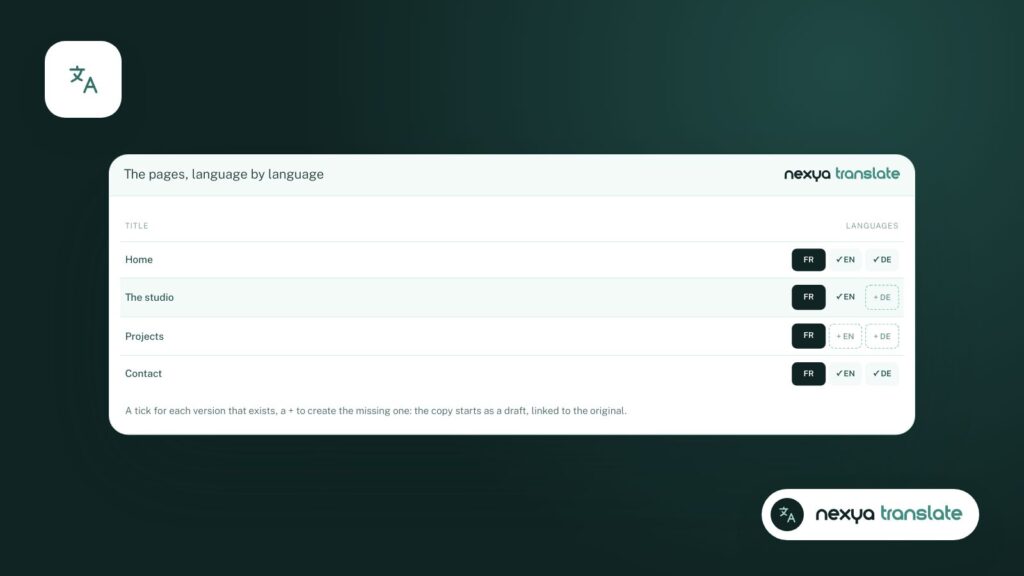
In the page list, a + creates the missing version in a language.
-
3
Translate via AI
In the translation editor, translate the entire page or a single line.
-
4
Proofread and publish
Correct what needs to be fixed: your corrections are kept for later. Publish the version.
The whole site, in the background
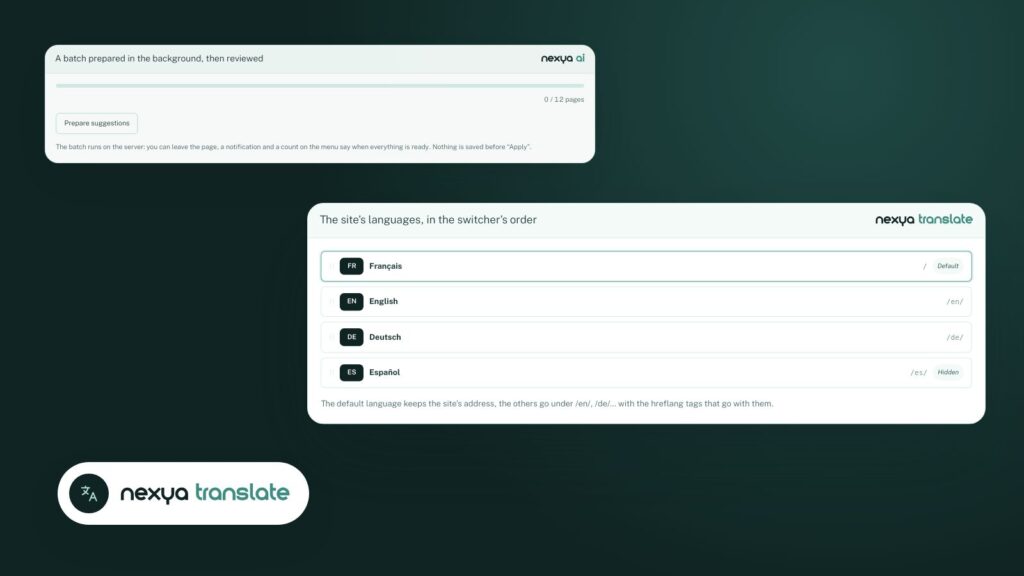
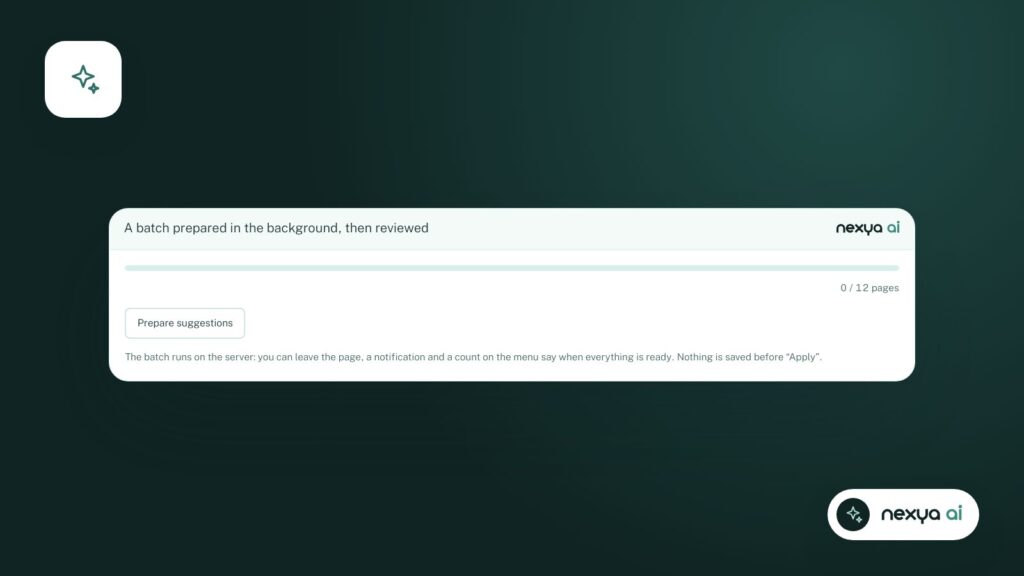
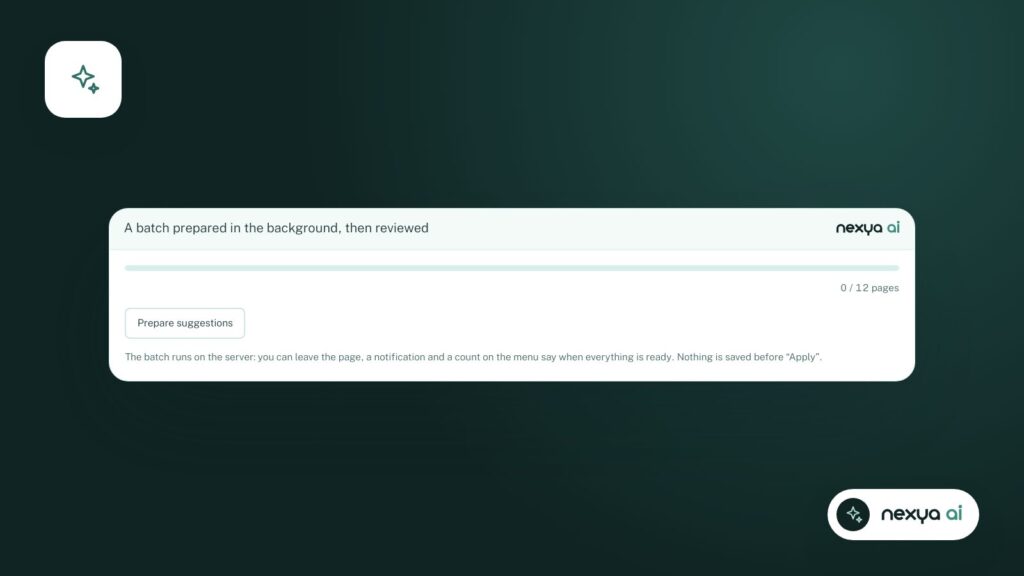
For an already built site, batch translation processes the chosen content, language by language, without blocking the admin dashboard. A cost estimate is displayed before launching, and a monthly budget stops the batches if it is reached.
Your corrections are kept
A manually corrected translation trains the memory: next time, your version is used as is.
Every segment already translated is kept in a translation memory: the same text is never sent or paid for twice. A manually translated page is protected: the AI will not retranslate it until you unlock it.
SEO follows along
Each language has its own URLs (/en/, /de/, /es/), its hreflang tags, and its translated SEO texts. This is what allows a German page to appear in German search results, rather than the French version.
This blog is an example: every article was written in French, then translated into English, German, and Spanish by nexya Translate.
FAQ
Which AI translates the site?
The one you plug into the WordPress AI connector, using your own key. Nothing is sent until you trigger a translation.
What happens to a manually corrected translation?
It is protected. The AI does not replace it, and your corrections enter the translation memory for subsequent pages.
Is manual translation paid?
No. Everything translated manually is free. AI translation is part of nexya Pro.
The modules in this post
Try nexya Pro free for 7 days
Every module, newsletters and the page cache, on your site. No commitment.