Key points
- Mailya composes and sends the newsletter without leaving WordPress.
- The AI drafts the content based on the articles published since the last send.
- Nothing written by hand is replaced: the AI adds, you review.
Sending a newsletter from a WordPress site often involves a detour: exporting contacts to Mailchimp or Brevo, copying articles into another editor, and then returning to the site to see who signed up. Mailya, the newsletter module for nexya Pro, does all of this without leaving WordPress.
A newsletter composed within WordPress
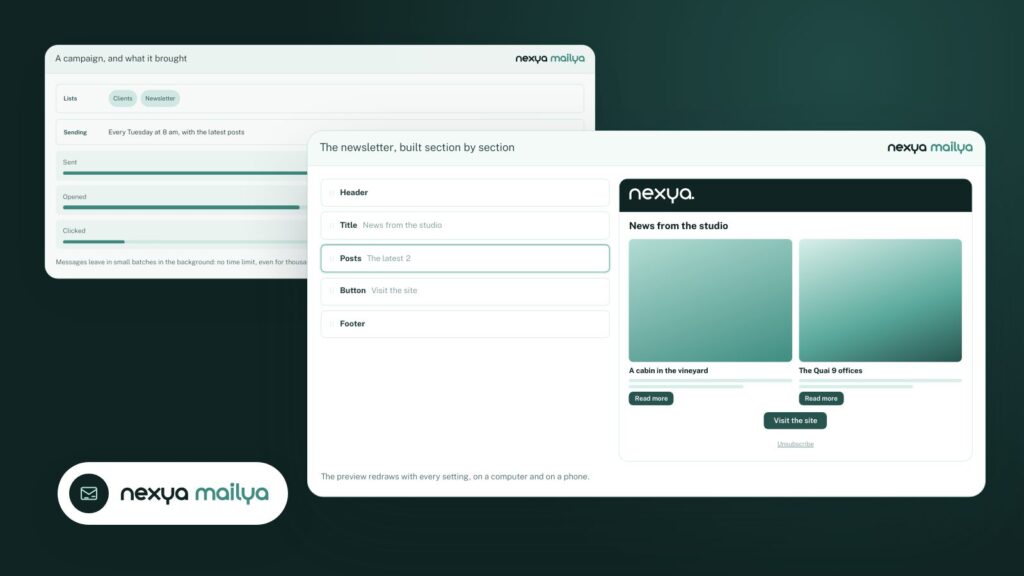
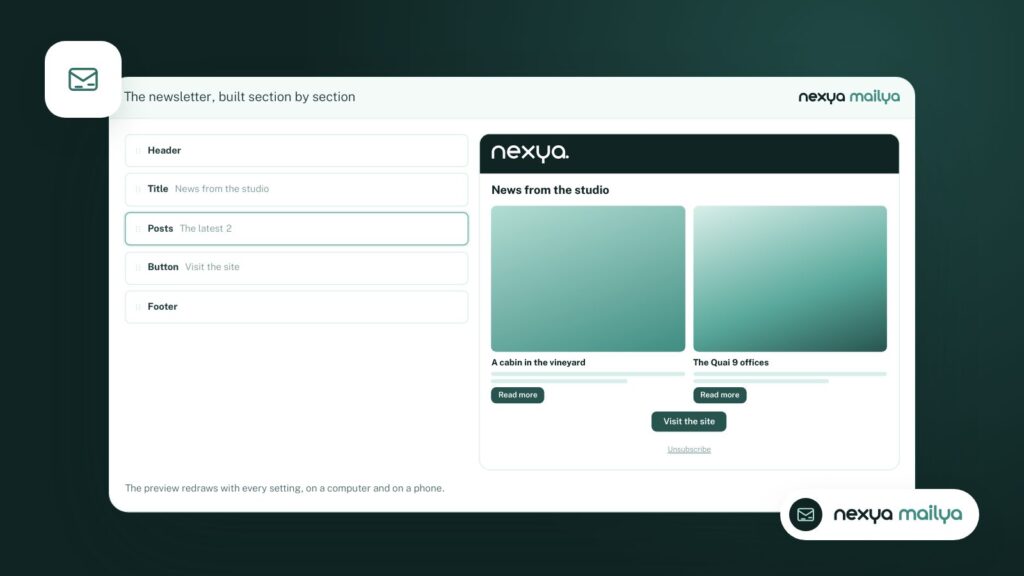
Mailya adds a newsletter editor to the administration: stackable sections (titles, paragraphs, site articles, images, buttons, separators), a mobile version that you can adjust separately, and contact lists managed directly on the site.
- site articles are inserted with their image and link;
- the subscription form uses the invisible captcha of the Emails module;
- an address whose domain cannot receive emails is rejected during registration;
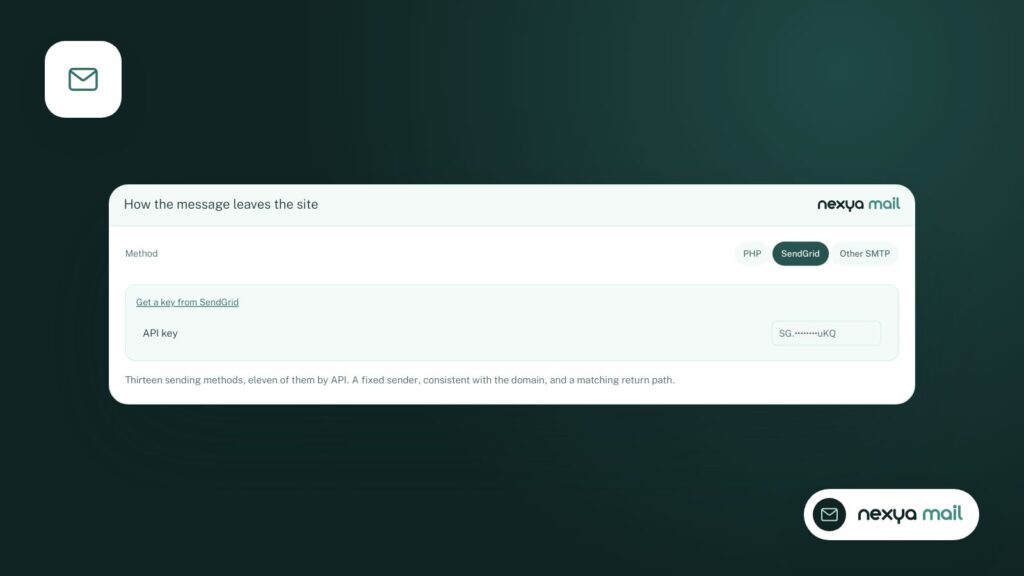
- messages are sent in the background, via the sending server you have configured.
The draft written by AI, based on your site
This is the part that saves the most time. One click, and the AI drafts a newsletter based on the articles published since the last send: a title, teaser paragraphs, the chosen articles with their image, and a button.
The AI also reads previously sent newsletters: it does not repeat what you have already said, and it maintains your tone.
The text arrives in Mailya’s sections, after what the message already contains: nothing you have written by hand is touched. The subject line and preview text are also suggested. You review, you correct, you send.
Your first newsletter with AI
-
1
Create a campaign
In Mailya, create a new campaign and choose the contact list.
-
2
Write with AI
One click: the AI adds a title, paragraphs, and your latest articles below what the message already contains.
-
3
Review and adjust
Correct the text, adjust the mobile version, and check the subject line and preview text.
-
4
Send
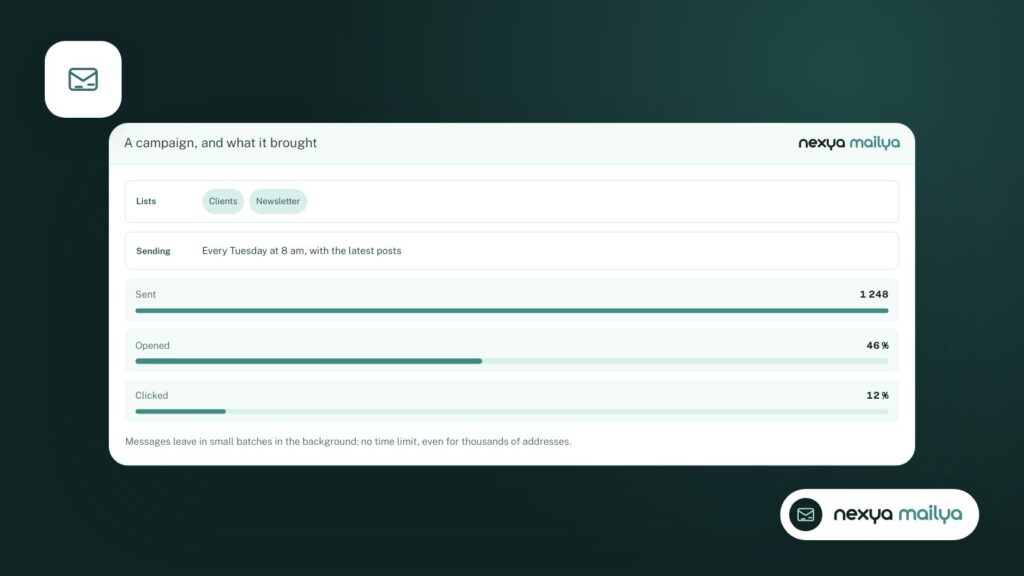
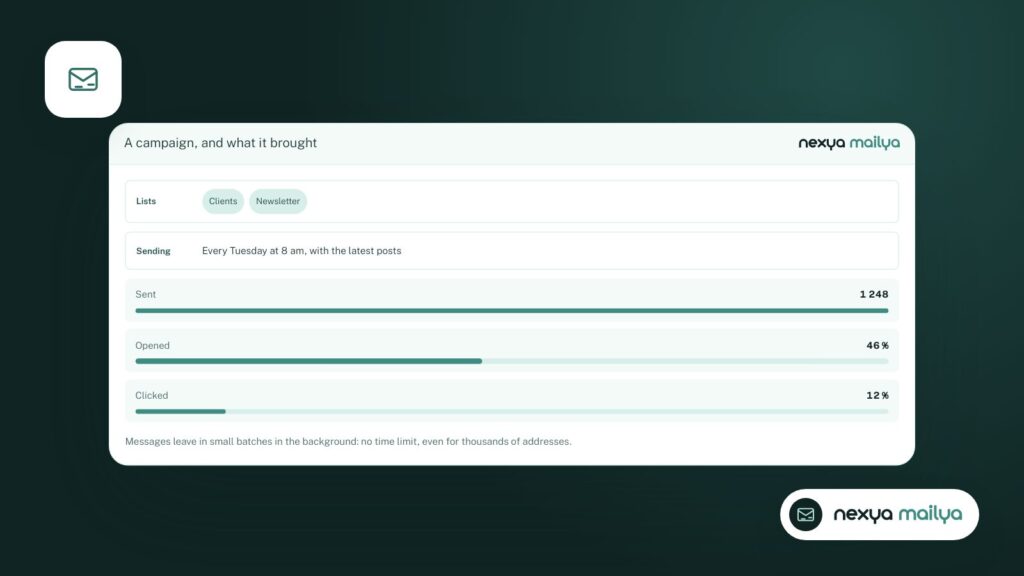
Check the preview, then send the campaign. Its results will be displayed in Mailya.
Which AI engine?
nexya uses the WordPress AI connector: you plug in the provider of your choice, with your own key, in Settings › Connectors. Nothing leaves the site until you click.
FAQ
Do I need a Mailchimp or Brevo account?
No. Mailya manages contacts and sending on your site. Messages are sent via the sending server configured in the Emails module, via SMTP or a provider's API.
Does the AI send the newsletter all by itself?
No. It writes a draft in the editor. You review it, modify it, and send it yourself.
Is Mailya included in the free version?
No, Mailya is part of nexya Pro, which offers a 7-day free trial.
The modules in this post
Try nexya Pro free for 7 days
Every module, newsletters and the page cache, on your site. No commitment.