Key points
- Repeaters, flexible content, clones, and relationships are free in NCF.
- The theme reads fields using get_field() and have_rows(), just like with ACF.
- Fields are translated along with the content, including repeaters.
WordPress custom fields are what turn a simple text editor into a tailored website: a price on a product page, a list of speakers for an event, an FAQ under an article. For a long time, the answer was the same for everyone: install ACF, then pay for ACF Pro as soon as you needed a repeater or flexible content.
nexya Custom fields (NCF) offers the same tools, for free, on as many sites as you want. To show what that looks like, let’s take an example right in front of your eyes: this blog.
An “Article” custom post type and its fields
The nexya.dev blog doesn’t use default WordPress posts. It has its own custom post type, “Article”, with URLs starting with /blog/ : it’s clearer for visitors and for Google alike. On this post type, an NCF field group adds what the block editor doesn’t know how to structure:
- an intro, the short text below the title;
- key takeaways, a repeater for a few points to remember;
- an FAQ, a repeater for questions and answers, converted into structured data for Google;
- related modules, a relationship to the module pages the article talks about.
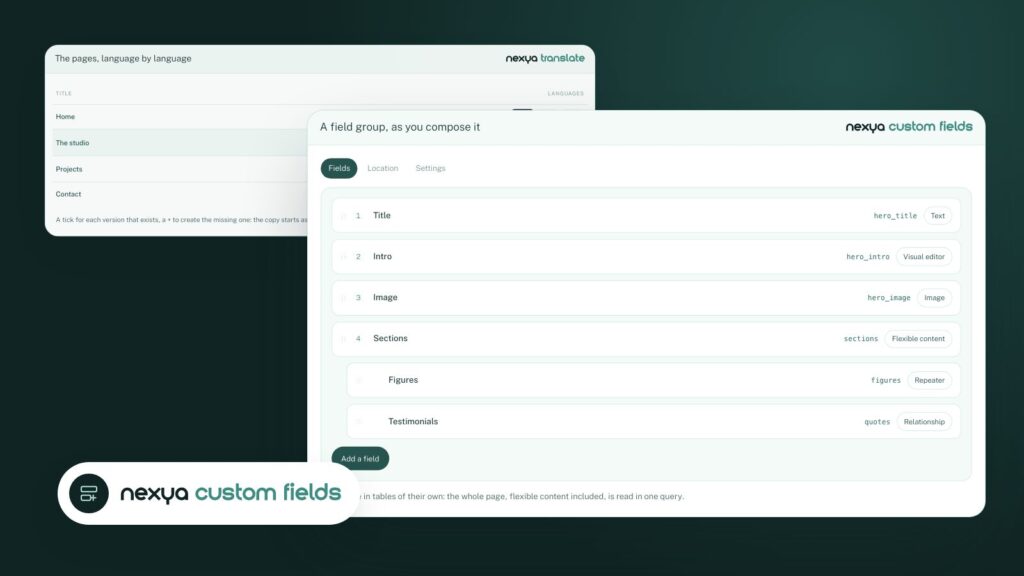
The group is set up in a few minutes within the NCF screen: fields are added, the location rule is set to “Post Type is Article”, and the fields appear in the editor.
Building blog fields, step by step
-
1
Enable Custom fields
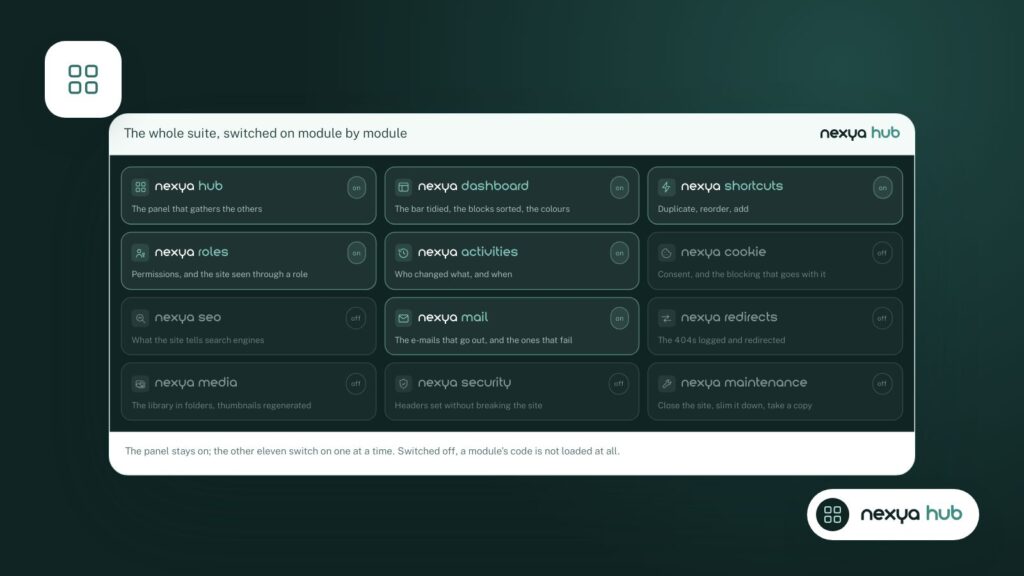
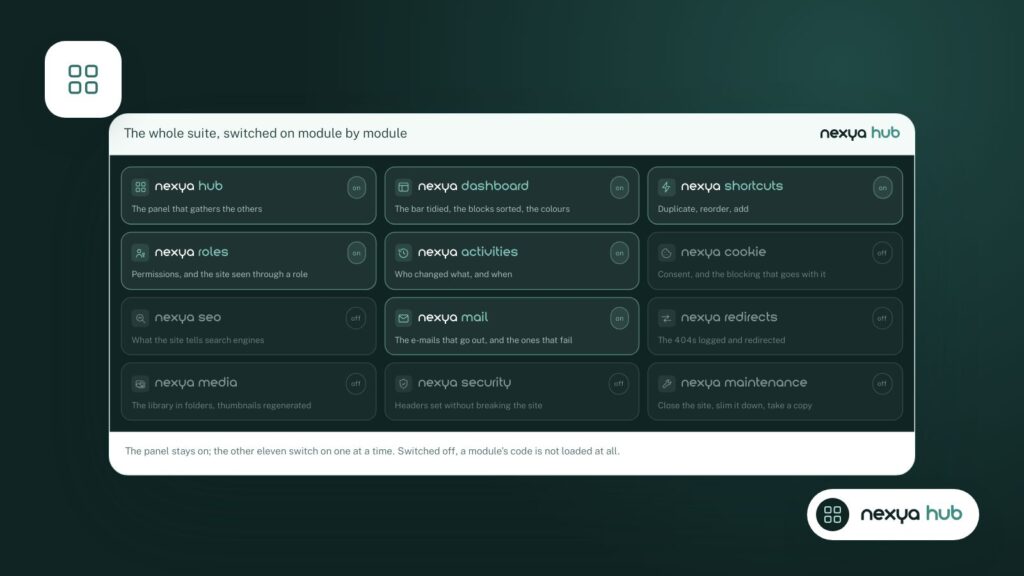
From the nexya hub, turn on the Custom fields module.
-
2
Create the "Article" group
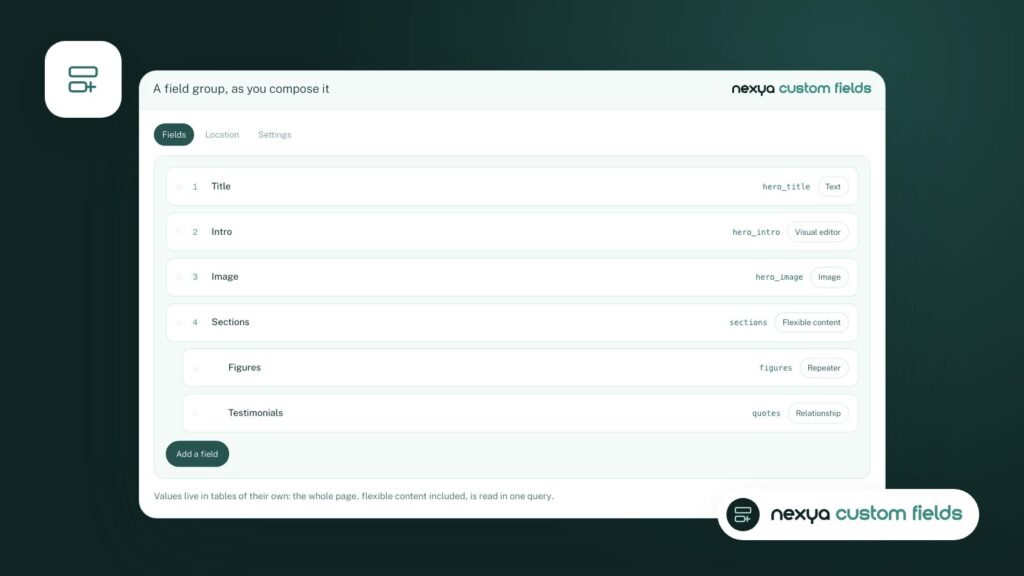
Add the fields: a text for the intro, a repeater for the main points, a question and answer repeater for the FAQ, a relation to the modules.
-
3
Place the group
In the Location tab, choose "Content type is Article". The fields appear in the editor.
-
4
Read the fields in the theme
In the single-article.php template, get_field('intro') displays the intro, and have_rows('faq') loops through the questions.
-
5
Translate
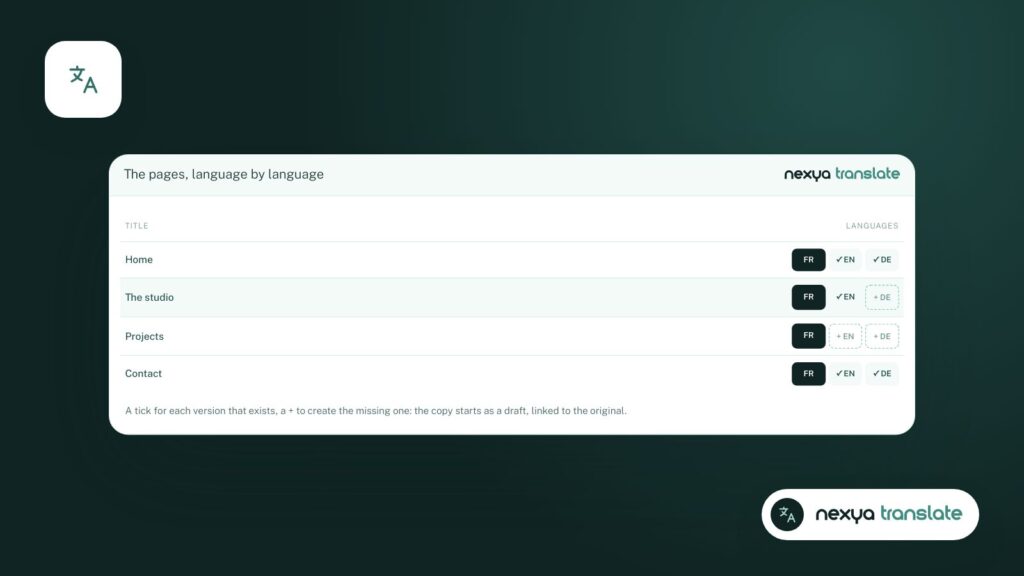
Open the translation editor: each field, including repeaters, appears alongside its translation.
Repeaters, flexible content, relationships: everything is free
This is the crucial difference with ACF: in NCF, there is no “Pro” version of the fields. The repeater, flexible content, groups, clone, accordion, relationships, options pages, and conditional logic are all part of the free version.
The values are stored in their own tables: an entire page, including flexible content, is retrieved in a single query.
Inside the theme, nothing new to learn
The page template reads the fields using the functions every WordPress developer knows: get_field(), have_rows(), the_row(). If your theme was written for ACF, it works as-is with NCF. And if ACF is still installed, the two coexist without conflicts.
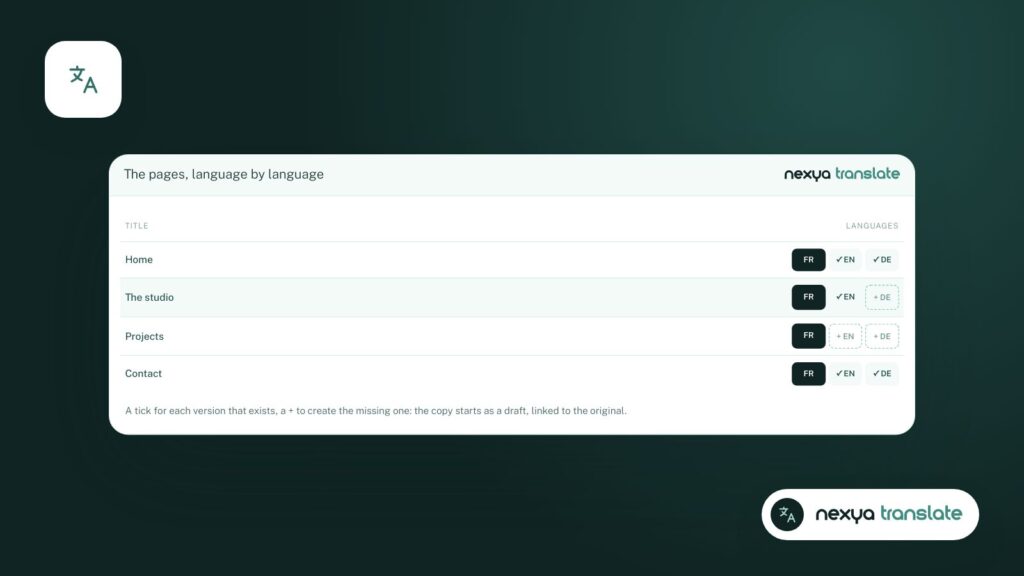
Fields can be translated too
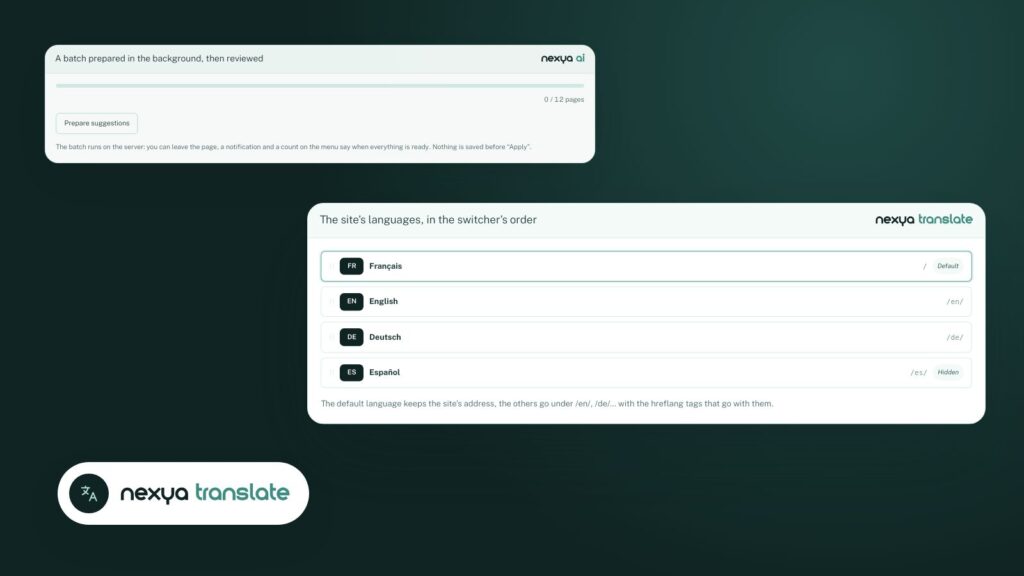
This blog is available in four languages. The nexya Translate translation editor shows each ACF field next to its translation, including repeaters: the intro, key takeaways and FAQ are translated with the rest of the article, manually or via AI with nexya Pro.
FAQ
Is the repeater really free?
Yes. In nexya Custom fields, all field types are part of the free version: including repeater, flexible content, group, clone, accordion, and relationships.
Does my theme written for ACF work with NCF?
Yes. NCF supports the same functions: get_field(), have_rows(), or the_row(). On a site without ACF, the theme works without modification.
Where are the field values stored?
In NCF's own tables, not in post meta. An entire page is retrieved in a single query.
The modules in this post
Try nexya Pro free for 7 days
Every module, newsletters and the page cache, on your site. No commitment.