
← Back to the modules

nexya shortcuts

Duplicate, reorder, add — three gestures placed on the content lists, so you stop doing them by hand

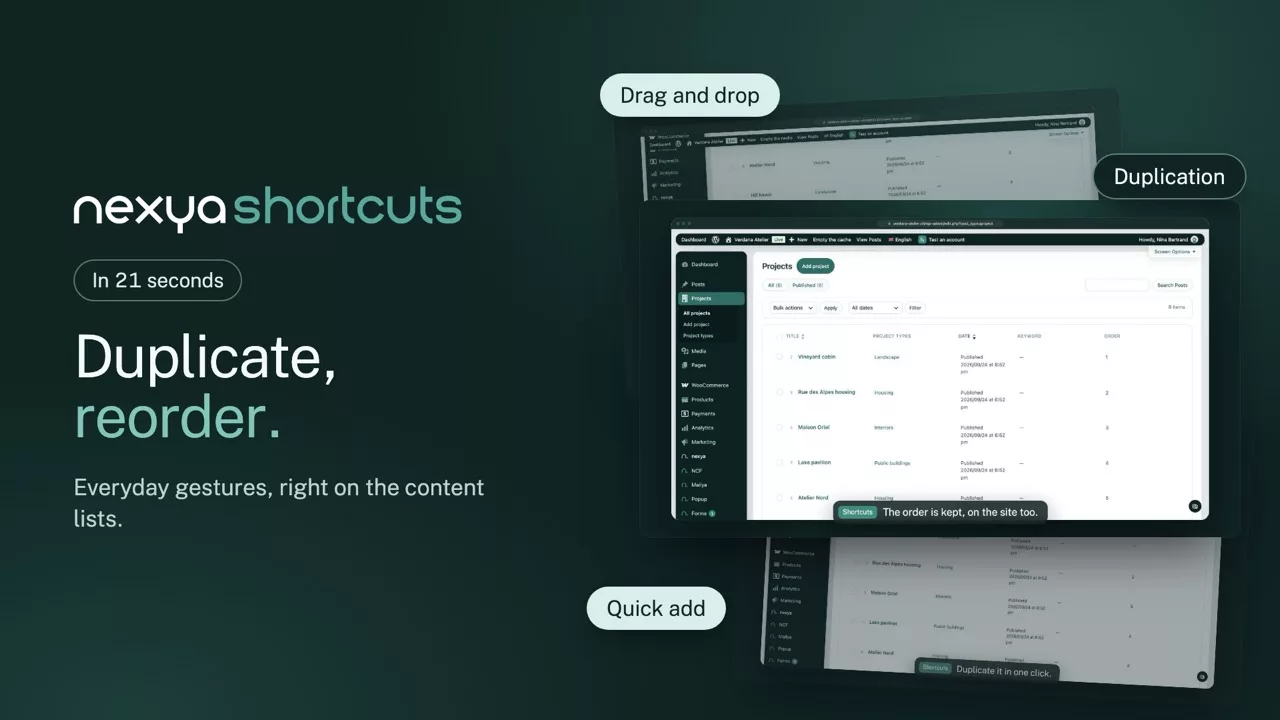
  • Duplicate without losing anything The content, the ACF fields, the taxonomies, the featured image and the children. The copy opens as a draft, ready to be edited
  • Reorder by dragging Order is set with the mouse from the list, content type by content type. No “order” field to fill in by hand on thirty entries
  • Add from the dashboard One button per content type, opening the creation screen directly. Three clicks saved, thirty times a week
  • It stays in the list None of these gestures asks you to open the entry. You work where you can see everything, not one screen at a time
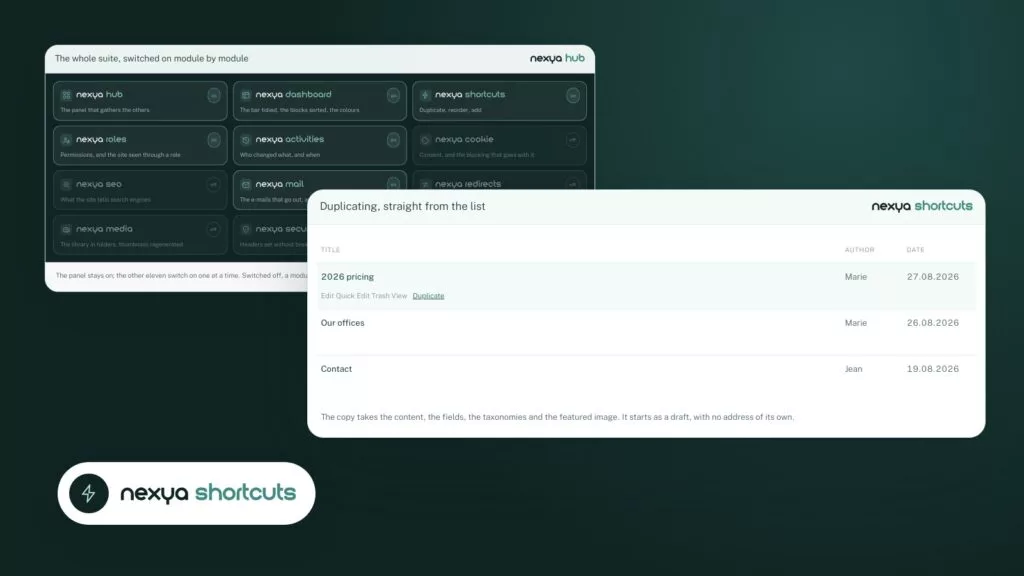
Duplicating, straight from the list nexya shortcuts
Title Author Date
2026 pricing Edit Quick Edit Trash View Marie 27.08.2026
Our offices Edit Quick Edit Trash View Duplicate Marie 26.08.2026
Contact Edit Quick Edit Trash View Duplicate Jean 19.08.2026

The copy takes the content, the fields, the taxonomies and the featured image. It starts as a draft, with no address of its own.
Reordering by drag and drop nexya shortcuts
Title Order
  • Home
  • Our services
  • Our offices
  • 2026 pricing
  • Contact

Grab the handle and drop the row where it belongs; the arrow keys do the same. The order is written into the column WordPress already uses: it applies to the site as well as the admin, with no field to fill in by hand.

Three gestures, one moment

Duplicating a page to make a variant, moving a service up the list, creating a news item: three different things, but they happen at the same moment — the one where you fill a site. Grouping them saves installing three plugins that do not talk to each other.

What duplication carries over

The title, the content, the excerpt, every custom field including repeaters and flexible content, the taxonomies, the featured image, the page templates, and any child content. What it does not carry: the publication date, the comments and the status — the copy is born a draft, never live by accident.

Order is the site’s data

Reordering writes the order into the field WordPress provides for it, not into a table of our own. If the module is switched off one day, the order stays: it is the theme that reads it, not us.

Free

Duplication, reordering, quick add

Pro

Duplicating child pages, ordering applied to every content type, custom buttons

The suite

The other modules