Key points
- Title and meta description suggested based on the text and main keyword.
- Descriptions and alt texts prepared in batches, then reviewed before saving.
- Internal links, correction, and share image, always by suggestion.
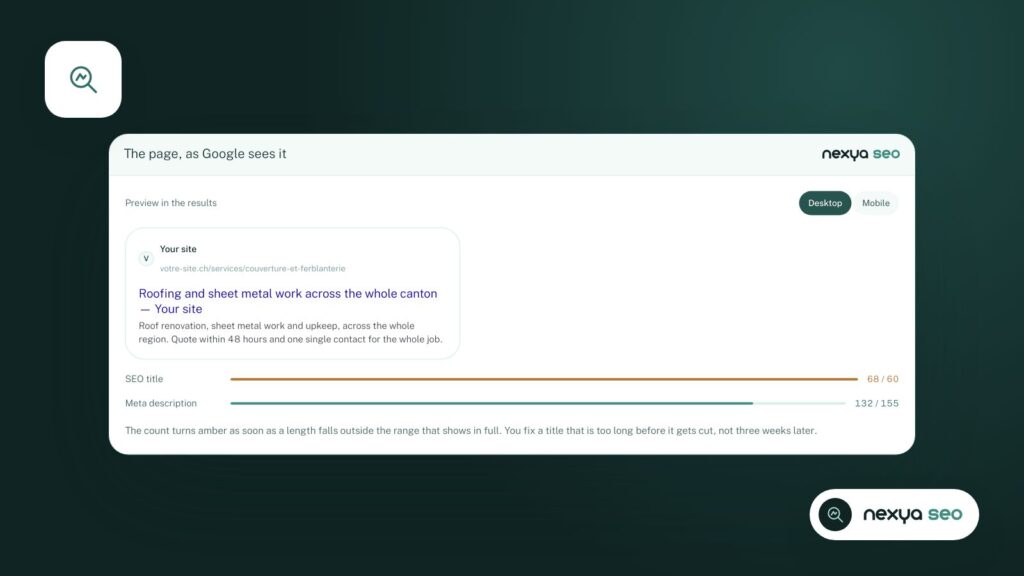
On a fifty-page site, writing an SEO title and meta description for each takes a day. On a five-hundred-page site, no one does it. Result: Google invents its own snippets, which are often awkward. The nexya SEO module suggests these texts for you, and lets you decide.
The title and description, drawn from the page
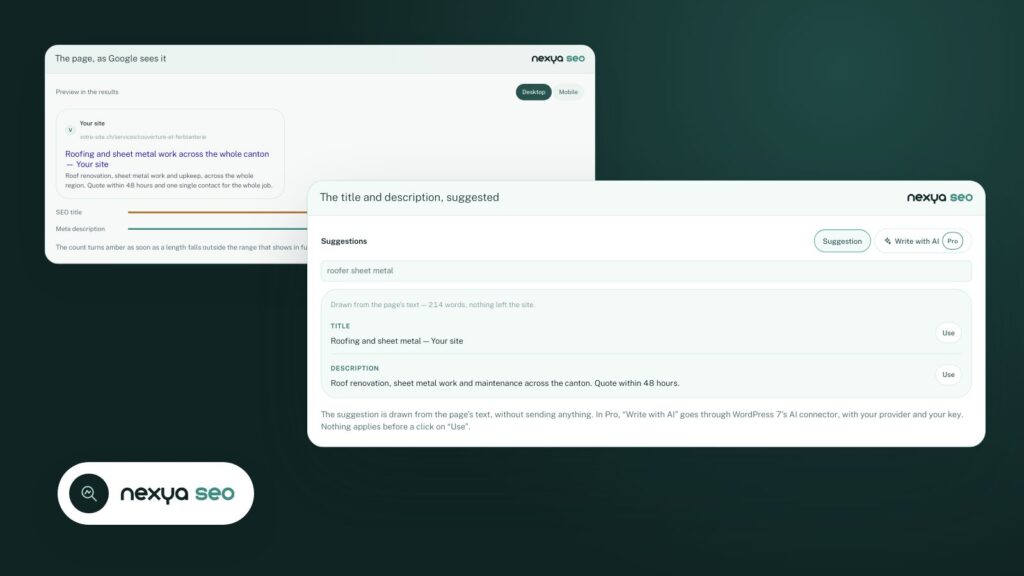
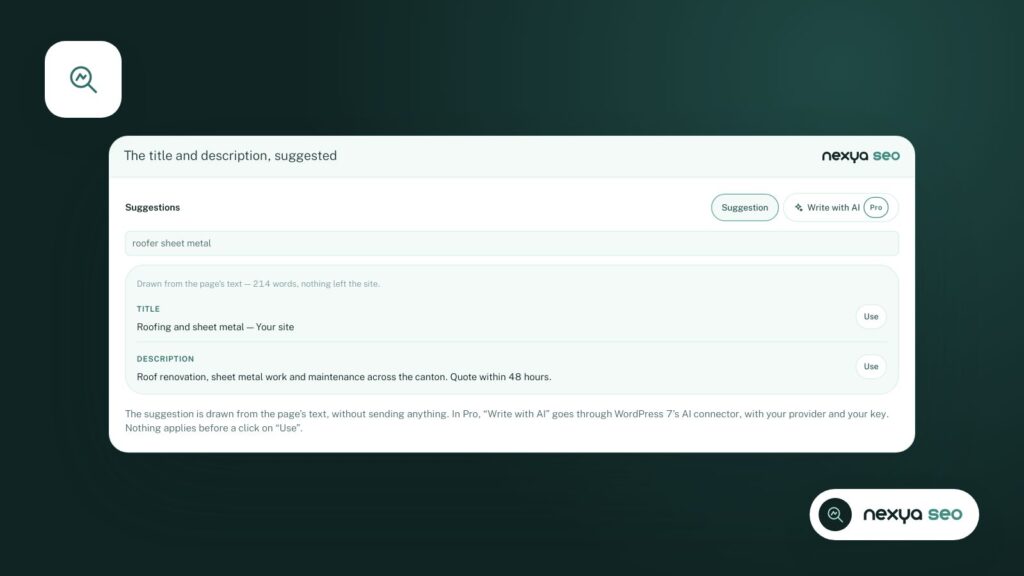
In the SEO box of each page, an “Write with AI” button suggests a title and a meta description based on the page’s text and the main keyword you provided. The suggestion appears alongside it: a second click applies it. Nothing is saved until you update the page.
Even without AI, the SEO box offers a suggestion derived from the text, and checks that the keyword appears where search engines read it: the title, the URL, the main heading, and the first paragraph.
An entire site at once
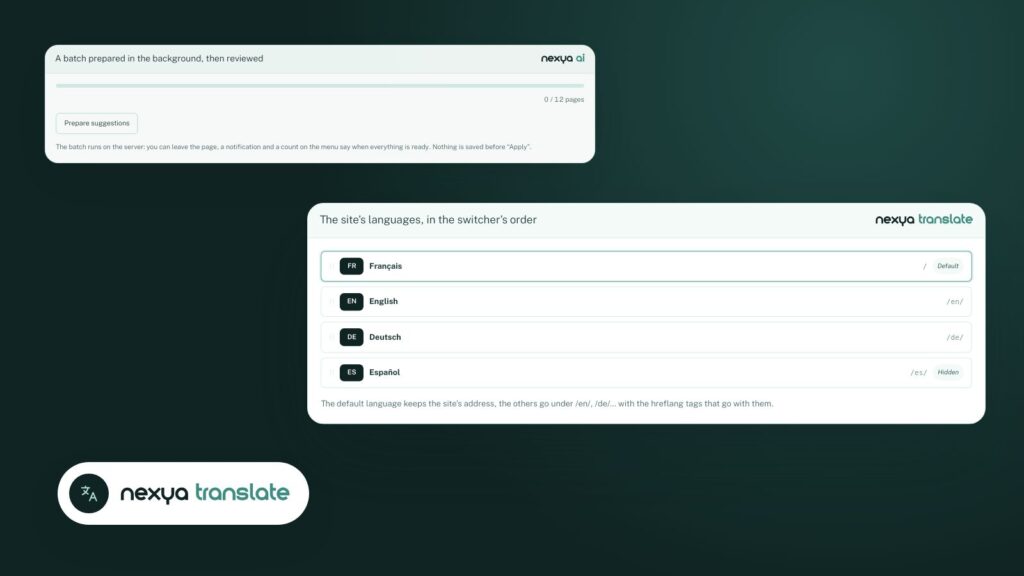
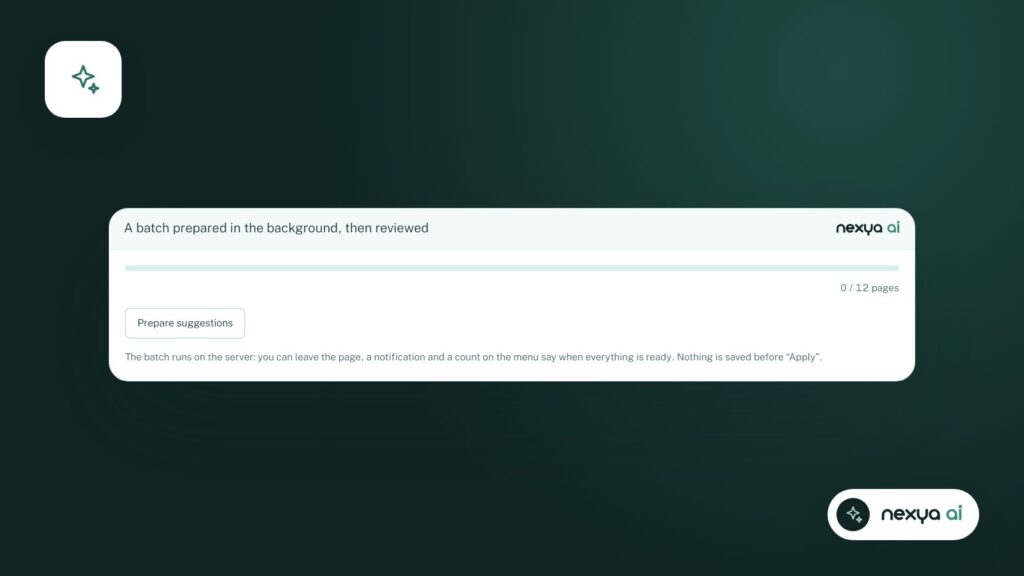
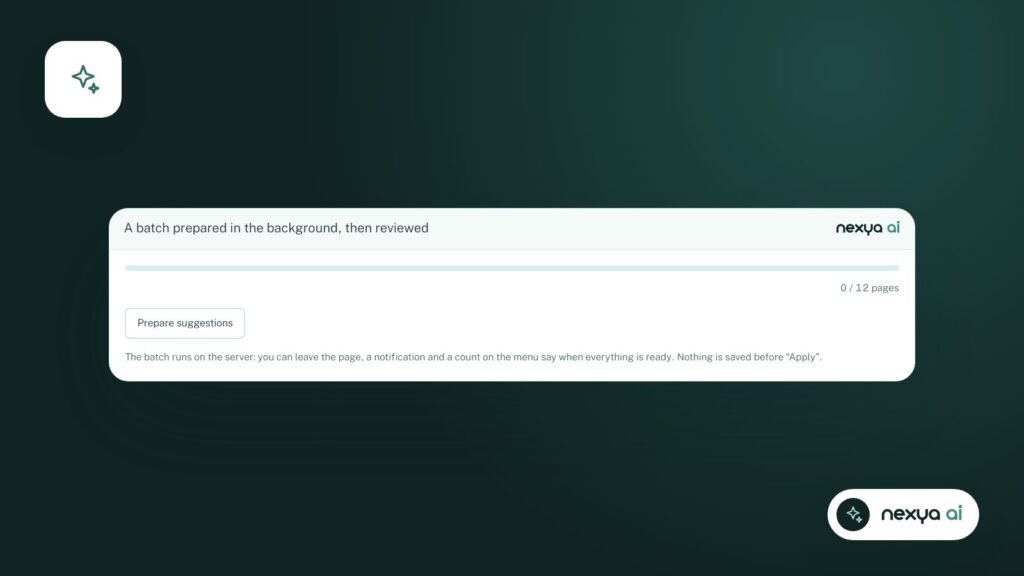
For sites that have accumulated pages without descriptions, the AI menu prepares suggestions in batches, in the background: SEO descriptions on one side, image alt texts on the other. A progress bar tracks the work, and you review all suggestions before saving them.
Descriptions for the entire site, step by step
-
1
Indicate the main keyword
In the page's SEO box, enter the search query you want it to appear for.
-
2
Write with AI
The button suggests a title and a description drawn from the page's text.
-
3
Apply
A second click places the suggestion into the fields. It is saved with the page.
-
4
Process the entire site
The AI menu prepares missing descriptions in batches. You review them before saving.
Internal links, corrections, and share images
- Internal links: a box identifies sentences in the text that could lead to your other pages, and the target page they would point to.
- Correction: a “Correct with AI” button checks the spelling and punctuation of a field without rewriting the text.
- Share image: the AI designs an image in social media format (1200 × 630) based on the share title and description.
The AI suggests, you decide: no suggestion is saved without your click.
Which AI?
The module uses the WordPress AI connector, with the provider and key of your choice. Image models cost more and are not included in all free plans: the AI tab flags this before you activate the button.
FAQ
Does the AI modify my pages without asking?
No. Each suggestion appears next to the field and is only applied after you click. Nothing is saved until the page is updated.
Do I need AI to use the SEO module?
No. Titles, descriptions, sitemaps, structured data, and llms.txt are free. AI suggestions are part of nexya Pro.
Which AI provider should I use?
The one you plug into WordPress Settings › Connectors, with your own key. The module's AI tab indicates a provider that allows for a free trial.
The modules in this post
Try nexya Pro free for 7 days
Every module, newsletters and the page cache, on your site. No commitment.