Key points
- Always test in an incognito window, logged out: you may have already responded to the banner.
- A banner missing for all visitors is almost always caused by a cache: plugin, host, Cloudflare.
- Options that delay or combine JavaScript often break consent banners.
- Only one consent tool on the site, never two.
- The nexya Cookies banner works behind a page cache and blocks server-side scripts until agreement.
Cookie banner not showing: start with your own browser
When a cookie banner does not appear, the first thought is usually a glitch. That is rarely the case. The most common and simple reason is that you have already responded to the banner on this browser, and the site remembers it. That is precisely its purpose.
Before touching any settings, open the site in an incognito window, or in another browser where you are not logged in. If the banner appears there, everything is working. You just need to clear the site’s cookies in your usual browser to see it again.
Also test while logged out of the admin area. Depending on the configuration, a logged-in administrator does not always see the page like a visitor, especially when caching is involved. The private window solves both issues at once.
- Private window or other browser
- WordPress session closed
- Site cookies cleared before a new test
Making the cookie banner reappear, in order
-
1
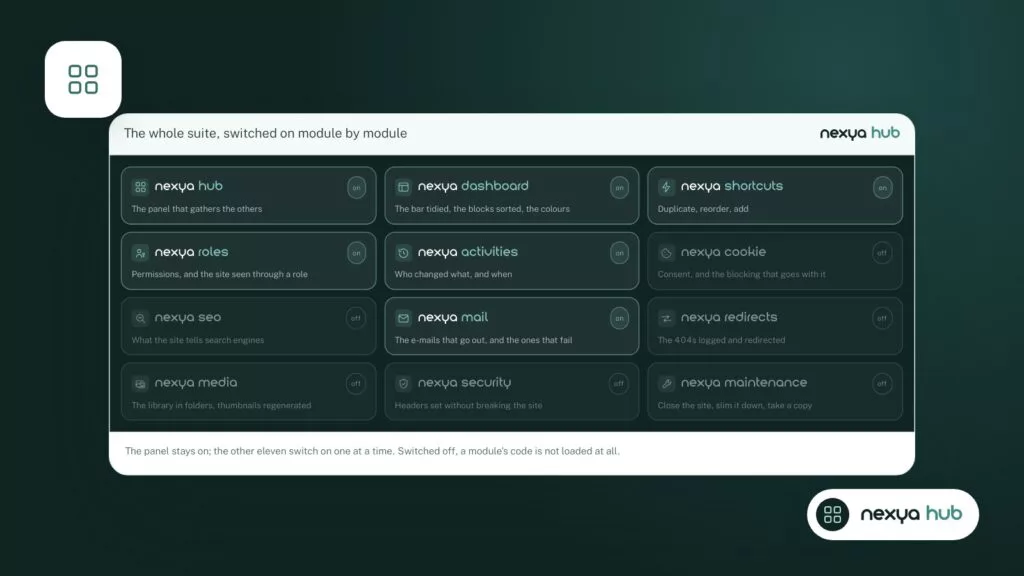
Verify that the Cookies module is turned on
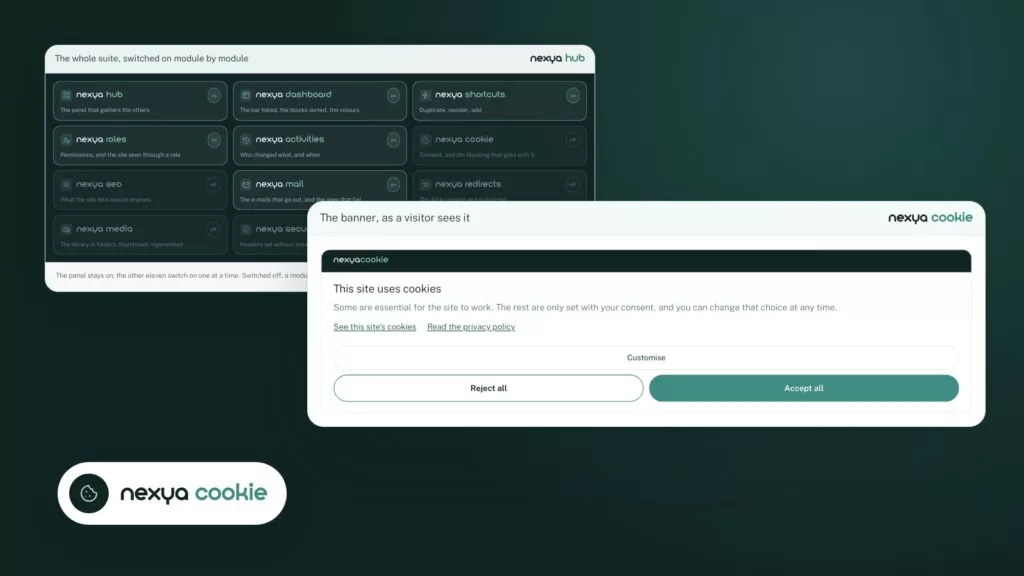
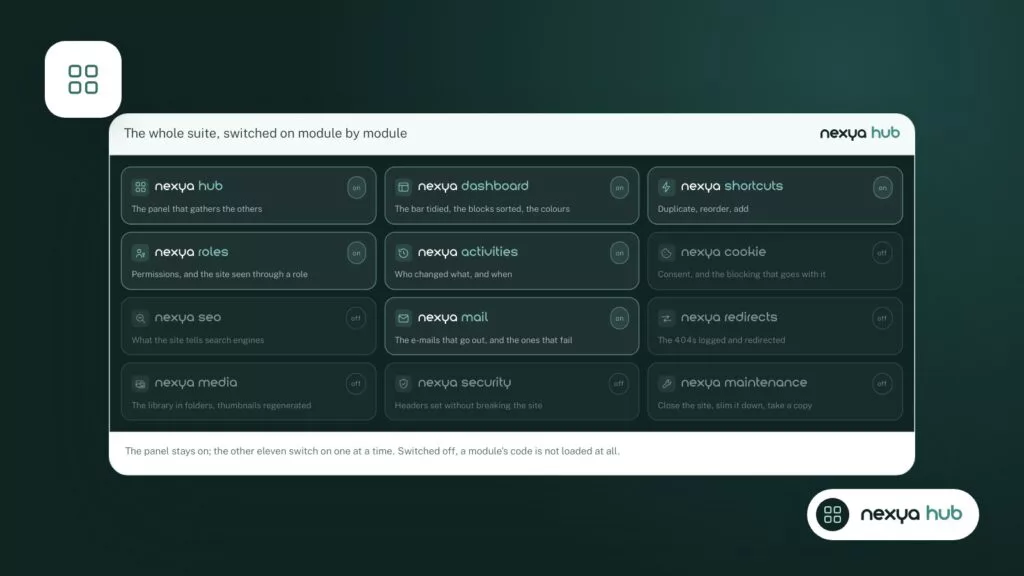
In the nexya hub, check that the Cookies module is active. A turned-off module records nothing and therefore displays no banner.
-
2
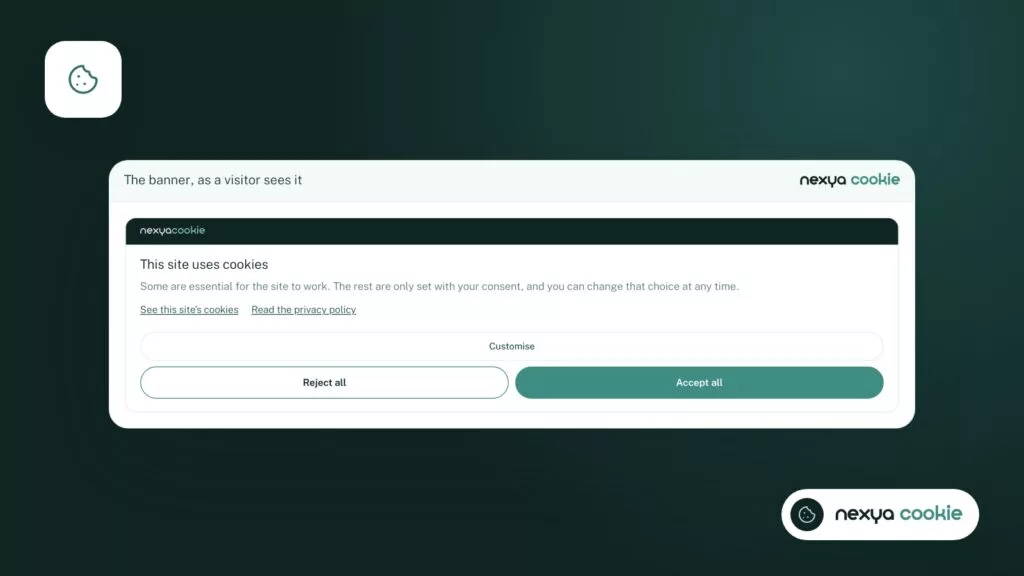
Test in an incognito window, logged out
Open the site in an incognito browsing window. If the banner appears there, it is working: you had simply already responded to it.
-
3
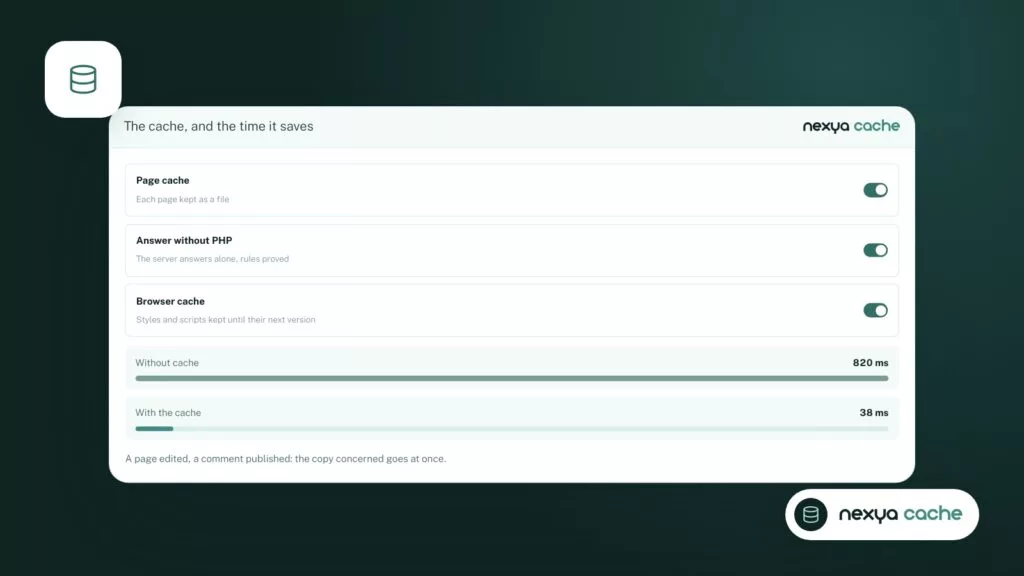
Clear all caches
Clear the cache of the caching plugin, the host's cache, and Cloudflare's cache if there is one. The nexya Pro page cache clears Cloudflare along with its own.
-
4
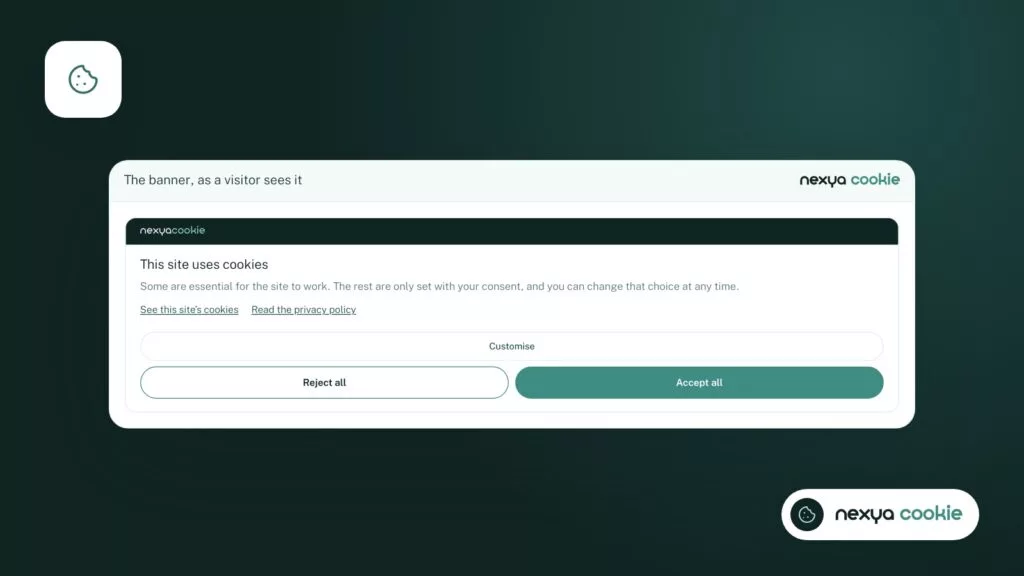
Rule out optimizations and other banners
Temporarily disable JavaScript delay and combination, then remove any other consent tool. Test again after each change.
-
5
Verify that scripts are waiting for agreement
Run the Cookies module scan, then verify in the browser's Network tab that nothing third-party loads before your response.
Page cache serves an older copy
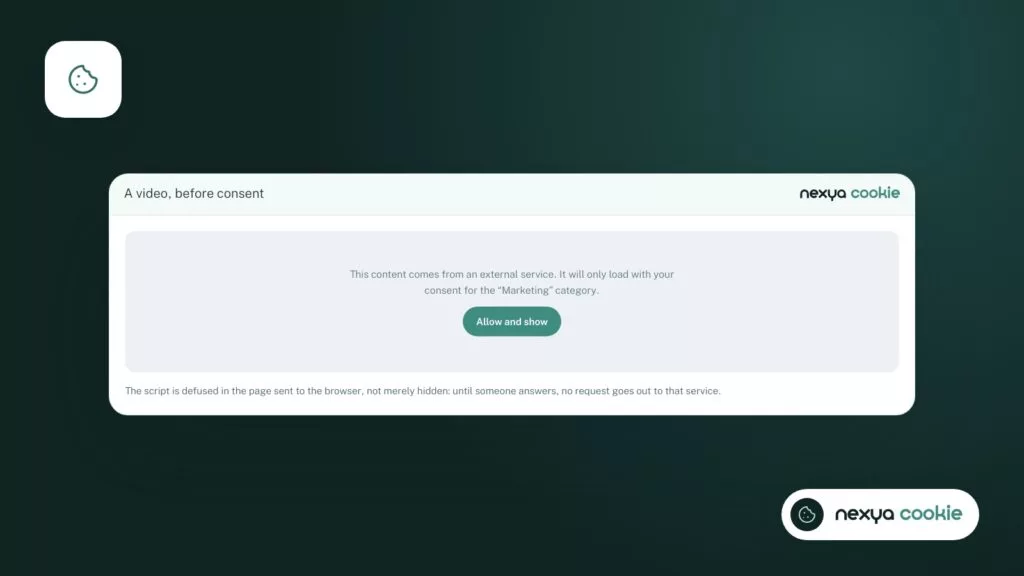
Second suspect, and by far the most common on forums: the cache. A page cache keeps a ready-made copy of each page and serves it to the next visitor. If this copy was made before the banner was enabled, or if the cookie plugin writes the consent status directly into the page, all visitors receive the same thing. The banner is missing for everyone, or shows up for someone who has already responded.
The cache can be located in several places: a cache plugin within WordPress, the host’s cache, and a network like Cloudflare in front of the site. After enabling or modifying the banner, clear them all, not just the first one.
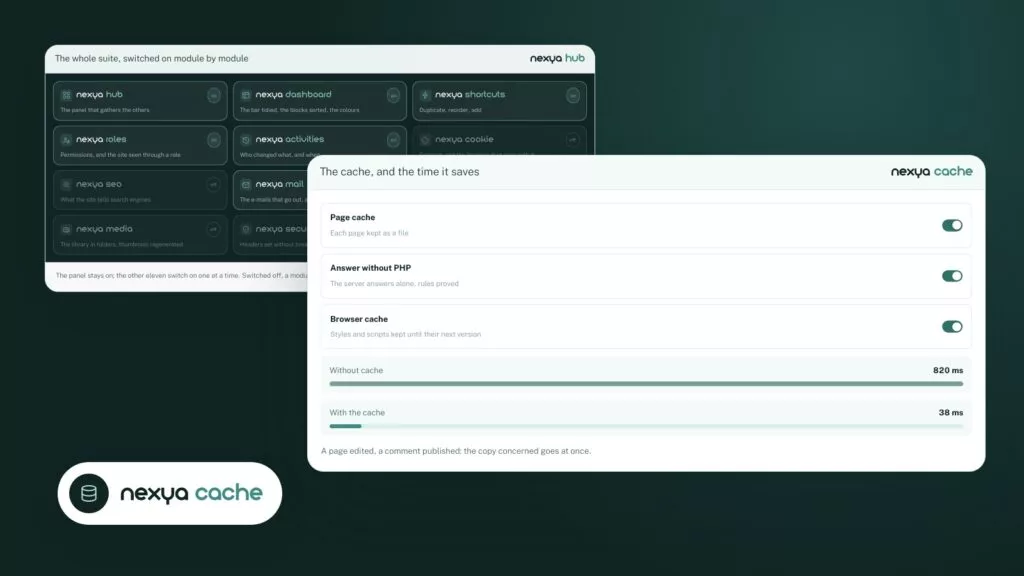
The nexya Cookies module banner is designed to work behind a page cache. If you use the nexya Pro page cache, it clears itself automatically when content changes, including upon saving in Elementor, and it also clears the Cloudflare cache along with its own: entirely, or only the addresses of the modified page. The host’s cache remains for you to clear on your end.
A banner missing for all visitors at the same time is almost always a cached copy.
JavaScript optimization delays or merges the banner script
Performance plugins often offer to defer JavaScript, combine it into a single file, or load it only upon the first mouse movement. For a consent banner, this is a classic source of issues. The script arrives too late, executes in the wrong order, or does not execute at all.
The typical symptom: the banner appears only after a click or a scroll, or never appears on mobile. To check this, temporarily disable these options, clear the cache, then test in an incognito window. If the banner comes back, re-enable the options one by one and exclude the banner script from the one that breaks it.
Same logic for CSS minification. If the banner is there but unstyled, it is often its stylesheet that has been merged or removed.
- JavaScript deferral (defer, delay)
- Merging scripts into a single file
- Loading on user’s first gesture
- Minification or removal of unused CSS
Two consent banners are competing for the page
It sometimes happens that a site keeps two consent tools: an old forgotten plugin, a banner provided by the theme, or an external service added by a script in the header. Both overlap, one masks the other, or each blocks the other’s scripts. Result: a banner that flickers, or none at all.
Make an inventory. Check active plugins, theme options, and codes added to the site header. Keep only a single tool.
With nexya, consent is a module you turn on or off from the hub. A turned-off module records nothing: none of its hooks execute on the site. Therefore, also check that the Cookies module is turned on and that no other banner is running alongside it.
The banner flickers or displays incorrectly
A banner that appears for a fraction of a second and then disappears is often due to one of the two previous cases: a cached copy made for another visitor, or two tools stepping on each other’s toes. Start there.
If the banner remains visible but is misplaced, clipped, or hidden behind another element, the cause usually comes from the theme: an overly broad CSS rule, a fixed header placed above everything, or a popup-type window opening at the same time. Test with a default theme to be certain.
For colors, the nexya banner uses the brand colors defined in the Colors tab of the settings, which can be inherited from the theme with a single click. More advanced customization of the banner’s appearance, such as service-by-service consent, is part of nexya Pro.
Once the banner is visible, verify that scripts are waiting
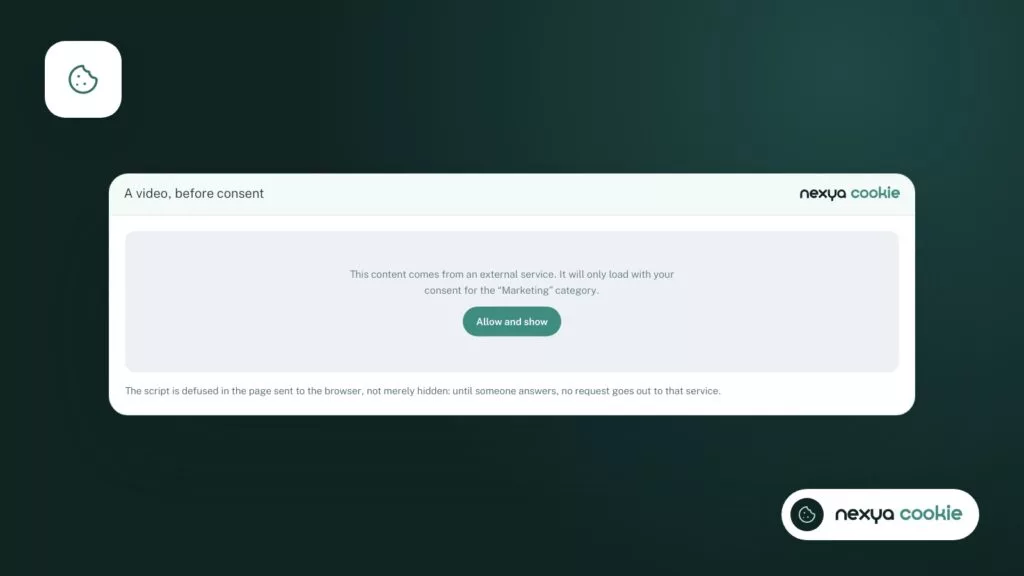
A displayed banner is not enough. What matters is that third-party scripts do not load before the visitor’s agreement. Many sites show a correct banner while the Meta pixel, a YouTube video, or Google Analytics are already loading underneath.
The nexya Cookies module blocks server-side scripts and iframes until consent is given. An embedded video stays in place, but does not load before agreement. The module also includes a site scan that detects third-party scripts present, so you know what needs to wait.
If you use Google Consent Mode set to advanced in Cookies, the SEO module’s Google tag loads immediately, in denied mode until the visitor gives consent. Google Ads thus finds the Google tag on the site, without any measurement being authorized before a response.
To check for yourself, open the page in an incognito window, open the browser’s developer tools to the Network tab, and see what loads before you click. Then test again after accepting, and after refusing.
- Nothing third-party loads before a response
- Everything loads after agreement
- Nothing loads after a refusal
FAQ
Why can't I see my cookie banner anymore even though my visitors see it?
Because you have already responded to it on this browser and the site remembers. Open an incognito browsing window, or clear the site's cookies, to see it again.
Does the nexya cookie banner work with a page cache?
Yes, it is designed to work behind a page cache. After activating or modifying it, clear every cache anyway, including the host's cache.
Does nexya's cache also clear Cloudflare?
The nexya Pro page cache clears Cloudflare's cache along with its own: entirely, or only the addresses of the page that changed.
Can the banner's appearance be adjusted in the free version?
The banner uses the brand colors from the Colors tab in the settings. The banner's appearance and service-by-service consent are reserved for nexya Pro.
How to know which scripts must wait for consent?
The Cookies module includes a site scan that detects third-party scripts. You can also check the Network tab in the browser's developer tools before responding to the banner.
The modules in this post
Try nexya Pro free for 7 days
Every module, forms, newsletters and the page cache, on your site. No commitment.