Key points
- Turnstile and reCAPTCHA most often fail because of keys linked to the wrong domain, a blocked script (cookie banner, CSP, optimization) or two captchas on the same page.
- nexya's Mail module includes a clean invisible captcha, without Google or Cloudflare: no keys to create, no third-party scripts.
- It protects comments, logins, and site forms, including Elementor forms.
- It filters bots, but offers neither rate limiting nor lists of blocked words or domains.
- The free transmission log and test message confirm that the form e-mail is actually sent out.
Turnstile or reCAPTCHA blocks the form: what’s happening
If you are looking for an invisible WordPress captcha, it is often after an unpleasant surprise: a client reports that the contact form no longer sends, or you see “Configuration error detected” yourself under the submit button. On the WordPress.org forums, the issue comes up every week, with both Turnstile and reCAPTCHA.
The principle of both services is the same. A small verification runs in the visitor’s browser, and then the site asks the third-party service whether this verification is valid. Therefore, three things must work together: the script loaded from Google or Cloudflare, the keys entered in your form plugin, and your server’s call to the service at the time of submission.
When any of the three is missing, the result is always the same for the visitor: a form that spins endlessly or refuses submission. And for you, lost messages without your knowledge.
The most frequent causes
Before switching tools, it is worth understanding where the blockage comes from. Forum topics almost all boil down to one of these situations.
- The keys do not match the domain: site copied to a test environment, switch from www to non-www, or new domain not declared with Google or Cloudflare.
- The key type does not match: a reCAPTCHA v2 key used where the plugin expects a v3, or vice versa.
- Two plugins each load their captcha on the same page, and the two scripts interfere with each other.
- The cookie banner holds back the Google or Cloudflare script until consent is given, and the visitor who refuses can no longer submit the form.
- A Content Security Policy (CSP) does not allow the service’s origin, and the browser blocks the script.
- An optimization plugin delays or groups JavaScript, and the verification no longer runs.
- The server fails to reach the service at the time of submission, so the server-side verification is never performed or fails.
Check before changing everything
Open the form page in private browsing mode, then open the browser console. An error mentioning the Google or Cloudflare domain usually indicates a blocked script: by the cookie banner, by the CSP, or by an optimization.
Next, check the keys in the service console: the exact domain of the site must appear there, and the key type must be the one your plugin requests. Finally, temporarily disable any other plugins that add a captcha to avoid having two.
If all of this is in order and the problem returns with every update, domain change, or plugin update, the question becomes a different one: do you really need a third-party service to filter bots from your forms?
An invisible WordPress captcha without Google or Cloudflare
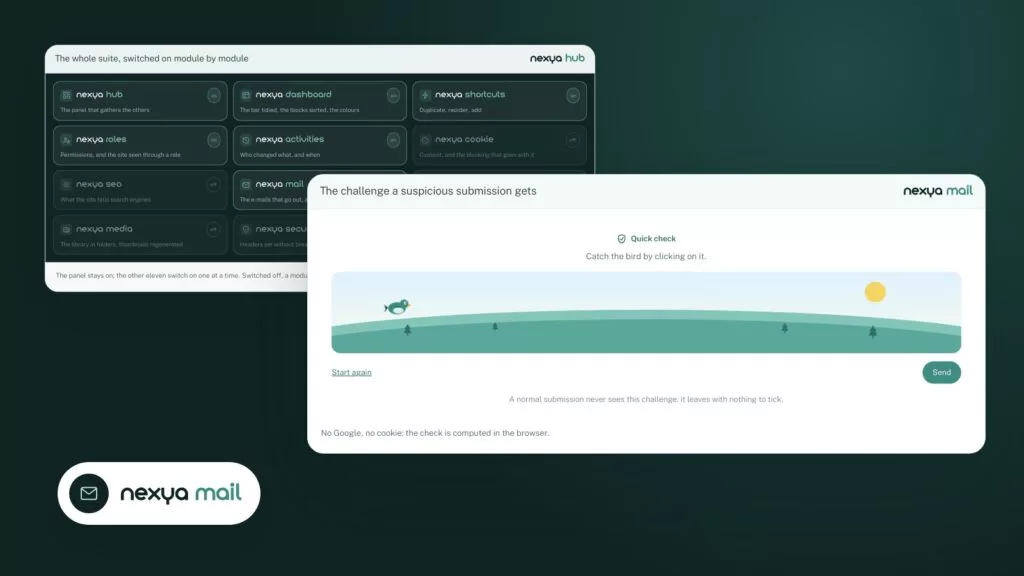
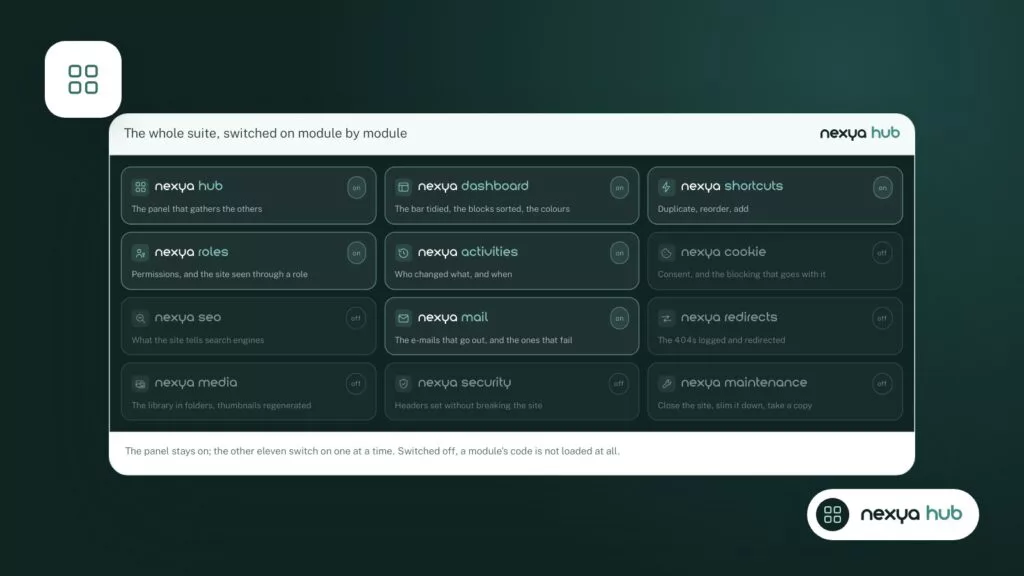
nexya is a suite of WordPress modules gathered in a single panel. The Mail module, which handles sending site emails, also includes an invisible captcha for site forms. It is specific to nexya: it goes through neither Google nor Cloudflare.
In practice, this eliminates most of the causes listed above. There are no keys to create in an external console, so no keys tied to the wrong domain. There is no third-party service script to load, so nothing for the cookie banner or CSP to hold back because of it. And the plugin sends nothing to a third party by default.
As for the visitor, they see nothing: no images to recognize, no checkbox to check. The form submits just like before.
No keys, no third-party scripts: fewer things that can break between the visitor and your inbox.
Replacing Turnstile or reCAPTCHA with nexya's captcha
-
1
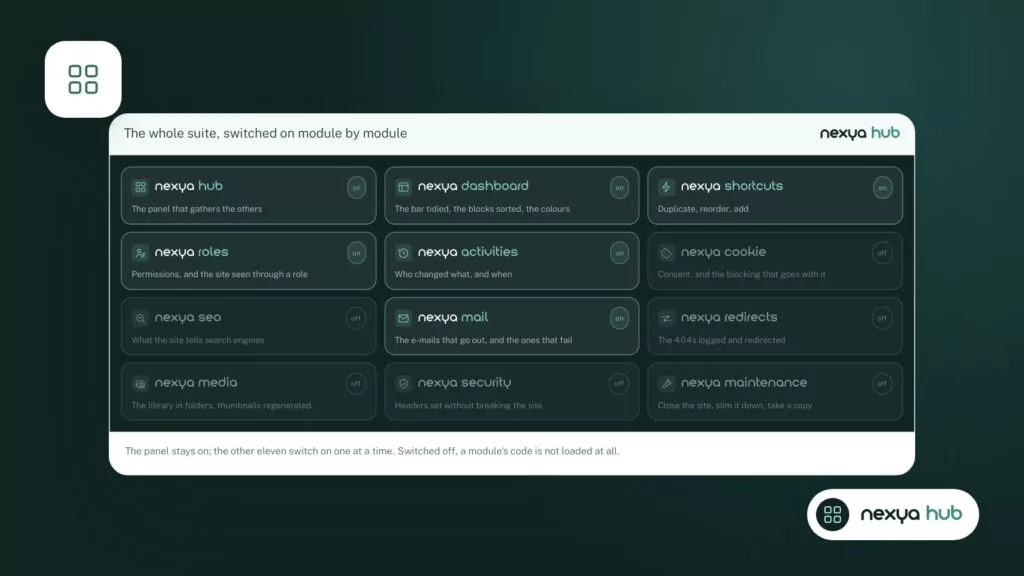
Turn on the Mail module
In the nexya panel, activate the Mail module from the list of modules. The change is saved immediately.
-
2
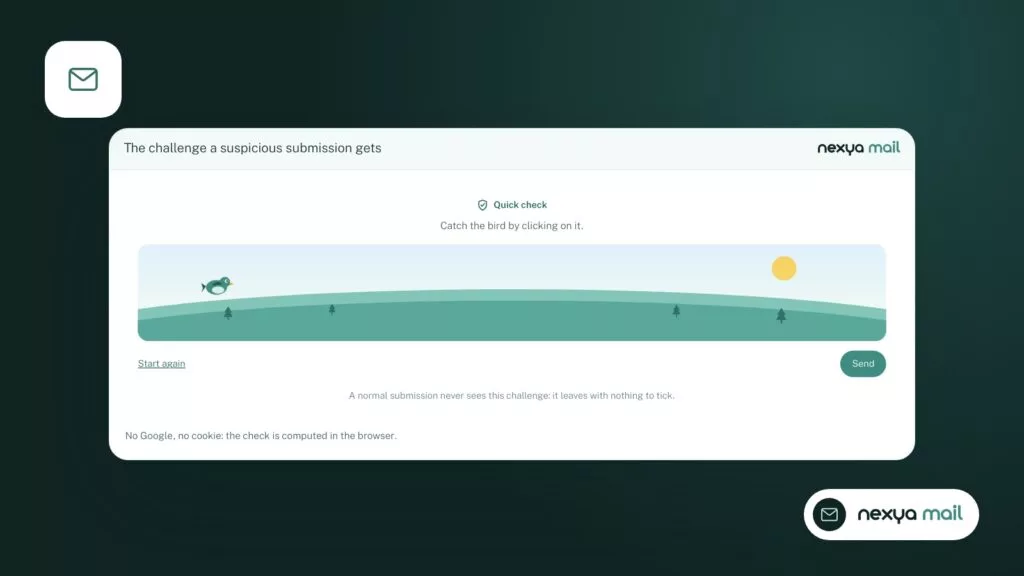
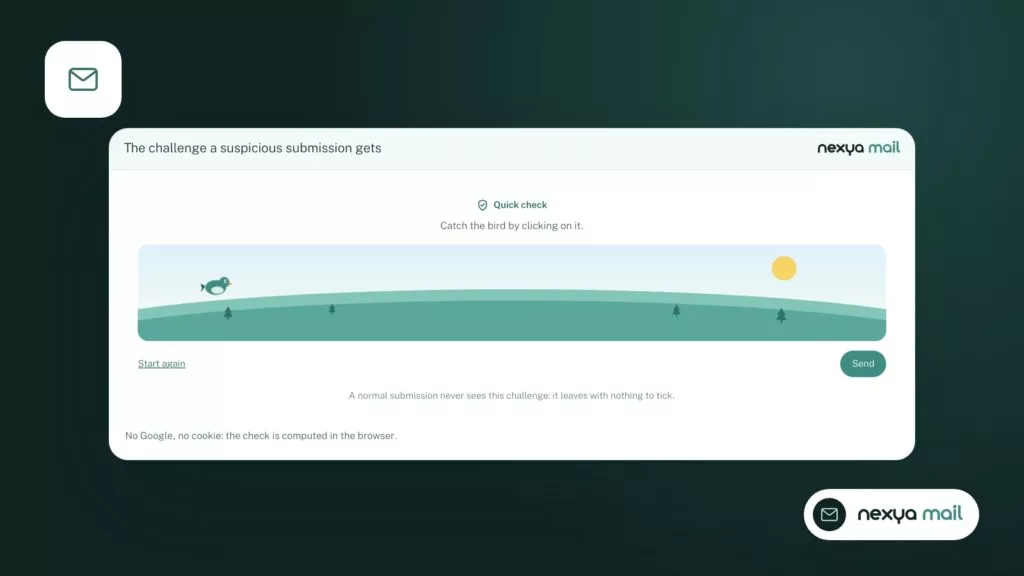
Activate the invisible captcha
In the Mail module, open the section dedicated to the captcha and enable it for the site's forms. No keys need to be entered.
-
3
Remove the old captcha
Disable Turnstile or reCAPTCHA in your form extension, or the extension that added them, to avoid having two verifications on the same page.
-
4
Test and check the log
Submit the form from a private window, then open the Mail module transmission log to verify that the e-mail was sent successfully.
Where nexya’s captcha applies
The captcha covers three areas where bots strike most often: comments, the login page, and site forms.
Elementor forms are supported. Version 1.2.26 fixed a specific issue: Elementor forms served from Elementor’s element cache lost their verification and were rejected with the message “Verification missing”. If you encountered this rejection, update the plugin.
With nexya Pro, the Mailya newsletter subscription form also goes through this captcha, and a single address receives at most one confirmation email per hour.
If you use another form plugin, run a real test after activation: submit the form from a private window and verify that the message arrives.
What the captcha does not do
A captcha filters bots. It does not stop a person who fills out your form manually to send you advertising.
nexya’s captcha does not currently offer submission frequency limits, nor a list of blocked words or domains. If you receive spam written by humans, it will need to be handled differently, for example with your email provider’s filtering rules.
Remember to also remove the old captcha once the new one is in place. Two verifications on the same form is precisely one of the causes of blockage described above.
Making sure the message actually arrives
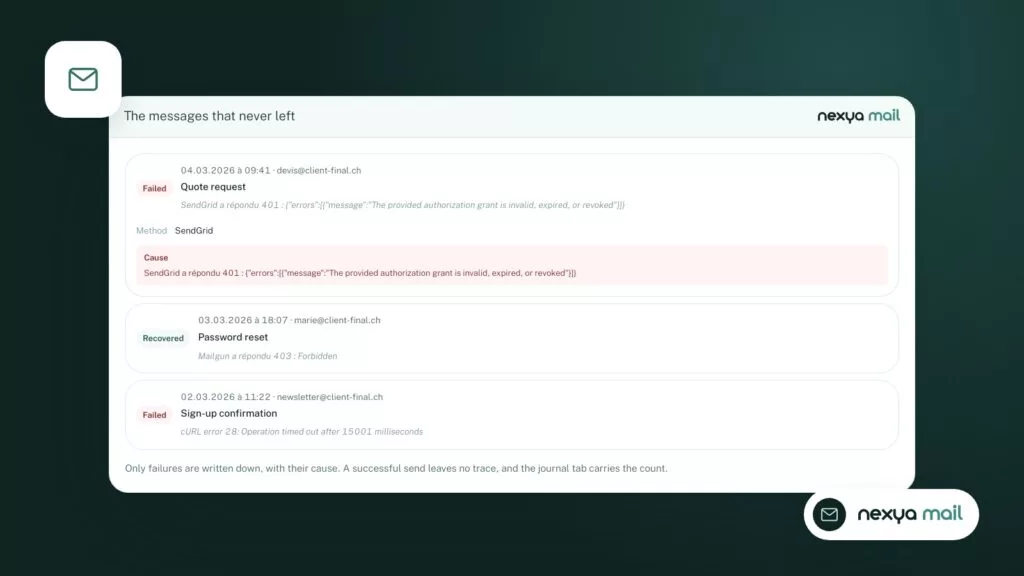
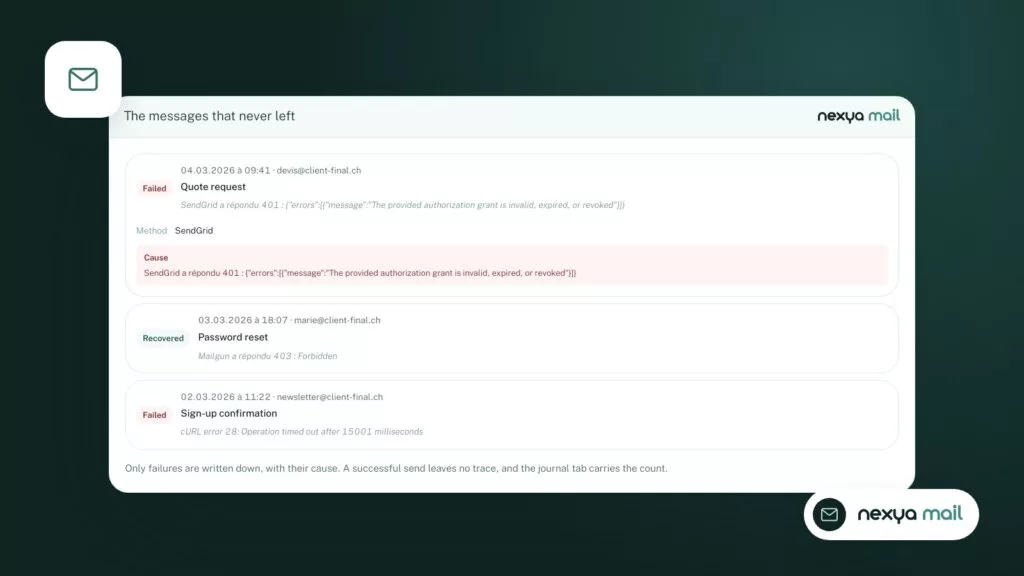
A form that passes the captcha is only half the battle. The email still needs to send and arrive. Many “captchas that block” are actually emails that are not sending.
The Mail module sends the site’s e-mails via SMTP or an API provider. It allows you to send a test message and keeps a transmission log, where each failure appears with its cause. After changing captchas, a glance at this log is enough to know whether the form successfully produced an e-mail, and whether it went out.
With nexya Pro, the Mail module adds a second sending server and alerts in case of failure.
What is free, what is Pro
The Mail module is free, captcha included, on as many sites as you want. The transmission log and the test message are also in the free version.
nexya Pro, sold on nexya.dev, adds among other things the second sending server, failure alerts, and Mailya for newsletters, whose registration form benefits from the same captcha. Pro uses the settings from the free version.
A clarification: multisite networks are not supported. On a network, the extension remains disabled and indicates so.
FAQ
Why does Turnstile display "Configuration error detected"?
Most of the time, the key does not match the site's domain or it is entered incorrectly in the extension. Check the domain declared in Cloudflare and the key pair. nexya's captcha does not use a key, so this type of error does not occur.
Does nexya's captcha send data to Google or Cloudflare?
No. It is specific to nexya and goes through neither Google nor Cloudflare. By default, the extension sends nothing to third parties.
Is the invisible captcha free?
Yes. It is part of the Mail module, which is free on as many sites as you want.
Does it work with Elementor forms?
Yes. Version 1.2.26 fixed the "Verification missing" rejection for Elementor forms served from Elementor's element cache.
Does the captcha stop all spam?
It filters bots. It does not offer submission rate limiting or a list of blocked words or domains, so it does not stop manually written spam.
The modules in this post
Try nexya Pro free for 7 days
Every module, forms, newsletters and the page cache, on your site. No commitment.