Key points
- nexya's activity log indicates who modified what, with the before and after values.
- ACF fields are tracked like the rest of the content.
- The log is free. Rollback from the log and longer retention are part of nexya Pro.
- A module disabled in the hub records nothing and runs no code on the site.
What a WordPress activity log is used for
A WordPress activity log answers a question that almost always comes up after the fact: who edited this page, and what changed? On a site where multiple people work, such as an agency, a client, and a writer, the question comes up quickly. It often arrives at the wrong time, when a price has changed, text has disappeared, or a setting is completely messed up.
WordPress keeps revisions for posts and pages. They are useful, but they don’t cover everything and don’t provide an overview. To find out what moved on the site during the day, you have to open the content one by one.
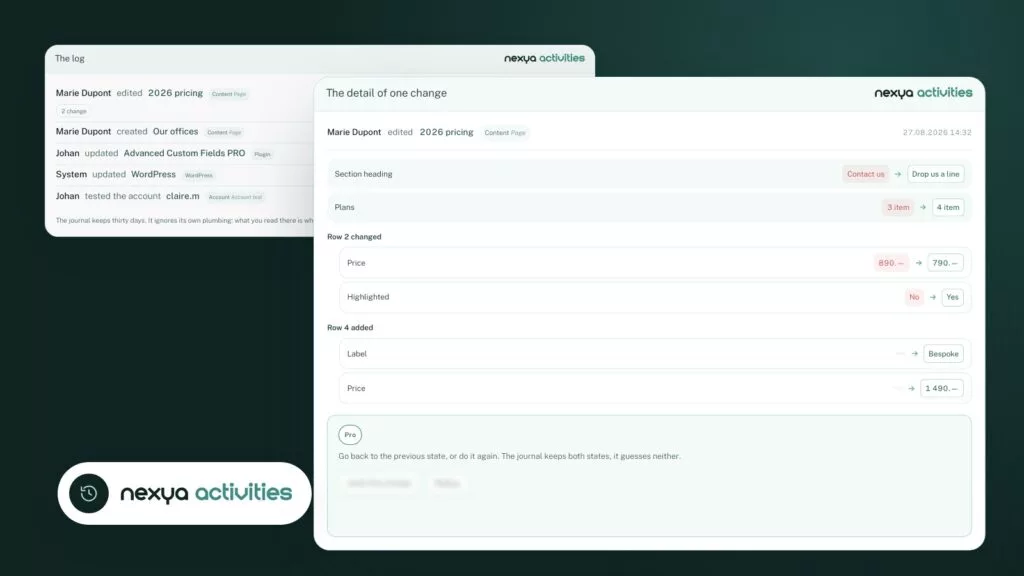
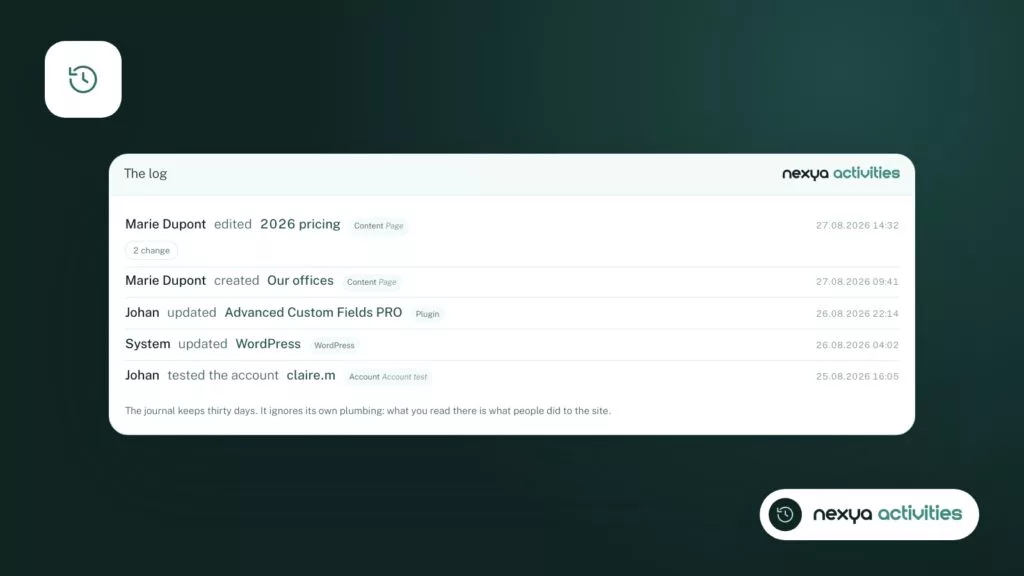
nexya’s Activity Log module brings this information together in a single list. Each entry indicates who made the change and on which content. It also keeps the before and after values.
Setting up the activity log in three steps
-
1
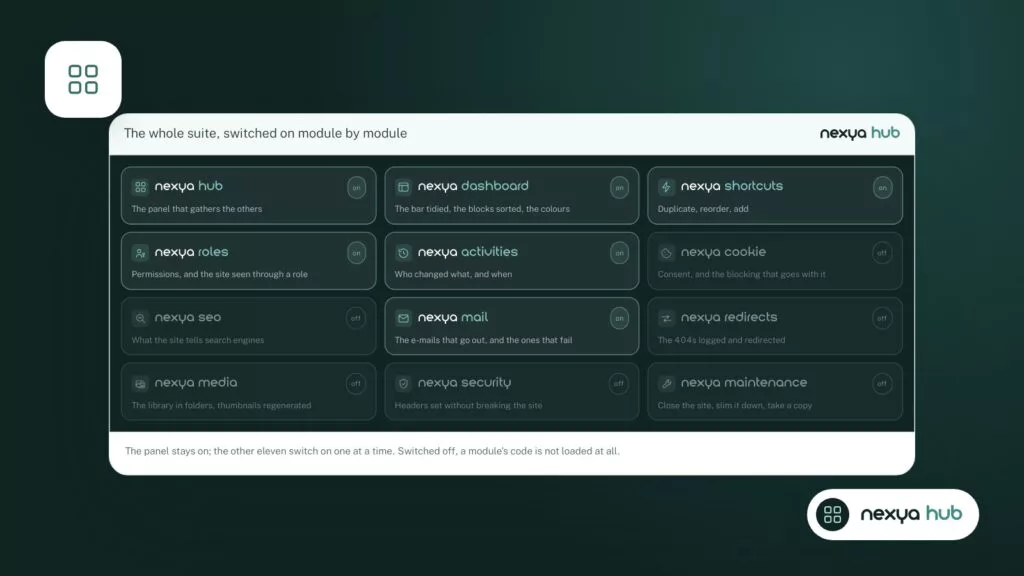
Enable the module in the hub
In the nexya panel, activate the Activity log module. The change is recorded immediately. From then on, changes made to the site are noted in the log.
-
2
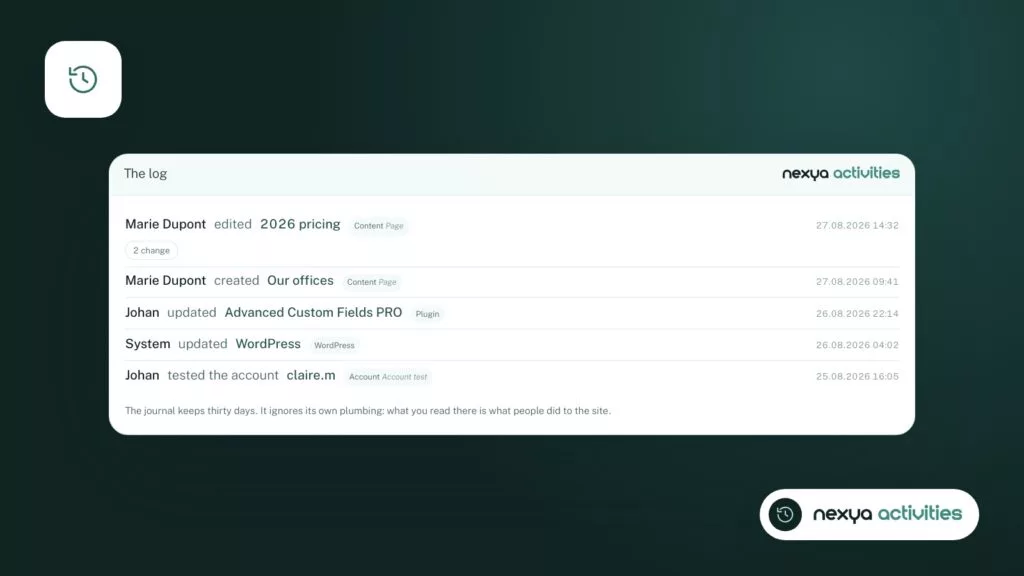
Read the log entries
Open the log. Each entry shows who made the change and on what content. You just need to locate the page or field you are interested in.
-
3
Open a change
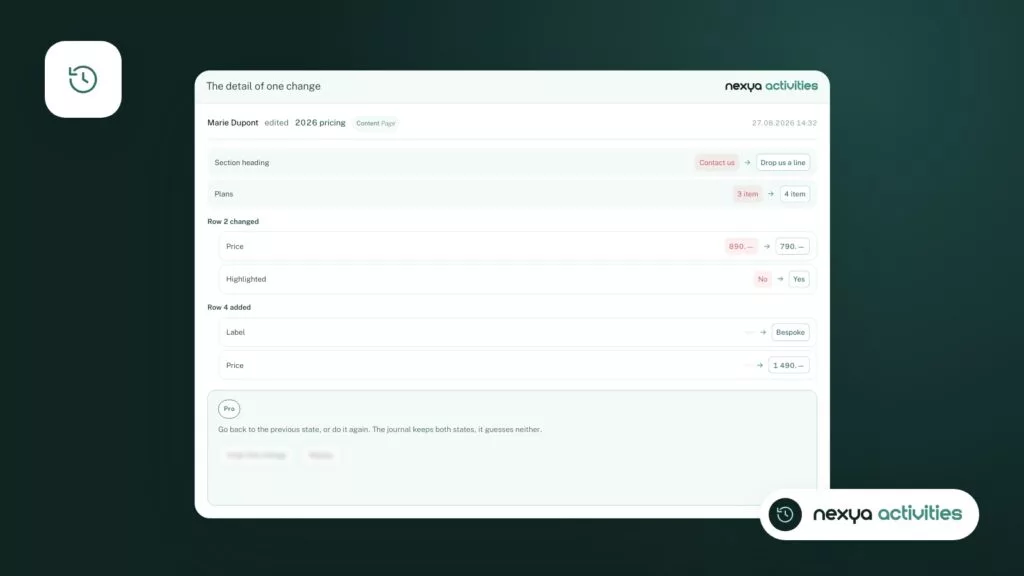
Open an entry to see the before value next to the after one, including in ACF fields. With nexya Pro, you can undo the change from that entry.
Before and after, not just “modified”
Knowing that a page has been modified is not enough. If you don’t know what changed, you still have to visually compare two versions, or ask the person what they touched, assuming they remember.
nexya’s log keeps both states. By opening an entry, you see the old value and the new one side by side. A spelling correction and a deleted paragraph can then be distinguished at a glance.
This is especially useful when you are not the author of the change. The site manager, who didn’t change anything themselves, can understand what happened without having to piece the history back together.
A log that only says “modified” leaves all the work to be done. With before and after, you already have the answer.
Down to custom fields
On many sites, most of the content is not in the page editor. It is in custom fields: a price, a date, an address, a list of team members. These are often the values that change without anyone noticing.
nexya’s activity log also tracks ACF fields. When a value changes in a field, the entry shows that value before and after, just like the rest of the content.
So you no longer have to guess who changed the price displayed on a product sheet or an event date. The answer is in the log, with the person’s name.
- Who made the change
- Which content was affected
- The before and after values, including in ACF fields
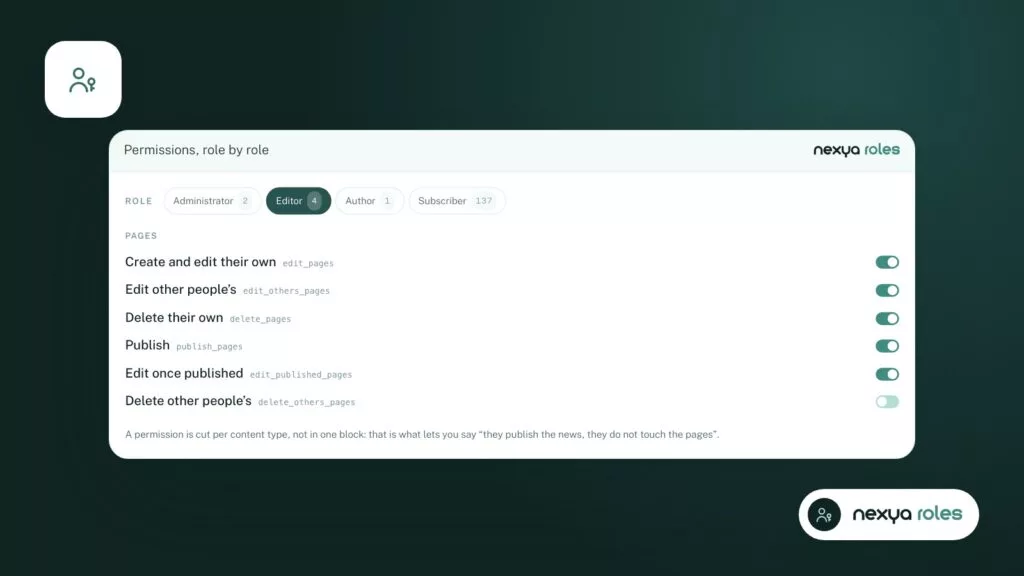
Knowing what happened, and deciding who is allowed to do it
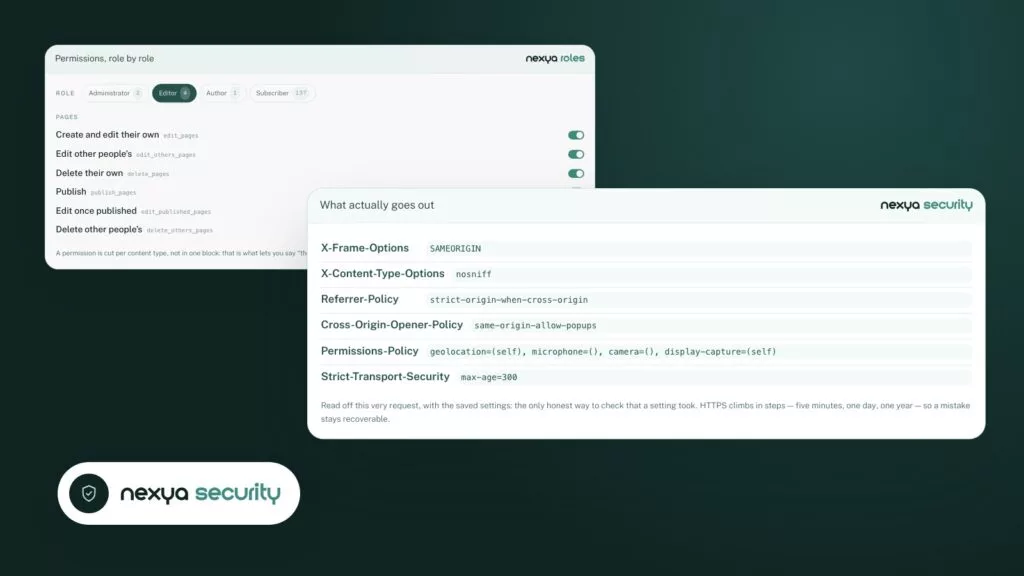
The log shows what happened. The next question often comes naturally: should this person have been allowed to do that? To answer this, nexya offers another module, Roles & capabilities.
This module organizes WordPress permissions under the content type that creates them. It is therefore easier to see what a role can do, and on what. It also allows you to view the site through the eyes of a role, without leaving your own account.
Both modules go well together. The log shows you that an editor modified a page they shouldn’t have touched. The roles module allows you to check what this role sees and adjust their permissions.
What is free, what belongs to nexya Pro
The activity log is part of the free version of nexya. It can be used on as many sites as you want: you see who modified what, with before and after.
nexya Pro, sold on nexya.dev, adds two things for this module. The first is rollback from the log: a change is undone directly from its entry, without re-entering everything. The second is longer log retention.
The free version contains no code for these features. After purchase, nexya Pro is delivered by Freemius and replaces the free plugin while retaining the same settings. You don’t have to reconfigure anything.
- Free: the log, with who, what, before and after
- nexya Pro: undo a change from the log
- nexya Pro: longer log retention
A lightweight module that stays on your site
Like other nexya modules, the activity log is turned on and off from the hub. A disabled module records nothing: none of its hooks execute on the site. If you don’t need it on a site, it weighs nothing.
The plugin sends nothing to a third party by default. Functions that go over the network are listed separately, along with what they send, in the plugin’s external services section.
A limit to be aware of: multisite networks are not supported. On a network, the plugin remains disabled and reports it.
FAQ
Is nexya's activity log free?
Yes. The log, showing who changed what and the before and after values, is part of the free version, on as many sites as you want. nexya Pro adds rollback from the log and longer retention.
Does the log track changes in ACF fields?
Yes. A value changed in an ACF field appears in the log, with the old value and the new one.
Can a change be undone from the log?
With nexya Pro, yes: rolling back from the log is included. The free version shows the change, but does not include this feature.
Does the log work on a multisite network?
No. Multisite networks are not supported. On a network, the plugin remains disabled and indicates this.
The modules in this post
Try nexya Pro free for 7 days
Every module, forms, newsletters and the page cache, on your site. No commitment.