Key points
- Every day, the Security module compares WordPress core files to the originals from wordpress.org and sends an email in case of a discrepancy.
- nexya reports modified, missing, or foreign files, but does not clean up malware.
- IndexNow notifies Bing, Yandex, and other participating engines. Google is not part of it, and nothing can force its indexing.
- The Roles module restricts a page to logged-in users, roles, or accounts, and removes it from the sitemap, search, and post lists.
- The Pro cache once again serves the homepage of sites that redirect based on browser language.
WordPress file integrity: core compared daily against the originals
The main new feature in nexya 1.2.34 concerns WordPress file integrity. Every day, the Security module compares the WordPress core files on your server with the originals published by wordpress.org.
Three cases are identified and listed: a modified file, a missing file, and a PHP file that has no business being there. When one of these occurs, an email alerts you. The check runs automatically, once a day, without you having to launch it.
On the forums, the question often comes up as “my security scan stops halfway through”. This check is more limited than a scan that crawls the entire server: it covers a known set, the core files, and compares them to a public reference, that of wordpress.org.
The release notes do not state whether this check is part of the free version or nexya Pro. For the rest, it is clear: the free version compares installed plugins against the list of known vulnerabilities, and nexya Pro adds daily vulnerability checking and a file fingerprint with rollback capabilities.
- A core file modified compared to the original from wordpress.org
- A missing core file
- A PHP file that does not belong to the WordPress core
- An email as soon as one of these cases occurs
Hacked site: what the list flags, and what it does not do
An unexpected PHP file in the core folders is a classic sign of an intrusion. A modified file can be one too. The list tells you where to look, and the email saves you from finding out weeks later.
nexya does not clean up malware. No button deletes the suspicious file or puts the original back in its place. If your site has been hacked, you still need to restore clean files, change passwords, and figure out how the intruder got in, either by yourself or with a service provider.
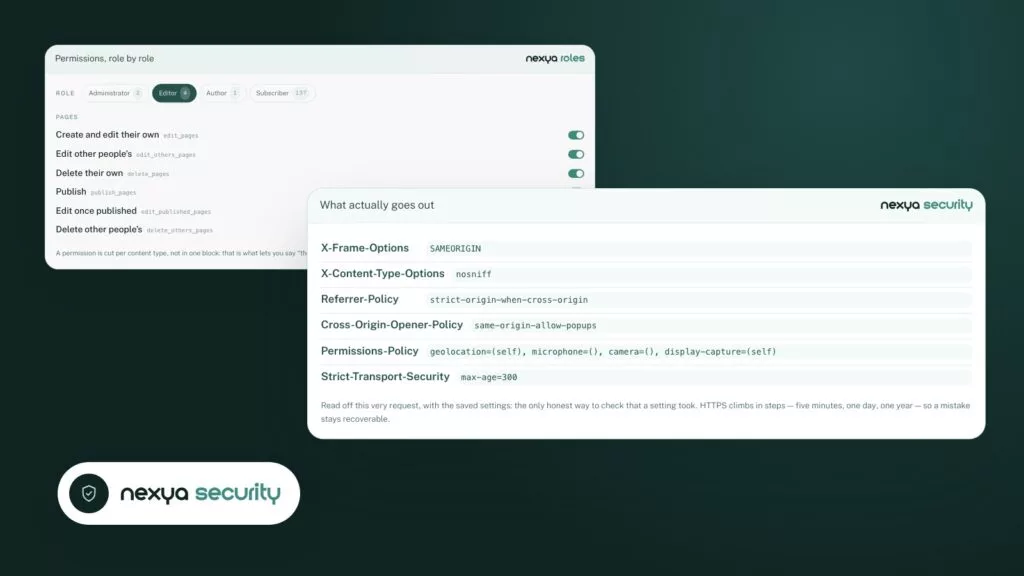
The Security module then helps you avoid going through the same situation again: security headers, content policy, failed login limits, and verification of installed plugins. Since version 1.2.28, repeated login failures result in increasingly longer lockouts, and the real owner unlocks their account with a link received by email. Since version 1.2.31, an email warns you when an address is blocked at login, at most once per hour.
The verification tells you what has changed. It does not restore anything for you.
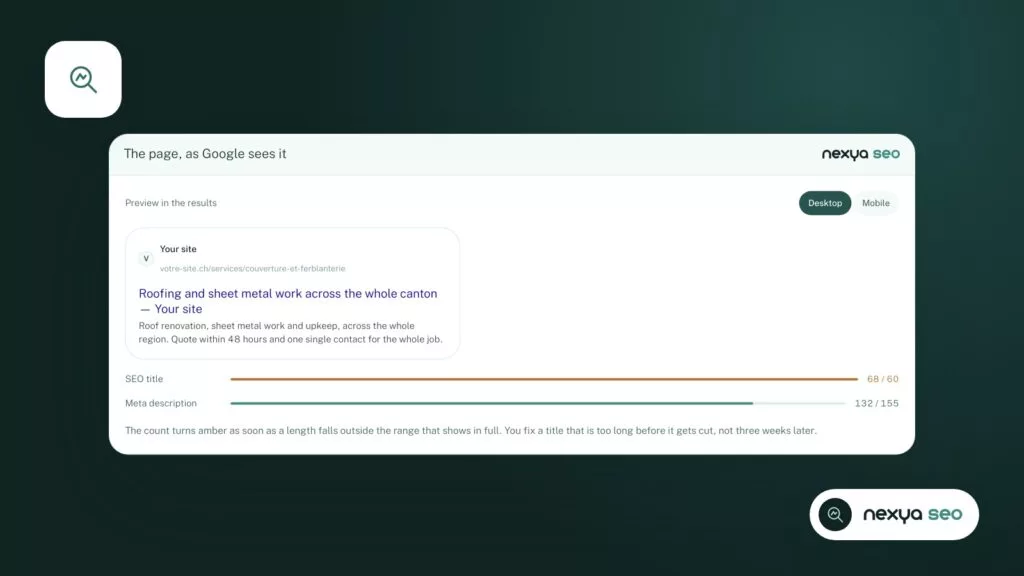
IndexNow: Bing and Yandex notified as soon as a page changes
The SEO module now uses IndexNow. As soon as a page is published, updated, or removed, nexya reports it to Bing, Yandex, and other engines participating in the protocol. They no longer have to wait for their next crawl to find out.
A recurring question is: “Google is not indexing my site”. The release notes mention Bing and Yandex, not Google. For Google, IndexNow therefore changes nothing. The SEO module provides the sitemap, schema, titles, and descriptions generated from the page text, as well as the llms.txt file. It cannot force Google to index a page.
By default, the extension sends nothing to third parties. Functions that go through the network, and what they send, are listed in the extension’s external services list.
Restricting a page to logged-in users, specific roles, or specific accounts
The Roles module can now restrict a page to logged-in users, certain roles, or certain accounts. Other visitors are sent to the login page or see a message.
The restricted page also disappears from the sitemap, search, and post lists. A private page must not appear elsewhere on the site, and that is usually where it appears most when you forget to hide it.
To check the result, the Roles module already allows you to view the site with the permissions of a role without leaving your own account. This lets you see what a subscriber or customer actually sees.
Cache and browser language: the homepage is once again served from the cache
Page caching is part of nexya Pro. On a site that redirects the homepage to the browser language, this page used to bypass the cache. It returns to it with version 1.2.34.
Only the first visit from a browser requesting a different site language still goes through WordPress. Subsequent visits are served from the cache.
This is part of the answer to the question “my site is slow”. The cache serves pages before WordPress loads and clears when a page changes, including after saving in Elementor. It does not fix a slow response time caused by the host.
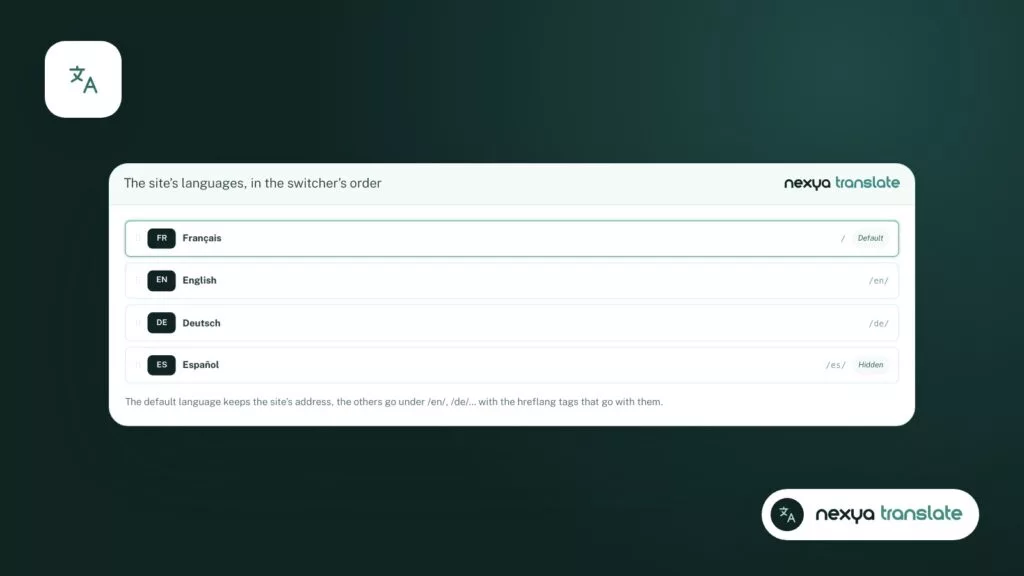
The nexya_lang cookie: disableable, and set only when useful
In the Translate module, the nexya_lang cookie can now be disabled. When it remains active, it is only set if the visitor is actually redirected to another language. A visitor who stays on the requested language does not receive one.
If you are looking for the cause of an unexpected redirection to /en/, you can disable this cookie to rule it out during your tests. As a reminder, Translate places languages in subfolders like /en/ and links each page to its translations. It does not offer a separate domain per language.
Shipped just before: form spam and the Cloudflare cache
Two forum questions had already been answered in version 1.2.31. For form spam, nexya forms, a nexya Pro module, limits the number of submissions per visitor and maintains a list of blocked words, addresses, and domains, configured form by form. The invisible captcha remains active on each form.
For visitors who see an old version of pages, the nexya Pro cache also clears Cloudflare’s: either entirely or only the addresses of the modified page.
- nexya forms (Pro): submissions per visitor, blocked words, addresses, and domains
- Cache (Pro): the Cloudflare cache is cleared at the same time as nexya’s
- Security: an email when an address is blocked at login
Safely upgrading to version 1.2.34
The update is done from the plugins screen, as usual. Since version 1.2.28, the Maintenance module keeps the previous version of each plugin and theme right before the update, and restores it with a single click if necessary. With nexya Pro, an update that breaks the site is automatically rolled back, and the administrator receives an email.
After the update, check the list of core files during the first check. On a healthy site, it should be empty. If it is not, examine each file before concluding: a core modification made manually by a former provider will also appear there.
FAQ
Does the core file check delete a suspicious file?
No. It lists modified, missing, or foreign files and warns you by email. nexya does not clean malware: restoration is done manually or with a service provider.
Is this check free or reserved for nexya Pro?
The 1.2.34 release note does not specify this. Comparing installed plugins with known vulnerabilities is free. Daily vulnerability checking and file fingerprinting with rollback are part of nexya Pro.
Does IndexNow get my site indexed faster by Google?
The release note mentions Bing, Yandex, and other engines participating in the protocol, not Google. For Google, the SEO module provides the sitemap, schema, titles, and descriptions, but no tool can force indexing.
Does a restricted page still appear in the sitemap?
No. A page restricted to logged-in users, roles, or accounts leaves the sitemap, search, and post lists.
Should we keep the nexya_lang cookie?
It is up to you to choose. Since version 1.2.34, it can be disabled. If it remains active, it is only set when a visitor is actually redirected to another language.
The modules in this post
Try nexya Pro free for 7 days
Every module, forms, newsletters and the page cache, on your site. No commitment.