Key points
- The WooCommerce checkout is displayed on its own page, in steps, with the summary next to it and a thank-you page in the same style.
- Slide-in cart, floating button, cart in the menu with [nexya_cart] and Elementor widget: the product count updates live.
- City filled automatically from the postal code in eight countries, email typos spotted, international phone format, verified IDE (UID) number.
- Related products, one-click offer, coupon codes by link, and trust badges to increase the average order value.
- The Checkout module is part of nexya Pro. The captcha fix on WooCommerce orders applies to the plugin.
A dedicated, multi-step WooCommerce checkout page
Version 1.4.0 of nexya adds a Checkout module, reserved for nexya Pro. It places the WooCommerce checkout on its own dedicated page and breaks it down into steps. The order summary remains displayed on the side, so customers can see what they are buying at all times.
The module features its own styling, which can be adjusted with live visual feedback. It also provides a matching thank-you page that retains the same look once the order has been placed.
The checkout process remains powered by WooCommerce. The module changes how the page is presented and filled out, not the store itself.
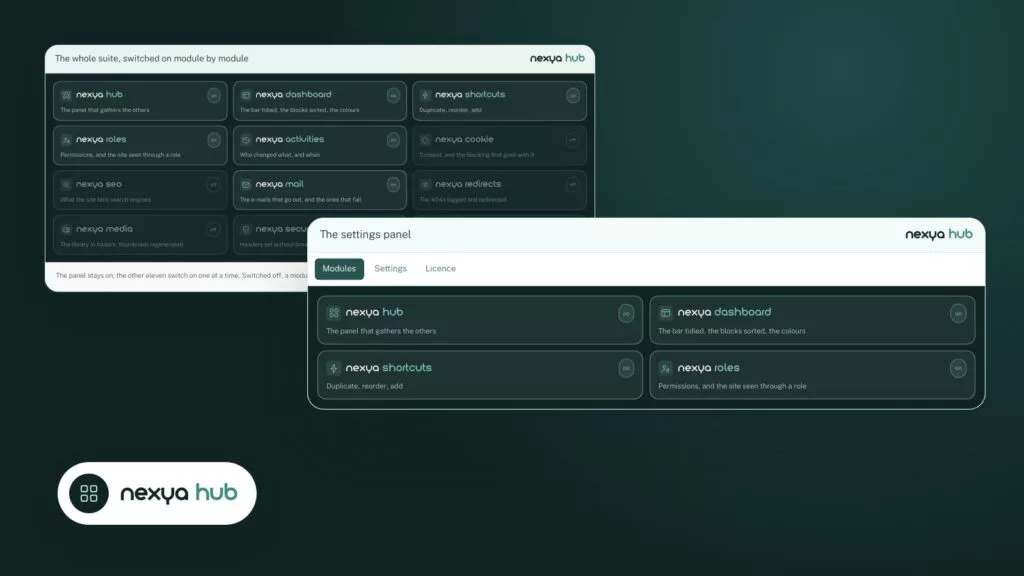
Like other modules, Checkout is enabled from the nexya hub. As long as it is turned off, it records nothing: none of its hooks run on the site.
- A dedicated, multi-step checkout page
- Order summary on the side
- Styling adjusted with live preview
- Matching thank-you page
A cart always within reach
Before reaching the payment stage, visitors need to find their cart without having to search. To achieve this, the module offers several locations to choose from depending on the theme and site.
First, there is a slide-in cart and a floating cart button. The cart can also be added to the menu using the [nexya_cart] shortcode. On a site built with Elementor, a Cart widget performs the same function.
In all cases, the displayed product count updates live with the cart. If a visitor adds an item, the number changes without them needing to reload the page.
- Slide-in cart
- Floating cart button
- Cart in the menu with [nexya_cart]
- Cart widget for Elementor
Fewer keystrokes, fewer address errors
Most abandoned checkouts happen at the address forms, and a portion of delivery errors originates there as well. Version 1.4.0 addresses several of these issues.
Country, state, date and phone prefix are selected in a small pop-up window instead of a long dropdown list. In eight countries, the locality is auto-filled based on the postal code.
Typo detection in email addresses catches mistakes before the order is placed. Phone numbers are verified and then saved in international format. Company IDE (UID) numbers are verified as well.
Finally, customers can specify a delivery date and leave a pickup note.
An accurate email address at the exact moment of checkout means confirmations actually arrive and customers won’t need to call you back.
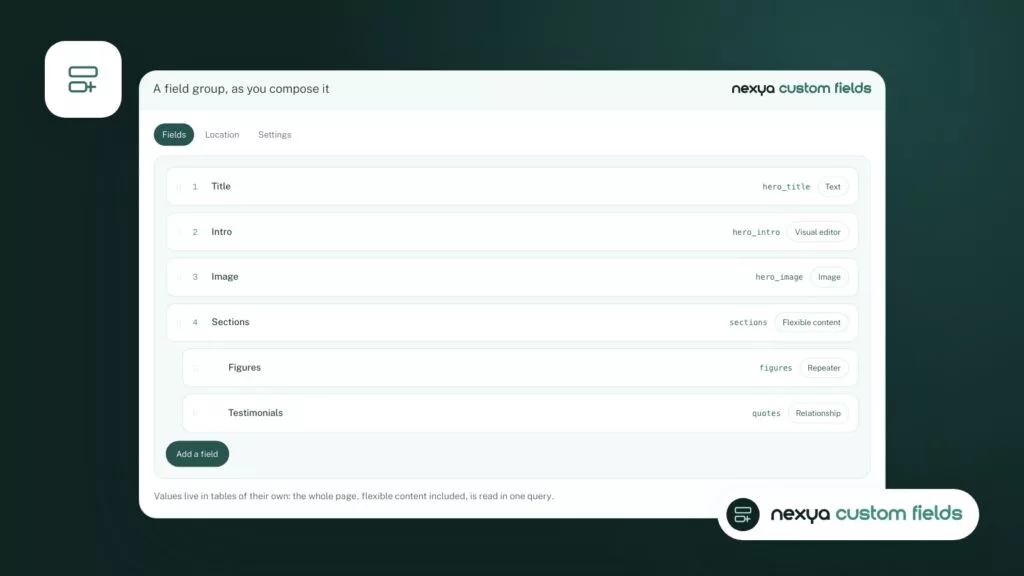
Fields that only appear for specific products
Certain products require additional information: text to be engraved, a size, or manufacturing specifications. The module adds custom fields above the order notes.
These fields can be created freely or pulled from an ACF or NCF product field, which comes from nexya’s Custom fields module. They only display if one of the products in the cart requires them. Customers buying other items will not see them.
Answers are saved with the order. They appear in emails and on the thank-you page, avoiding the need to look them up elsewhere.
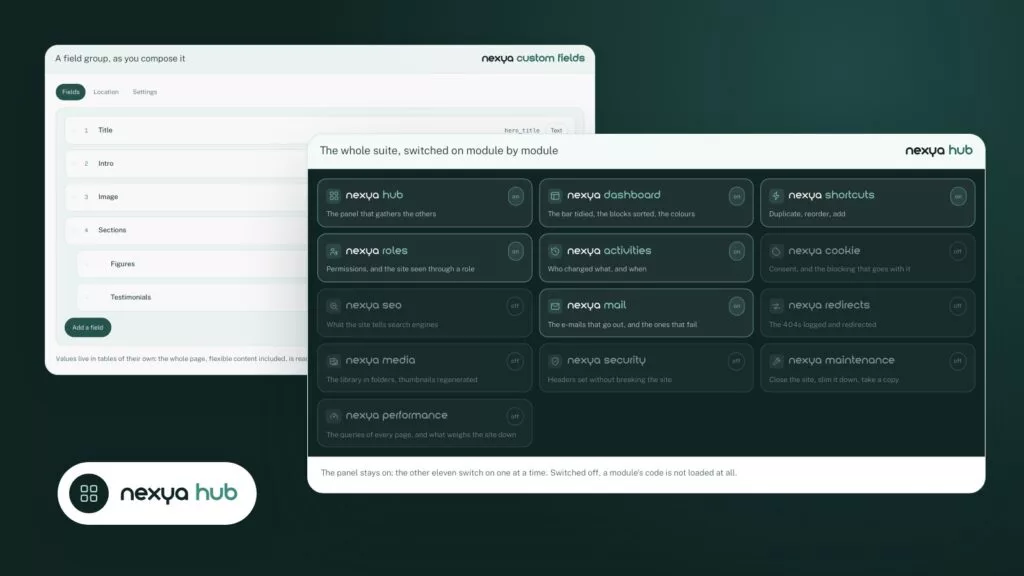
In this same release, the Custom fields module leaves beta.
Suggestions at the right time, without disrupting payment
To increase average order value, the module adds a related products step to the journey, alongside a one-click offer placed above the checkout button. Customers can accept or decline it without leaving the page.
Promo codes can be transmitted via a link. Customers no longer need to retype a code received in a newsletter or message.
Reassurance lines accompanied by payment logos remind customers of accepted payment methods and what to expect, right before checkout.
- A related products step
- A one-click offer above the order button
- Promo codes transmitted via link
- Reassurance lines with payment logos
Post-purchase and abandoned cart recovery
Work doesn’t stop at payment. The module sends reminders for abandoned carts. After the purchase, it allows users to create an account in one click, without re-asking for information they just entered.
Customers can track their order progress and later receive a review request.
Finally, the checkout funnel appears in Aris, nexya’s analytics module. It shows at which step visitors drop off, pinpointing where to investigate when orders don’t match traffic.
Other changes in version 1.4.0
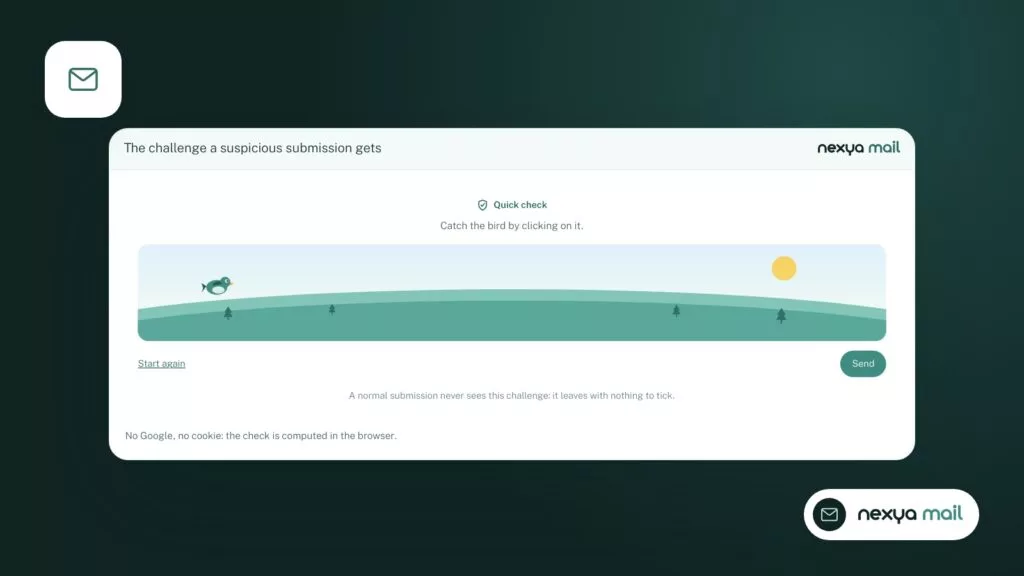
A fix directly impacts stores. The Mail module’s invisible captcha was rejecting WooCommerce orders as if they came from bots, because WooCommerce re-selects the payment method via script. These orders now go through. When a submission is rejected, the message now specifies why.
In form builders, the date picker now accepts a minimum and maximum date.
On WordPress.org, the plugin no longer preloads WordPress update data. The Plugin Check tool used to mistake this preloading for an update routine.
- Captcha: WooCommerce orders are no longer falsely rejected
- Rejected submissions now display their reason
- Custom fields leaves beta
- Forms: minimum and maximum dates in the picker
Free vs. nexya Pro: what you need to know
The Checkout module is part of nexya Pro. The free version does not contain its code. nexya Pro is sold on nexya.dev, delivered by Freemius after purchase, and takes over from the free version while keeping the same settings.
The captcha fixes, the exit from beta for Custom fields, and the change related to WordPress.org concern the plugin itself, not just Pro.
Multisite networks are not supported. On a network, the plugin remains deactivated and indicates so.
FAQ
Is the Checkout module free?
No. The Checkout module is part of nexya Pro, sold on nexya.dev and delivered by Freemius after purchase. The free version does not contain its code.
Does the module replace the WooCommerce checkout?
No. It places the WooCommerce checkout on a dedicated page, broken down into steps, with its own style. Orders remain WooCommerce orders.
How to display the cart in the menu?
With the [nexya_cart] shortcode or, on an Elementor site, with the Cart widget. The product count follows the cart in real time.
My captcha was blocking WooCommerce orders. Is that fixed?
Yes, since version 1.4.0. The captcha was mistaking certain orders for bots because WooCommerce re-selects the payment method via script. A refused submission now indicates why.
Can an additional field be displayed only for a specific product?
Yes. A custom-created field, or one inherited from an ACF or NCF product field, is only displayed if a product in the cart requires it. The answer is saved with the order and appears in the emails.
The modules in this post
Try nexya Pro free for 7 days
Every module, forms, newsletters and the page cache, on your site. No commitment.