Key points
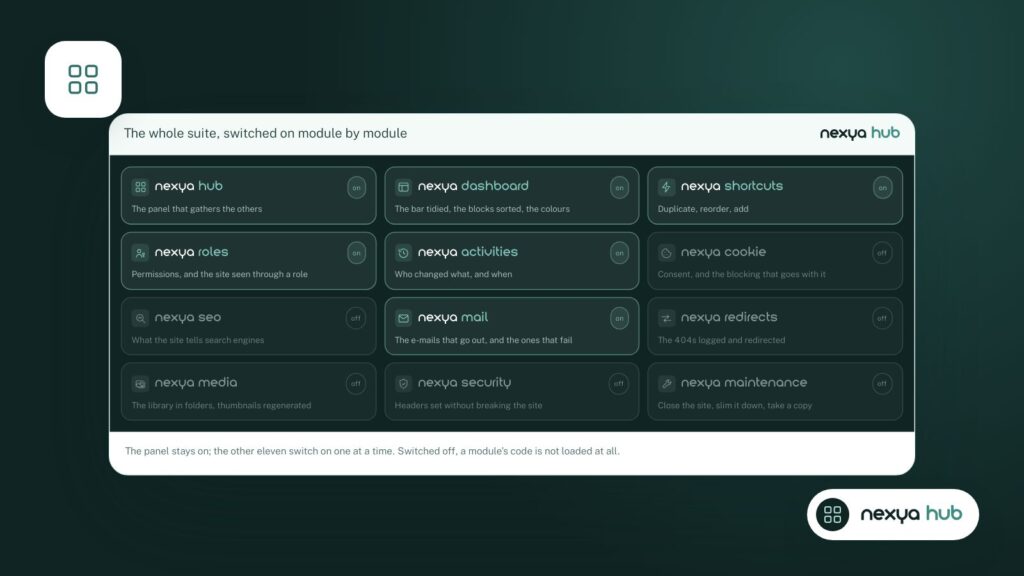
- Only enabled modules start up: the others load nothing.
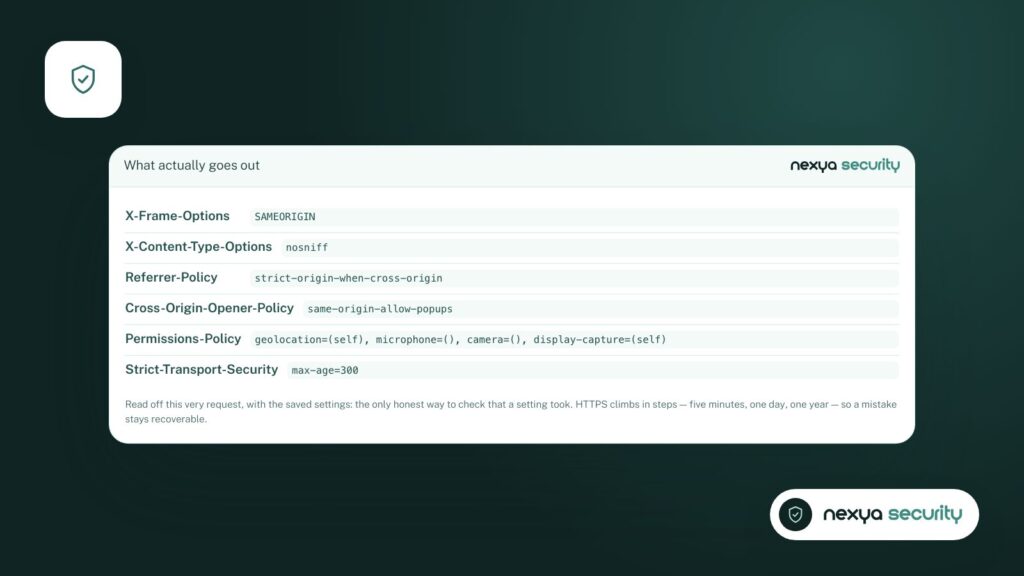
- Nothing is sent to a third party until you activate a network function.
- Secrets are encrypted, and uninstallation can wipe everything clean.
When people talk about a “suite” of extensions, many developers immediately think of a bloated mess: a massive extension that loads its scripts on every single page, even for features you aren’t using. That is precisely what we wanted to avoid when building nexya.
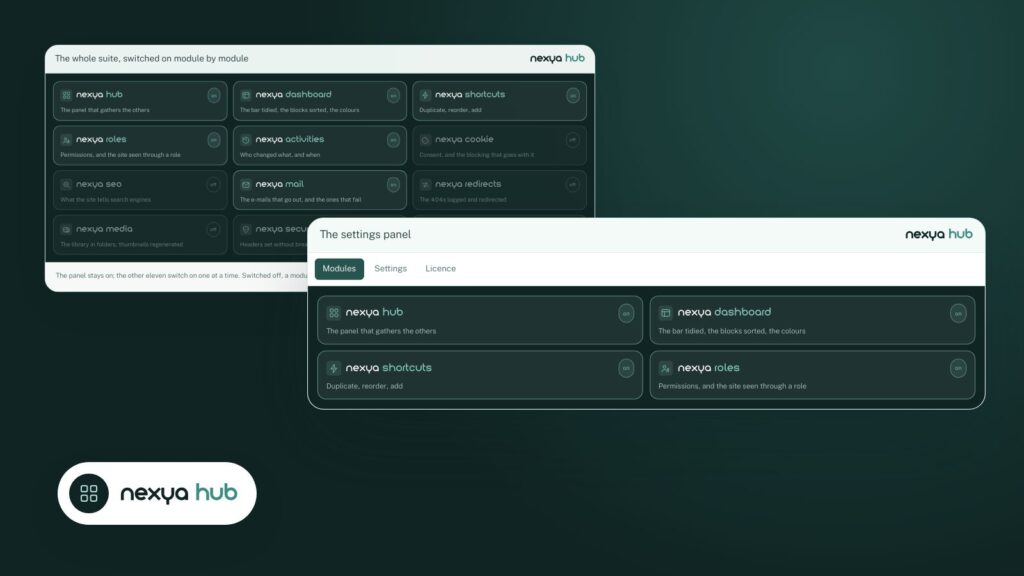
The registry only starts what is turned on
All modules are declared in a registry. But only turned-on modules are started. A disabled module registers no hooks, loads no CSS or JavaScript files, and makes no database queries.
Having fifteen available modules costs almost nothing. Only the ones you use do any work.
Nothing leaves the site by default
The free version sends nothing to any third party. Features that touch the network, such as checking for known vulnerabilities or sending emails via an API, are only triggered when you enable them, and the documentation details exactly what they send.
The cookie scan itself browses your site’s pages from your own server. Nothing goes out.
Secrets are encrypted
SMTP passwords and API keys are encrypted using AES-256-GCM, with a key derived from your WordPress installation’s salts. If those salts change, nexya can no longer read them and simply asks you to re-enter them.
Free and Pro, with no hidden code
The free version does not contain the code for the Pro version. It is not artificially restricted: it fully does what it claims to do. nexya Pro installs alongside it, adopts the same settings, and takes over. You do not have to reconfigure anything.
Leaving cleanly
When deactivating nexya, you choose: keep settings for a reinstallation, or erase everything. In the latter case, roles return to their original capabilities, the extension’s tables and options disappear, and a backup of just the settings is kept for thirty days, in case you come back.
It’s a simple rule: an administration extension should make itself forgotten when it works, and leave nothing behind when it leaves.
FAQ
Does a multi-module extension slow down WordPress?
Not if disabled modules do not start up. In nexya, a disabled module registers no hooks, loads no files, and makes no requests.
How are SMTP passwords stored?
Encrypted with AES-256-GCM, using a key derived from your WordPress installation salts.
The modules in this post
Try nexya Pro free for 7 days
Every module, newsletters and the page cache, on your site. No commitment.