← Back to modules

nexya AI Pro

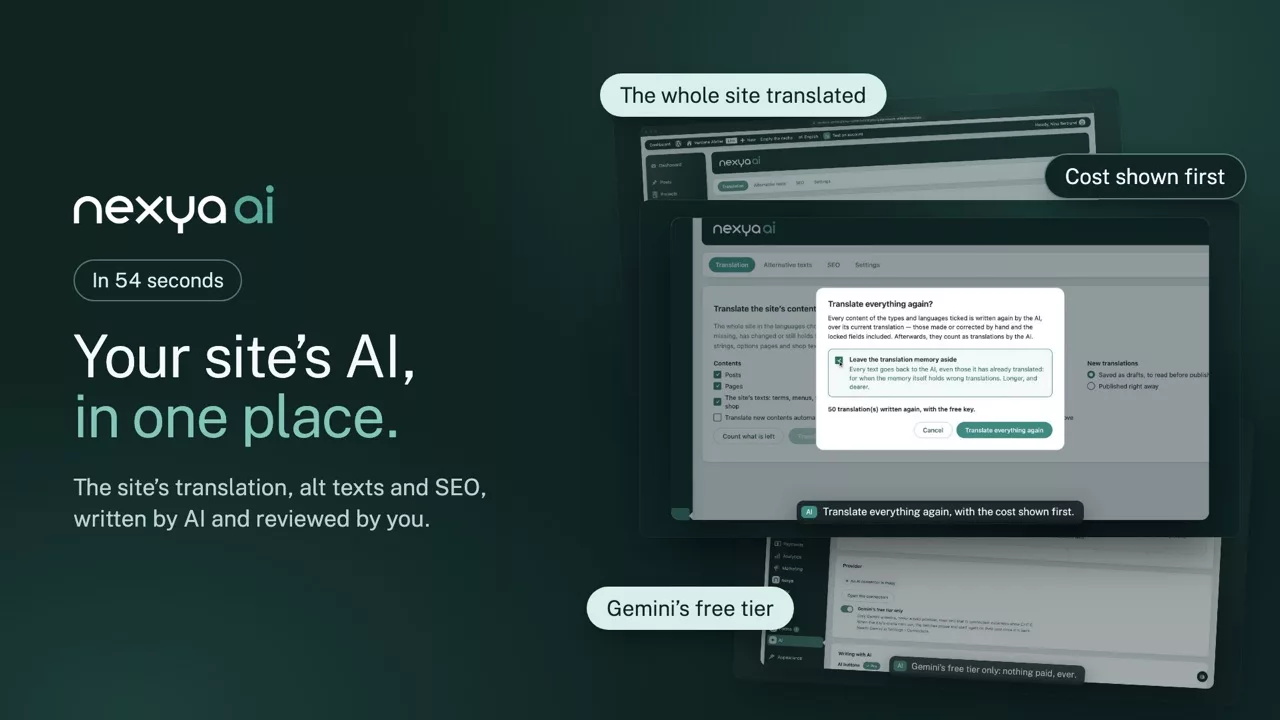
Your site’s AI in one place: SEO texts, alt texts and the translation of the whole site, reviewed by you before they are saved.

  • The whole site translated Pages, posts, products, ACF fields and Elementor translated in the background, with the cost shown before you start and the progress in the admin bar.
  • You stay in charge Alt texts and SEO descriptions arrive as suggestions: nothing is saved until you have read and applied them.
  • Gemini for free, if you like Your own key, with Gemini, Claude or OpenAI, or Gemini’s free tier only: when the day’s quota runs out, batches wait and start again on their own.
nexya AI on video: Your site’s AI in one place: SEO texts, alt texts and the translation of the whole site, reviewed by you before they are saved. 0:54

What it can do

Your site’s AI, in one place

SEO texts, alt texts, corrections, newsletter subjects, internal links and the translation of the whole site: each feature has its switch, and nothing is saved without your consent.

Translation

The whole site translated, in the background

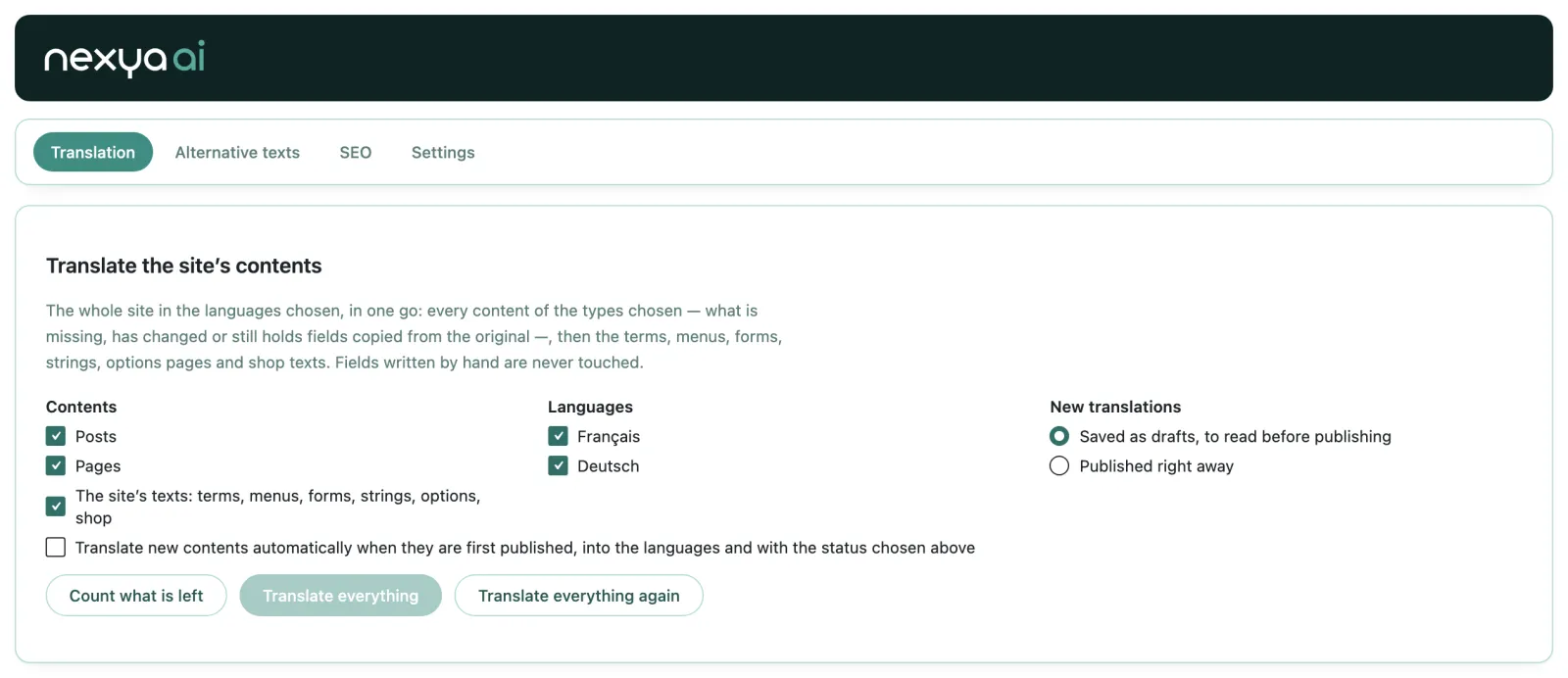
Choose the contents and the languages, count what is left and what it costs, then start: the batch moves on alone, even with the page closed. New contents are translated as soon as they are published, and “Translate everything again” starts afresh when needed.

  • Pages, posts, products, ACF fields and Elementor
  • The cost estimated before you start
  • New contents translated when they are published
  • The progress in the admin bar
nexya AI: The whole site translated, in the background

The suggestions

Written by AI, kept by you

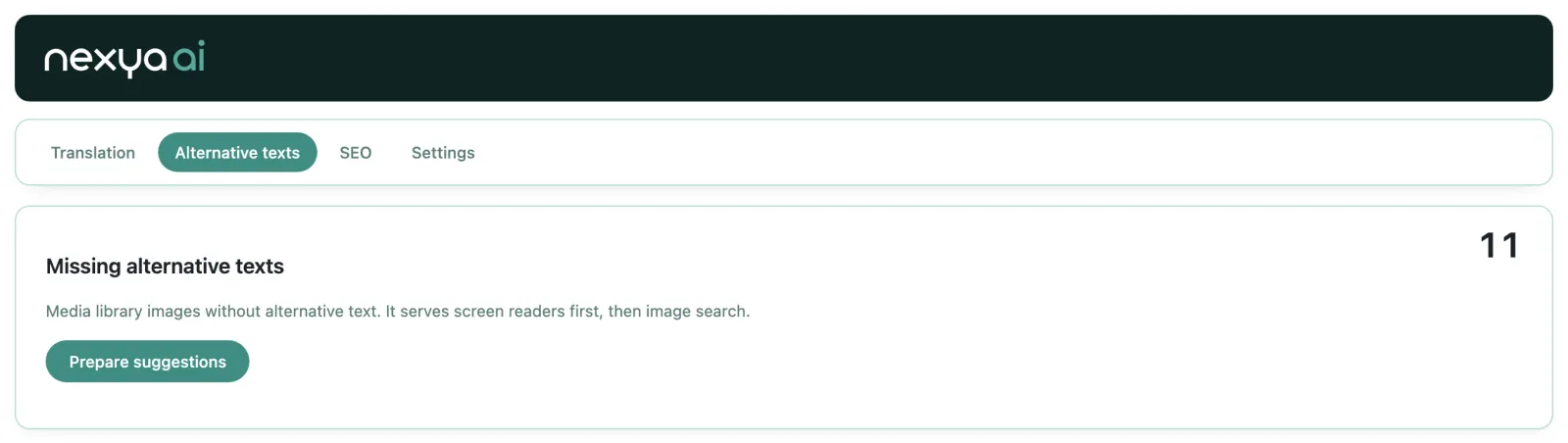
Missing image alt texts and SEO titles and descriptions are prepared in batches of thirty, in the background. Each suggestion waits for your review: you keep it, correct it or set it aside, then apply them all at once.

  • The media library’s alt texts
  • Titles and meta descriptions
  • A notification when everything is ready
nexya AI: Written by AI, kept by you

Settings

Your connector, your rules

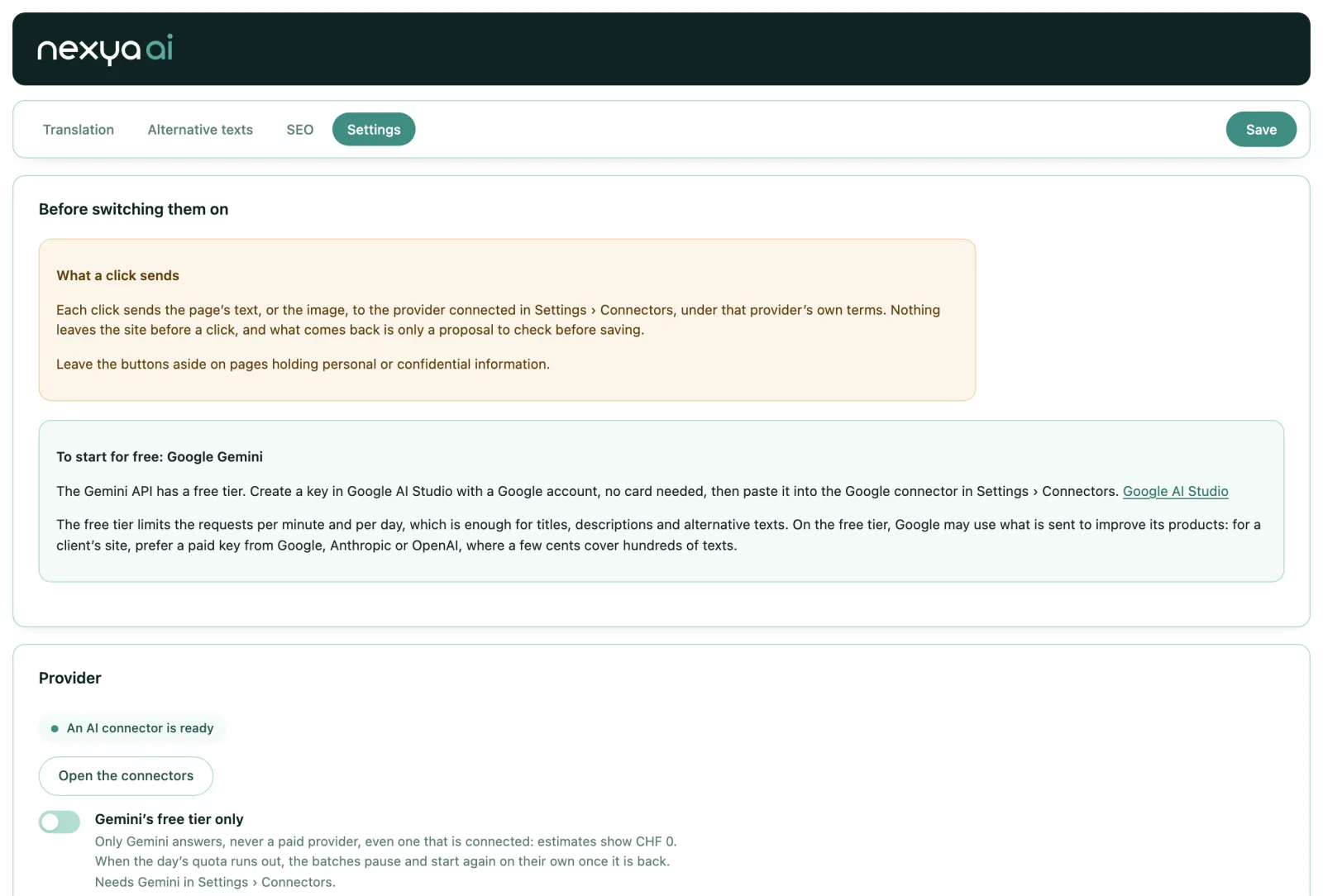
nexya goes through WordPress’s AI connector, with your own key: Gemini, Claude or OpenAI. Switch on only the features you need, and keep the site to Gemini’s free tier: when the day’s quota runs out, batches wait and start again on their own.

  • One feature, one switch
  • Gemini’s free tier only, for CHF 0
  • Nothing leaves the site before a click
nexya AI: Your connector, your rules

And everything else, already included

  • Field correction Spelling and punctuation, without rewriting
  • Newsletter subjects Three suggestions drawn from the message
  • 404 destinations The page the broken address was looking for
  • Internal links Five pages to link to, with the phrase that carries the link
  • Share image Drawn at 1200 × 630
  • Translation memory The same text is never paid for twice
  • Translate everything again The count and the cost shown before you start
  • Your own key No extra subscription at nexya

Pro

Whole-site translation in the background with a cost estimate, new contents translated automatically, “Translate everything again”, alt texts and SEO titles prepared in batches of thirty for review, field corrections, newsletter subjects, 404 destinations, internal links, share image, Gemini free tier only mode with automatic resume, translation memory and one switch per feature

Get started

nexya AI in three steps

  1. Connect your AI In Settings › Connectors, with your Gemini, Claude or OpenAI key.
  2. Switch on the AI module In the nexya hub, then choose the features in the Settings tab.
  3. Start the translation Contents and languages ticked, cost estimated, and the batch moves on alone.

nexya AI is in the Pro version, with a seven-day free trial.

FAQ

Everything about nexya AI

Switch on the AI module in the nexya hub, then open the Translation tab: choose the contents and languages, count what is left, and start. The batch translates in the background, even with the page closed.

Those of the WordPress AI connector: Gemini, Claude and OpenAI, with your own key in Settings › Connectors. nexya resells no credit.

Yes: the “Gemini’s free tier only” switch keeps every paid provider out. When the day’s quota runs out, batches pause and start again on their own once it is back.

No: “Translate everything” never touches what a person wrote. Only “Translate everything again”, after a confirmation, rewrites every translation.

If you tick the box: every page, post or product is translated as soon as it is first published, into the languages and with the status you chose.

Only the text to translate or write, when you start the action. Nothing leaves the site until you click.

The suite

Other modules