Key points
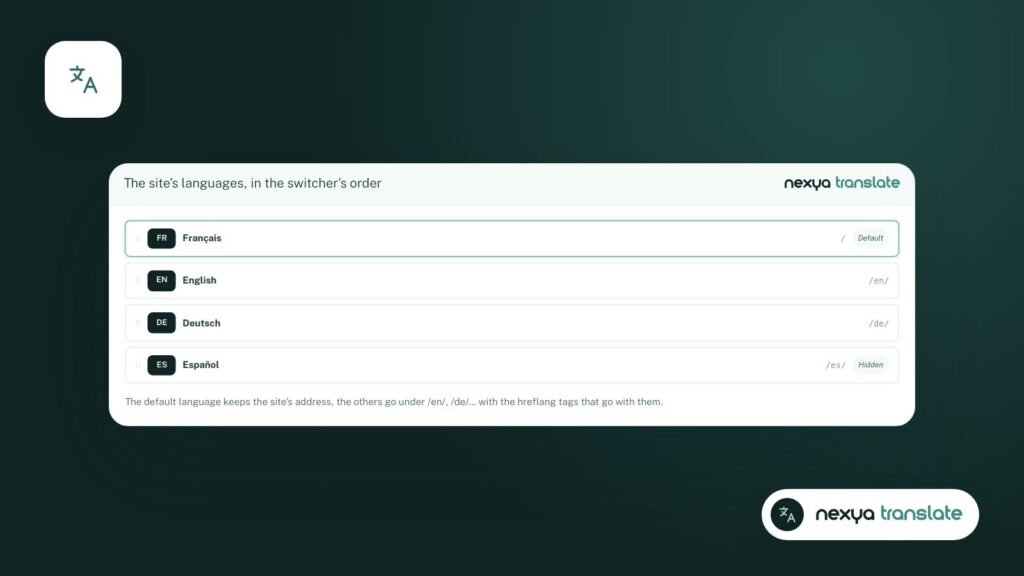
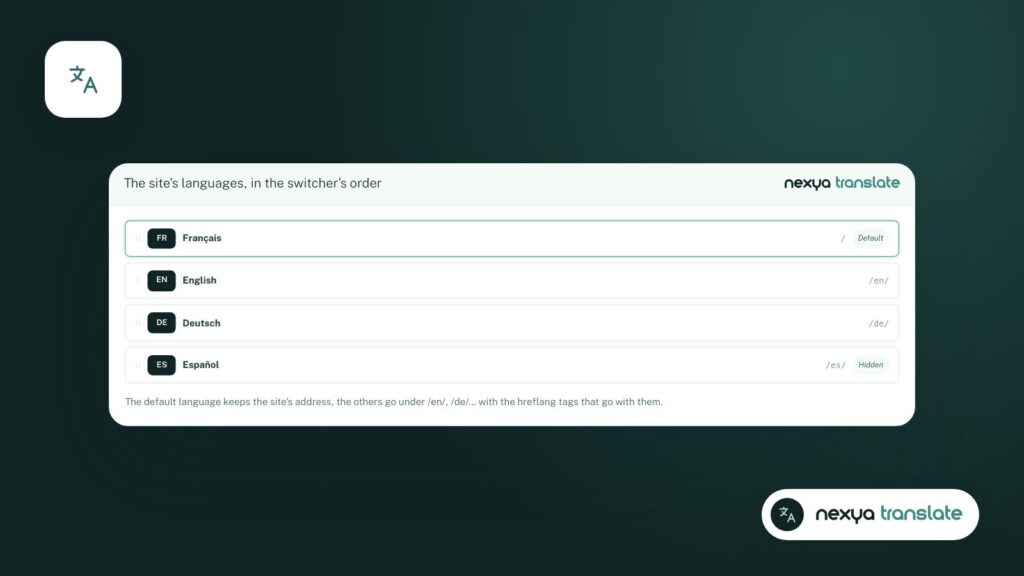
- Each page is linked to its translations, with URLs like /en/, /de/...
- Menus, categories, forms, and theme texts are translated directly from the administration area.
- A WPML or Polylang site switches to nexya in one click, keeping URLs intact.
In Switzerland, a corporate website rarely speaks just one language. French, German, Italian, English: each version must be accurate, findable on Google, and easy to keep up to date. WPML and Polylang are the two names everyone knows. nexya Translate takes a slightly different approach.
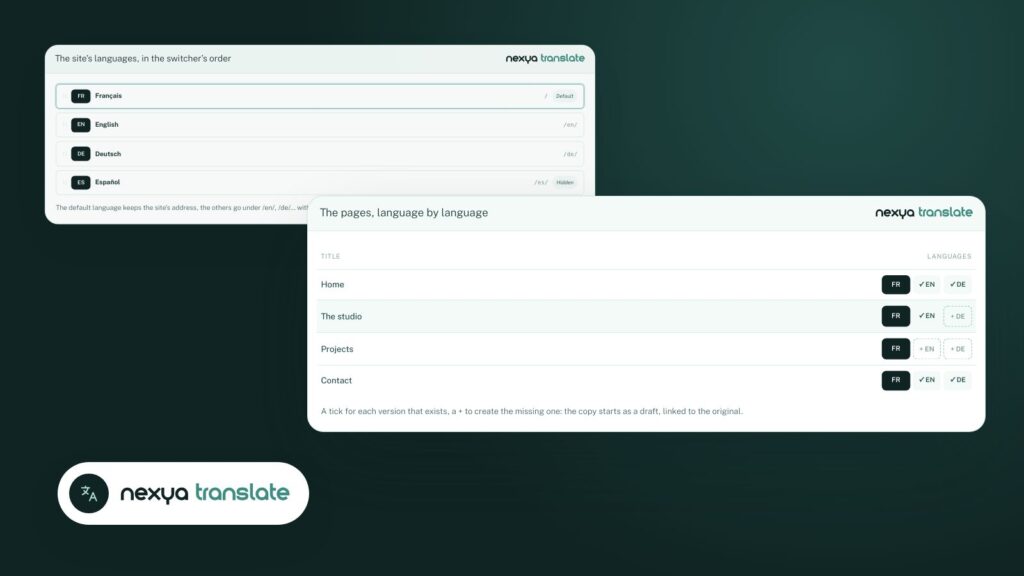
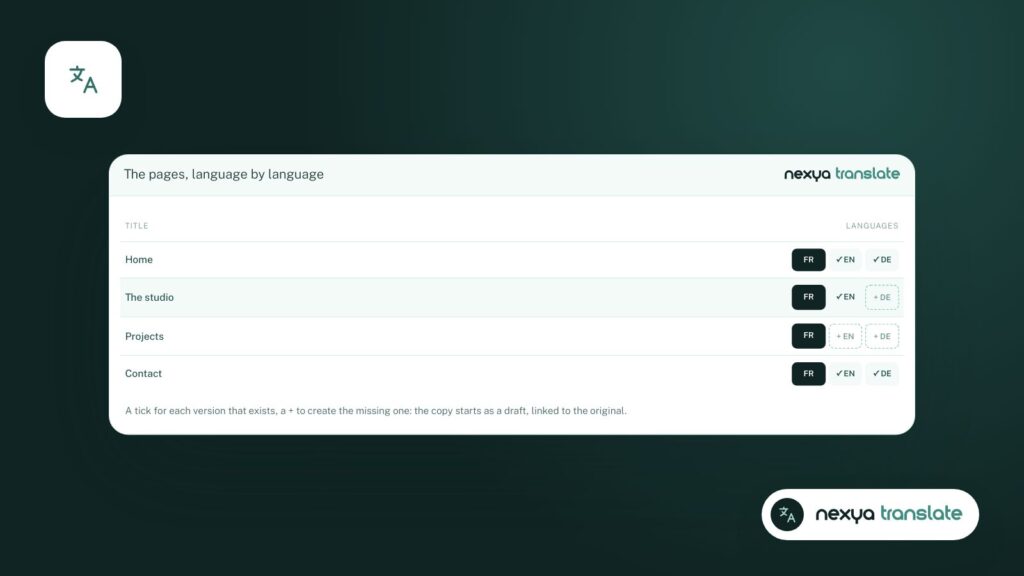
Each page linked to its translations
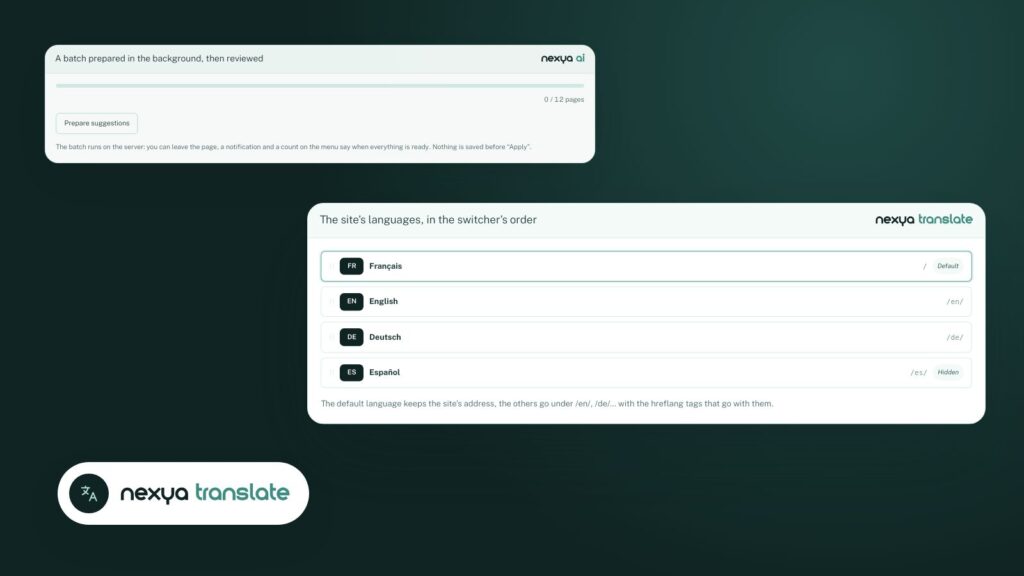
In nexya, a page and its translations form a group. Each version is a real WordPress content piece, with its own URL: /en/, /de/, /es/ dialect. The language switcher sends the visitor to the same page in their language, not to the homepage.
- a menu per language;
- a language switcher, as a menu link or shortcode;
- hreflang tags, so Google shows the right version to the right visitor;
- the site title, categories, menus, forms, and theme texts translated from the administration area.
A translation editor side by side with the original
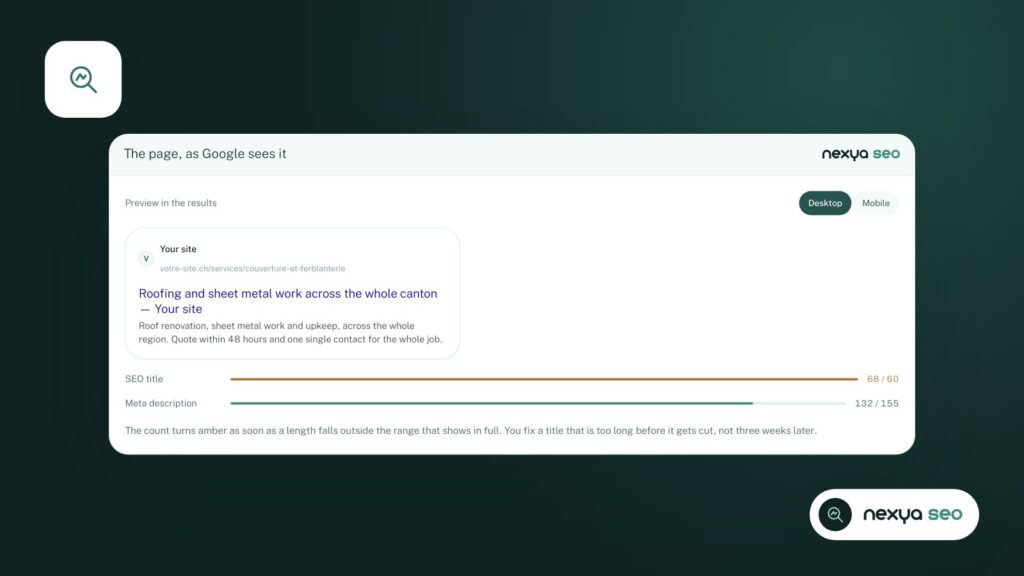
The translation editor displays the original and its translation line by line: the title, blocks, Elementor widgets, ACF fields (including repeaters and flexible content), and SEO texts. You can see what is missing and what has changed since the last translation.
Everything translated manually is free. With nexya Pro, a line or the entire page can be translated by AI and then proofread. In fact, that is how this blog exists in four languages.
Migrating from WPML or Polylang
This is often what holds people back from switching: the fear of losing translations or URLs. The transition happens in one click. Languages, content versions, terms, menus, and translated texts are carried over, and the URLs remain the same. Nothing is deleted until the cleanup, which you launch once you have verified everything.
Which one to choose?
If your site relies on a very complex shop or on plugins that require WPML, stick with WPML. For the vast majority of showcase and institutional sites, nexya Translate gets the job done with fewer moving parts: translation, SEO, cookies, and the rest of the administration all in one place.
Switching from WPML or Polylang to nexya
-
1
Create a backup
Before any structural change, export the database, for example from the Maintenance module.
-
2
Turn on Translate
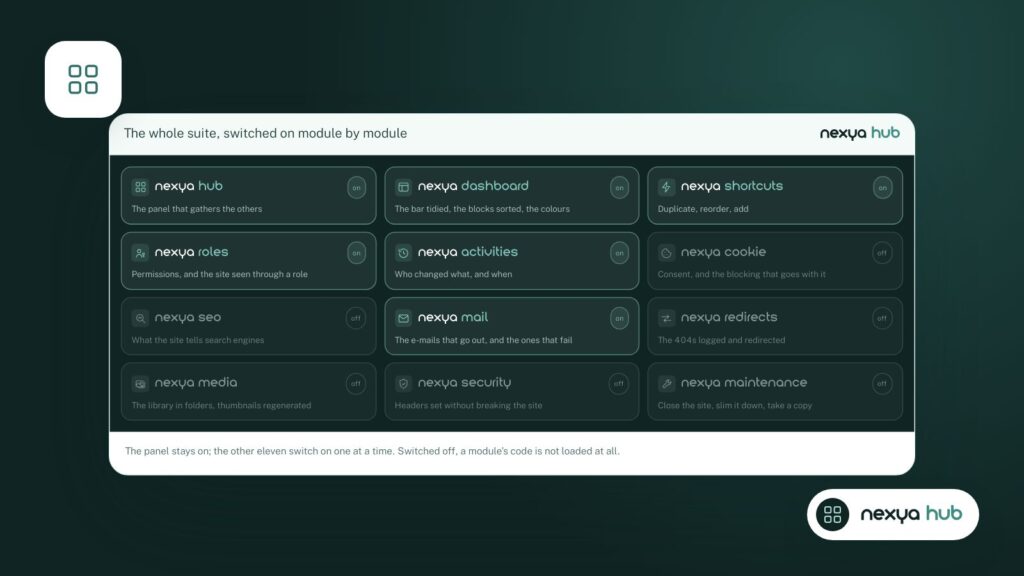
From the hub, turn on Translate. The "From WPML" or "From Polylang" tab appears if the extension is installed.
-
3
Start the import
Languages, versions, terms, menus, and translated texts are retrieved. URLs remain the same.
-
4
Check, then clean up
Browse the pages and their versions. Once everything is correct, deactivate the old extension and start the cleanup.
FAQ
What is the best alternative to WPML?
For a showcase or institutional website, nexya Translate covers the essentials: linked versions, language-specific URLs, hreflang, translated menus and texts. For a highly complex store that requires WPML, stick with WPML.
Do URLs change when leaving WPML or Polylang?
No. The migration carries over languages, versions, terms, and menus, while keeping the exact same URLs.
Is nexya Translate free?
Yes, everything translated manually is free. AI translation is part of nexya Pro.
The modules in this post
Try nexya Pro free for 7 days
Every module, newsletters and the page cache, on your site. No commitment.