Key points
- Nine WordPress sites built with nexya are online at demo.nexya.dev, in French, English, German and Italian.
- You visit the site like a customer, then open the back-office with one click, with no registration or credit card.
- Each visitor has their own copy: they can modify anything, no one else sees it, and it disappears when they leave the demo.
- Emails are not sent from the demo; on your site, the Mail module's test message handles this check.
- The demos also show nexya Pro modules; each module's page on nexya.dev states what is free.
Test a WordPress plugin before installing it, without touching your site
To test a WordPress plugin, you usually do the same thing: install it on your site, or on a test copy set up for the occasion, click around everywhere, and then deactivate it. It takes time, and sometimes leaves behind settings or database tables.
Screenshots and videos help, but they don’t answer the real question: does the tool do what I need on a site that looks like mine, and can I find my way around the administration area?
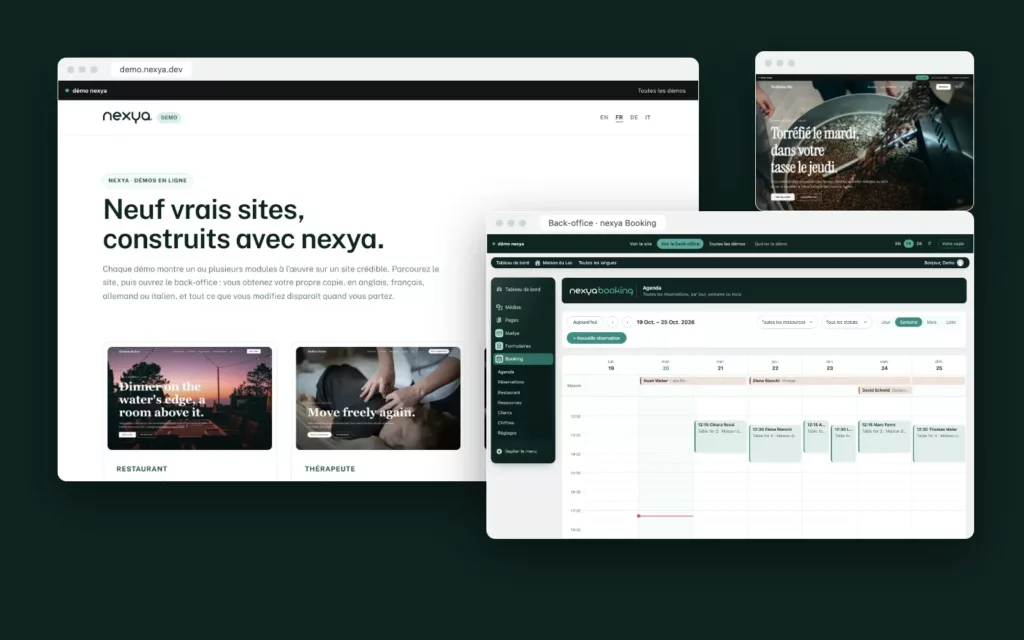
This is why nexya demos exist. They are online at demo.nexya.dev. These are not presentation pages: they are nine real WordPress sites, built with nexya, that you can visit and then manage yourself. It is a free online WordPress demo, with no registration required.
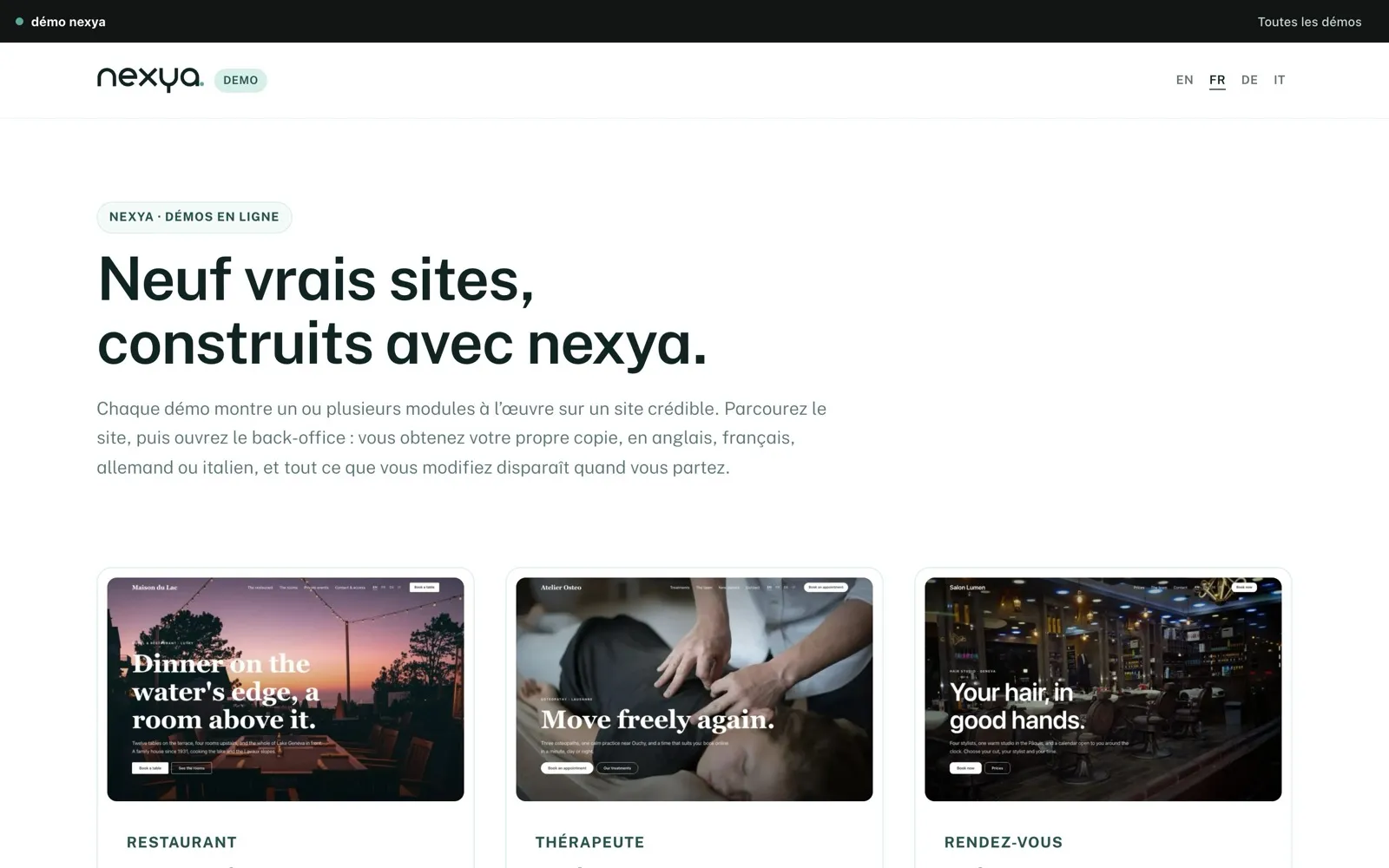
Nine WordPress demo sites, nine industries
Each demo is based on a real business, with the content, pages, and settings it requires. The sites are available in French, English, German, and Italian.
The easiest way is to choose the one that most closely resembles your project or a client’s. Each link opens the site in French.
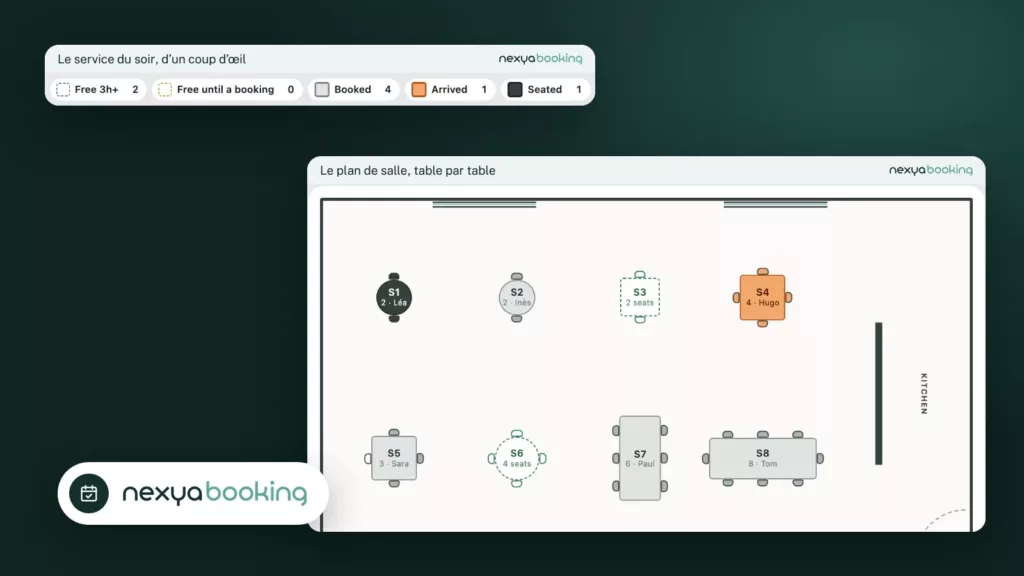
- Maison du Lac, a restaurant with rooms: table and overnight reservations on the same site, complete with a seating plan.
- The osteopathy practice: online appointment booking, showing the practitioner’s availability.
- The hair salon: services, durations, and time slots to choose from.
- The yoga studio: a class schedule with capacity limits.
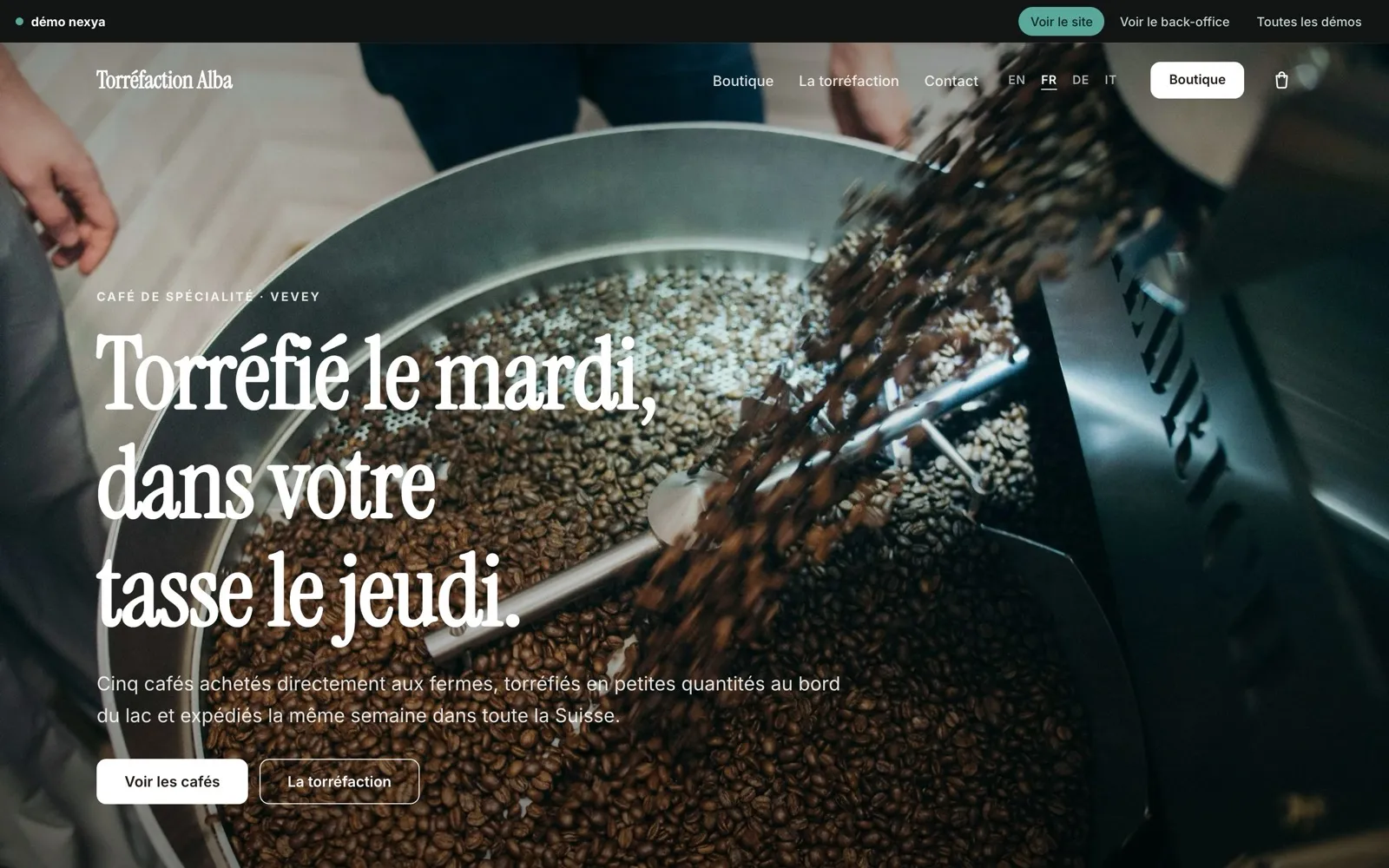
- Alba Roastery, a WooCommerce store: the catalog, shopping cart, and checkout.
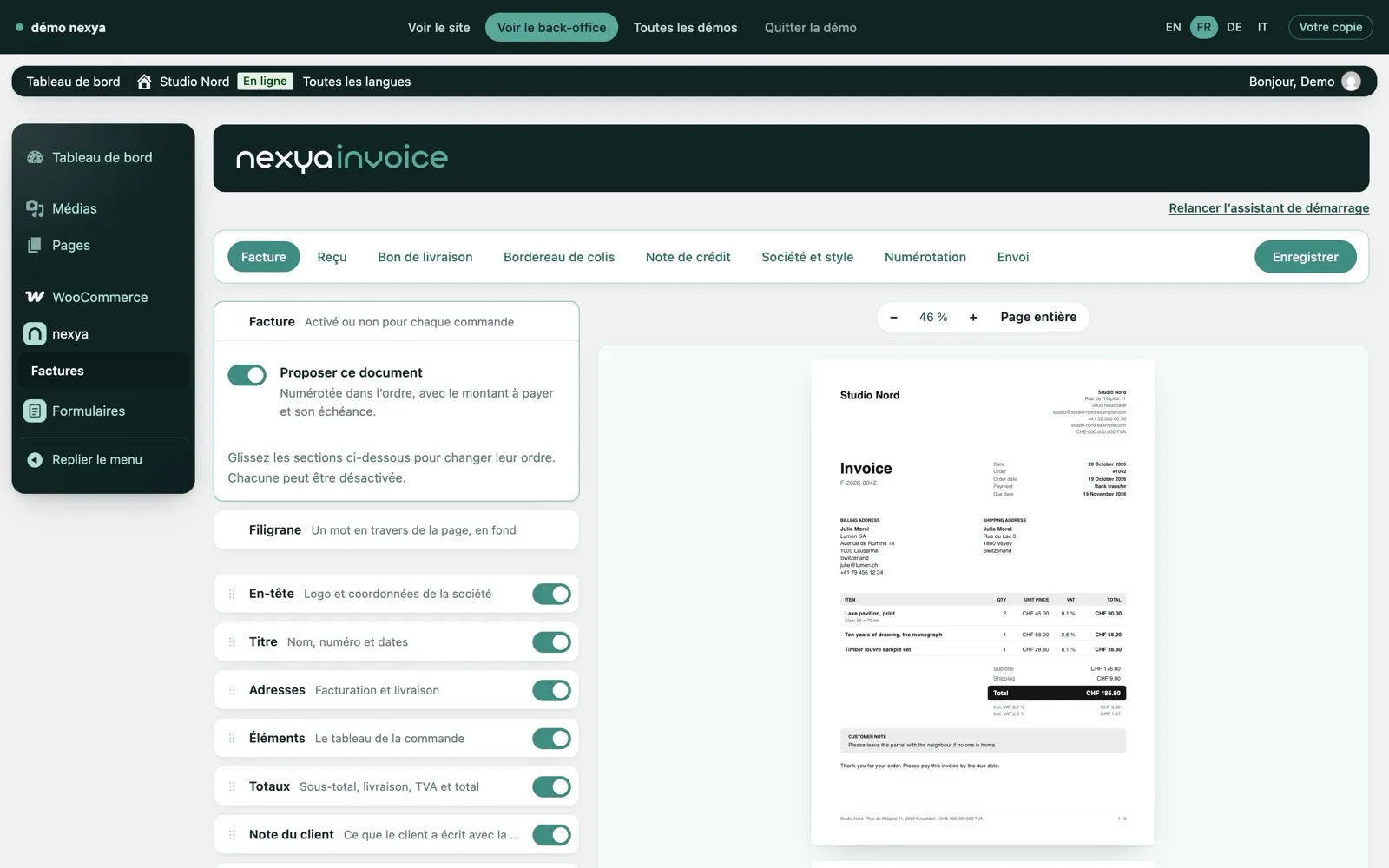
- Nord Studio, a design studio: PDF invoices with Swiss QR-bills generated directly from WordPress.
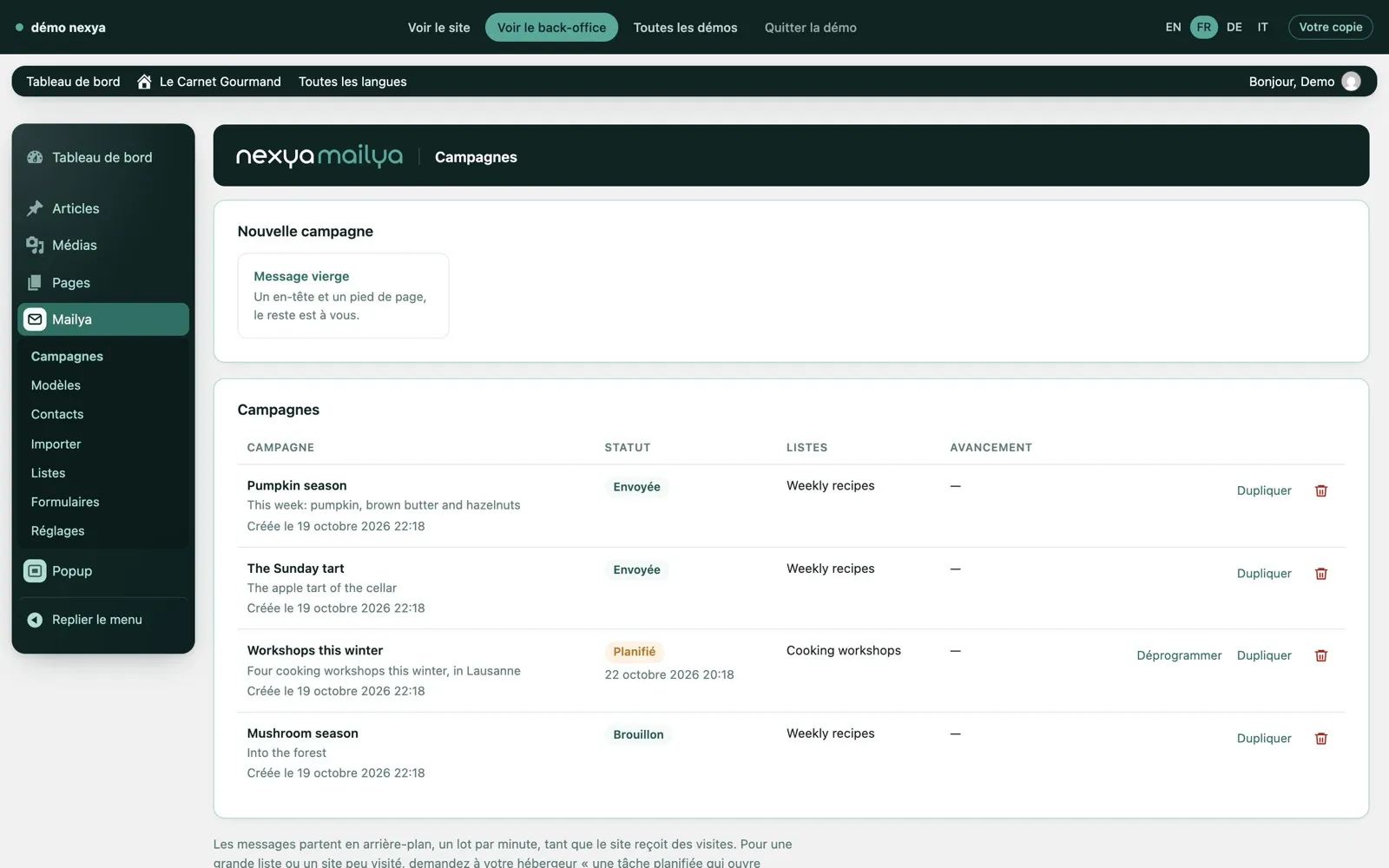
- Le Carnet Gourmand, a recipe blog: newsletter campaigns written and sent right from the site.
- The events workshop: registration and inquiry forms, with multi-step processes and conditions.
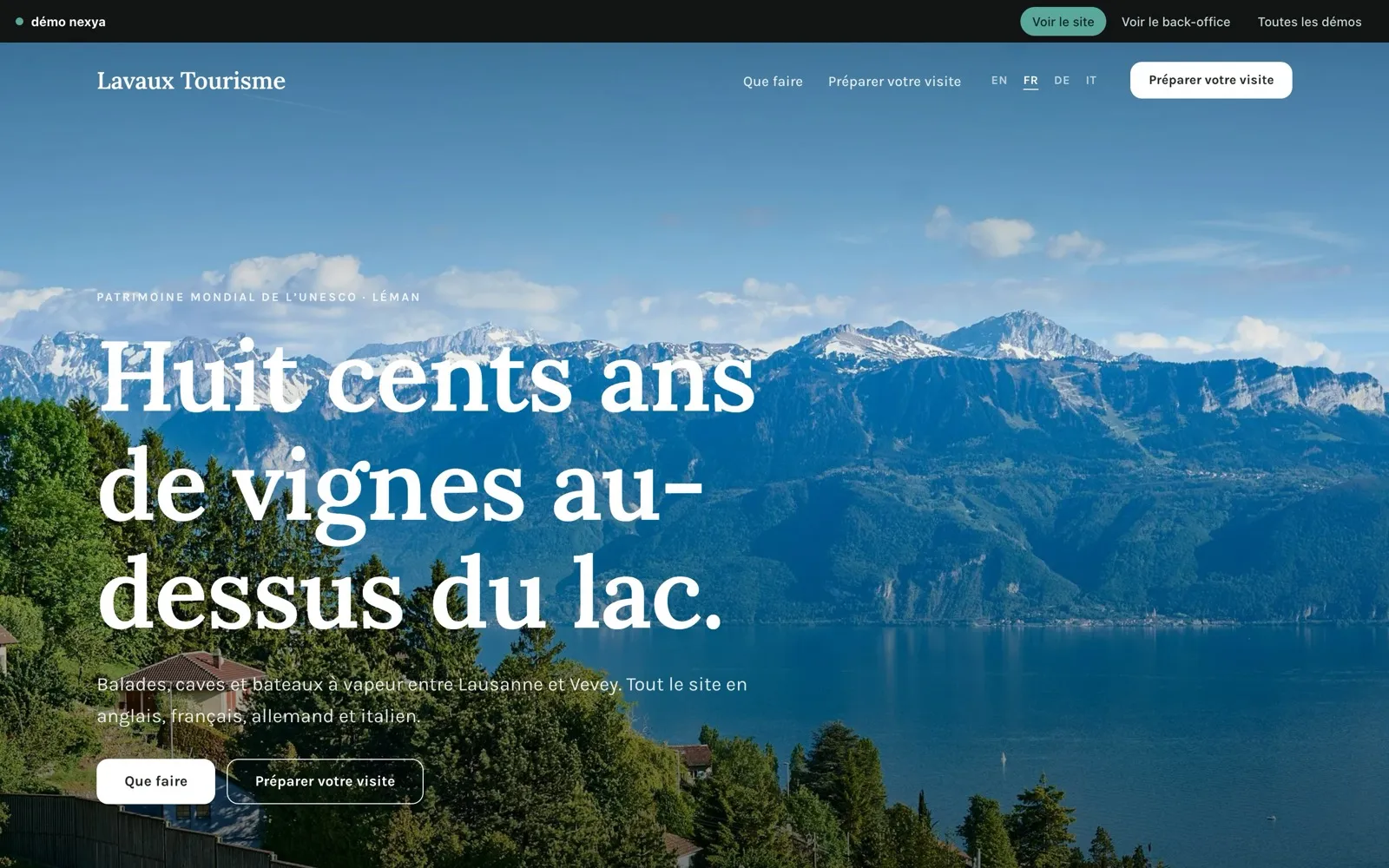
- Lavaux Tourism, a tourist office: a multilingual site with each page linked to its translations.
Try a nexya demo in four steps
-
1
Choose a site and a language
Open demo.nexya.dev, or click the View plugin in action button from a module's page on nexya.dev. Choose the site closest to your project, in French, English, German or Italian.
-
2
Visit the site like a customer
Browse the pages, open the booking system, form or cart, and change the language. Note what seems useful to you or what is missing.
-
3
Open the back-office with one click
Switch to the administration area of the same site, without an account or credit card. The nexya modules are already turned on and configured for this business type.
-
4
Modify, then check the site side
Book a table, create a campaign, submit a form or generate an invoice. Go back to the visitor side to see the effect. Your copy disappears when you leave the demo.
Like a customer, then like the administrator
A demo is explored in two stages. First, you visit the site as a customer would: you browse the pages, open the booking form, change the language, and go through the cart.
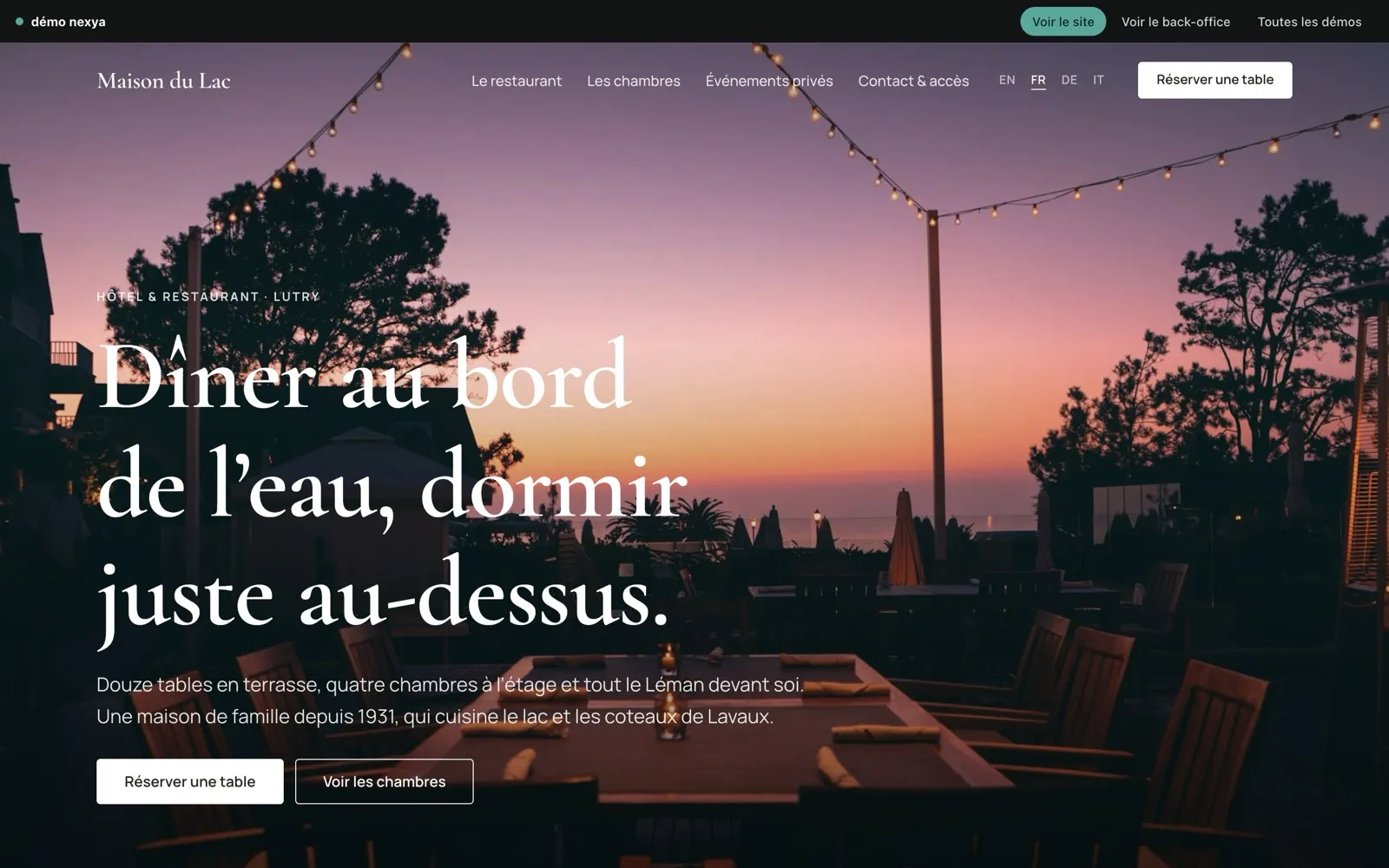
Next, you can open the WordPress back-office in one click using the “View back-office” button in the top bar of each demo. There is no account to create and no credit card required. You arrive in the administration area of that same site, with nexya modules already configured for that industry.
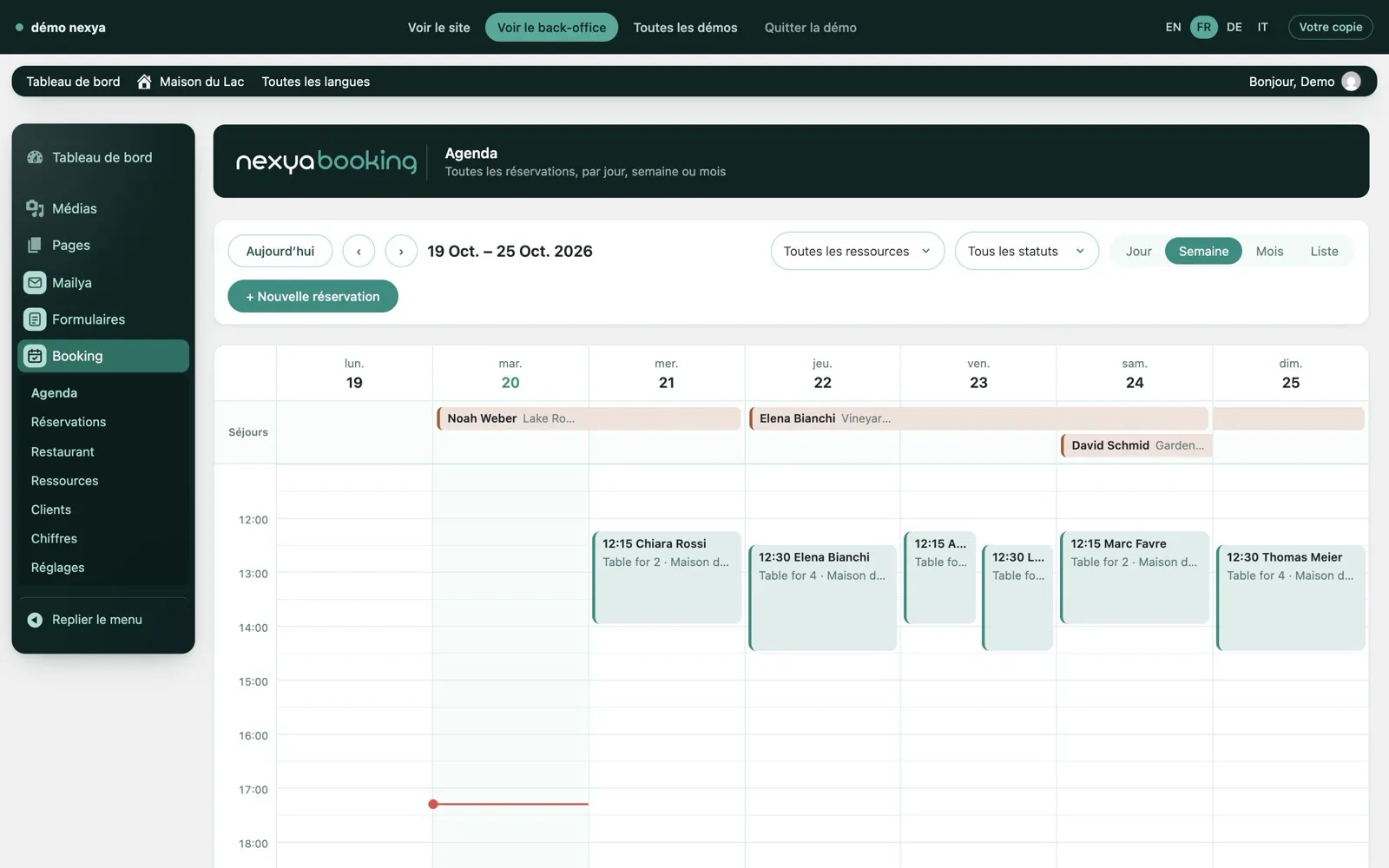
Moving back and forth between the two is the useful part. You see what the visitor receives, then the setting that produces it, and you can return to the front end to see the effect of a change.
You visit the site like a customer, then open the back office in one click, with no registration or credit card required.
Your own copy, which you can modify
Each visitor receives their own copy of the site, a sort of WordPress sandbox. This means you can change anything: book a table, create a newsletter campaign, submit a form, generate an invoice. No one else sees what you are doing, and you cannot see what others are doing.
Emails are not sent out. You can fill out a form with any address or launch a campaign without any message reaching a real inbox.
When you leave the demo, your copy disappears. Nothing you entered is saved. If you come back later, you start fresh with a clean site.
What you can test, module by module
A WordPress booking plugin: tables, rooms, and appointments
In Maison du Lac, book a table or a room on the front end, then find the reservation in the calendar, seating plan, and customer list. The osteopathy practice and the hair salon showcase online appointment booking, while the yoga studio demonstrates class reservations with limited capacity. Everything runs through nexya Booking, with no external services needed.
A WooCommerce store and a streamlined checkout experience
The Alba Roastery is a fully functional WooCommerce store. Add coffee to your cart and place an order: nexya Checkout combines information, shipping, and payment into a seamless three-step process.
PDF invoices with Swiss QR-bills
In Nord Studio, open nexya Invoice: each invoice section is edited on the left while the PDF preview updates in real-time on the right. The Swiss QR-bill is generated automatically from your bank details.
A WordPress newsletter without any external mailing service
Le Carnet Gourmand showcases nexya Mailya: campaigns that have already been sent, scheduled, or saved as drafts, along with subscriber lists, templates, and a block-based newsletter editor. Create a campaign from a blank message and see who it would be sent to.
Registration and inquiry forms
The events workshop uses nexya forms: registration and inquiry forms with multiple steps and conditional logic. Submit an inquiry, then view the received entry in the administration area.
A multilingual WordPress site
Lavaux Tourism is translated into four languages using nexya Translate. Switch languages on the site, then open the translation studio: the original and the translation sit side by side, page by page.
Free or nexya Pro: what you see in the demo
The demos show nexya as it is used on a complete site, which includes nexya Pro modules. Booking, Checkout, nexya forms, and Mailya newsletters are part of nexya Pro.
Other modules are free and can be used on as many sites as you want: for example, Translate for multilingual sites, as well as Mail, Cookies, SEO, Redirections, Security, and Maintenance. Before deciding, the page for each module on nexya.dev clearly indicates what is free and what requires nexya Pro.
The free version does not contain the nexya Pro code. If you upgrade to Pro, it is delivered by Freemius after purchase and applies the settings you’ve already made.
A “View plugin in action” button on each module page
Every module page on nexya.dev now features a “View plugin in action” button. It leads to a demo where the module is used, so you can go from the description to a test without searching.
If you read the Mailya page, you arrive at a site that sends a newsletter. If you read the Booking page, you arrive at a site that takes bookings. You judge based on the actual thing rather than a list of features.
What the demo doesn’t replace
A demo shows you the tool on a prepared site. It says nothing about your server, your theme, or the other extensions installed on your own setup. A few checks remain to be done on your site once your choice is made.
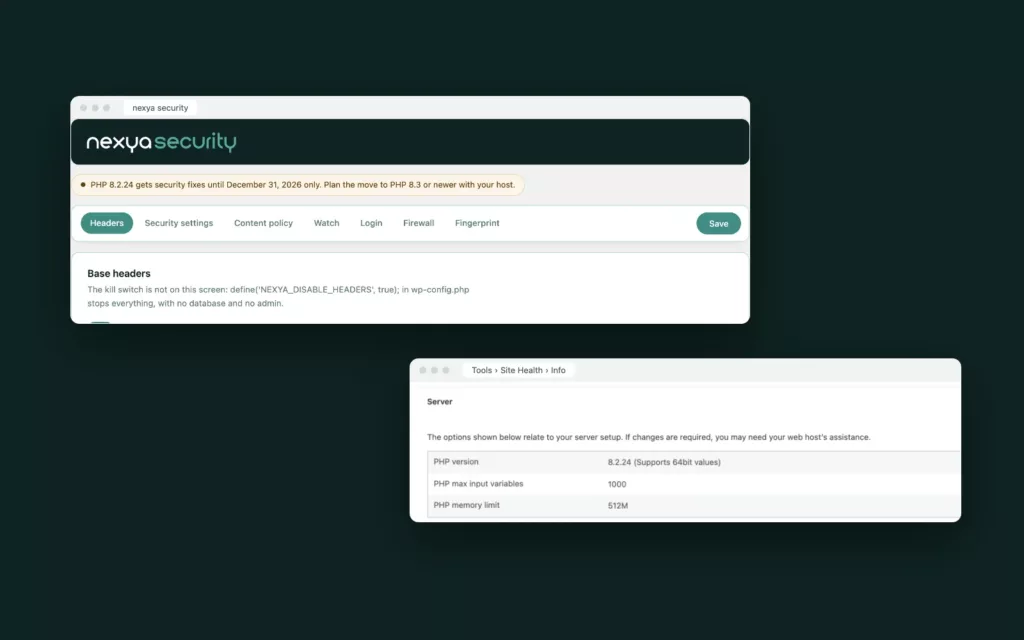
Emails are the first example: in the demo, they are not sent. On your end, the Mail module sends via SMTP, an API provider, or a Gmail or Microsoft 365 account connected with OAuth, and it offers a test message. It is this test, on your own configuration, that will tell you if your messages are getting through.
Multisite networks are not supported: on a network, the plugin remains disabled and indicates so. It’s better to know this before installing.
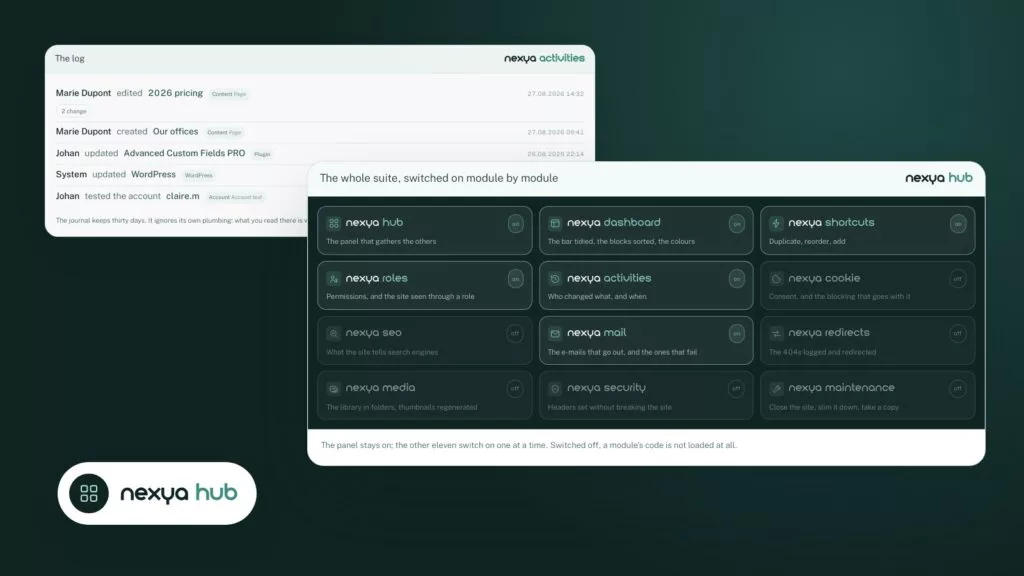
Finally, each module is turned on from the hub. A disabled module records nothing and none of its hooks run on the site. You can therefore install nexya and only turn on what you saw working in the demo.
FAQ
Do I need to create an account to try the nexya demos?
No. You visit the site and then open the back-office with one click, without registration or a credit card.
Do other visitors see what I modify?
No. Each visitor receives their own copy of the site. No one else sees it.
Do emails sent from the demo actually arrive?
No, emails are not sent. You can submit a form or create a campaign without any message landing in a real inbox.
What happens to my modifications when I leave the demo?
The copy disappears when you leave the demo. Nothing is kept, and a new visit starts fresh from a clean site.
In which languages are the demos available?
In French, English, German and Italian.
Can I test nexya Pro before buying it?
Yes. The demos use nexya Pro modules: bookings, WooCommerce checkout, advanced forms, newsletters, and Swiss QR invoices. You can test them all in the back-office before choosing a license.
What WordPress plugins can I test in the demos?
The nexya modules: Booking for reservations and appointments, Checkout for WooCommerce, Invoice for PDF invoices, Mailya for the newsletter, nexya forms for forms, and Translate for the multilingual website.
The modules in this post
Try nexya Pro free for 7 days
Every module, forms, newsletters and the page cache, on your site. No commitment.